Mirror of God (Salar De Uyuni- Bolivia)
Bolivia’s Salar de Uyuni salt flats after a rain. A thin sheet of water turns the flats into a massive mirror.
Bolivia’s Salar de Uyuni salt flats after a rain. A thin sheet of water turns the flats into a massive mirror.
Reed college is having an open house today and doing 2 tours through their nuclear reactor.
You get to enter the reactor room while it is running at 90% of it’s 250 kwatt output (they turn off the lights so you can see the Cerenkov blue glow!) – and then they scram it for you (shutdown). Sadly, they use a magnetic control rod system – so there isn’t really a guy with an ax anymore…


Kawaii!!!!!!!
Portland is known for their odd and quirky Voodoo Donuts – which I’ve been to many a time. Their creations go from the strange to the near pornographic, so are not really for the faint of heart.
Two companies in Japan, however, have gone the other direction to create unbelievably cute donut creations. Ikumimama and Floresta have several shops around Japan, that have made a line of unbelievably cute donut animals. Upon reading about them, I knew I had to find a shop when I was in Japan. Doing that, however, turned out to be a bit more difficult than I first thought.
I searched around and went to one of their stores located just outside a station in Tokyo, but discovered the warning that not all stores carry their animal line was all too true. I then located the next closest one I could find: Koenji. The first time I visited the Koenji Floresta, I was unfortunately greeted with a “Closed for the day” sign. What bad timing. But I came back the next morning, and hit paydirt!
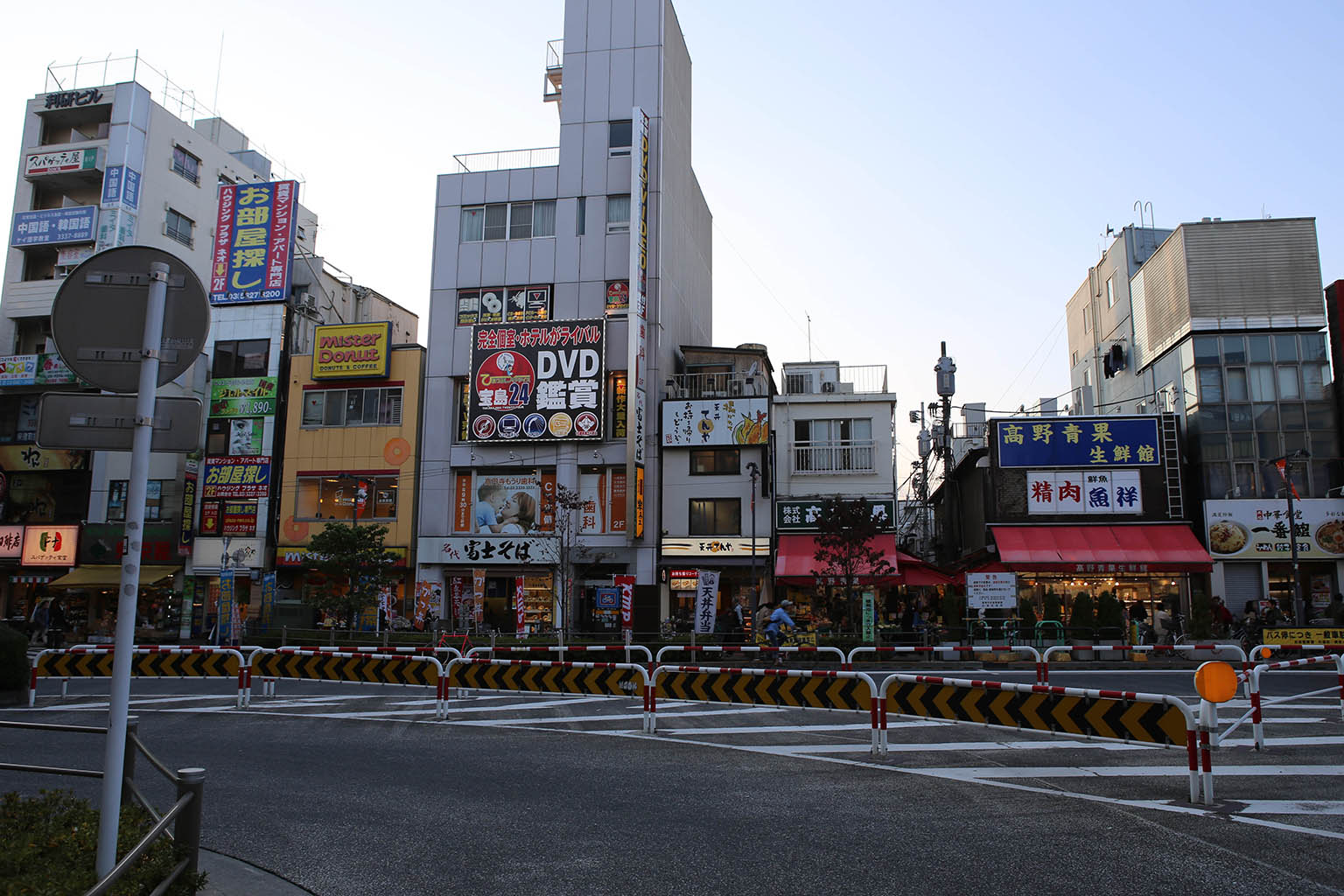

The area around Koenji station is actually a great, quiet suburb. You’ll never find it in any guide books, but walking around in this area was a great insight into normal, everyday Japanese life.

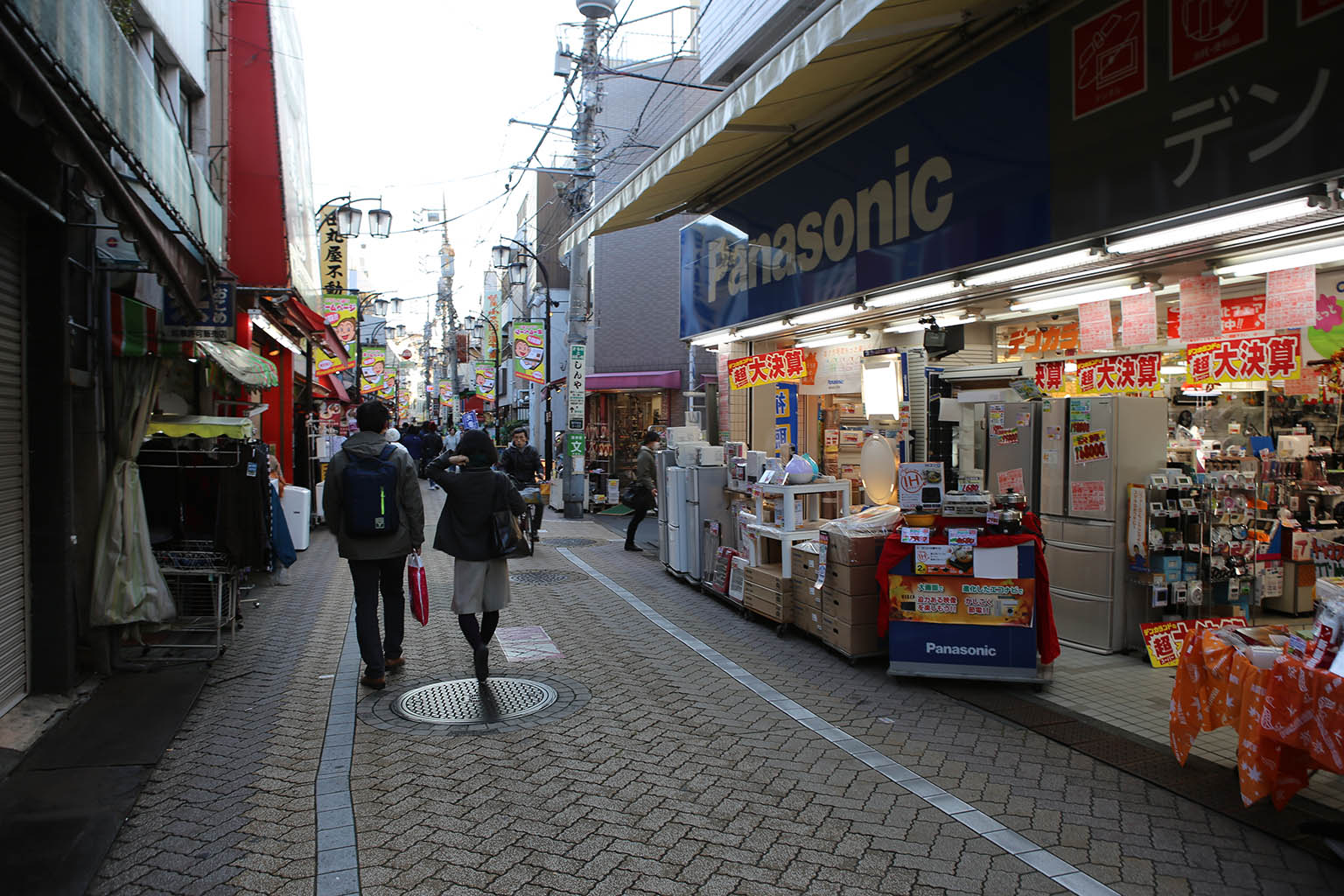
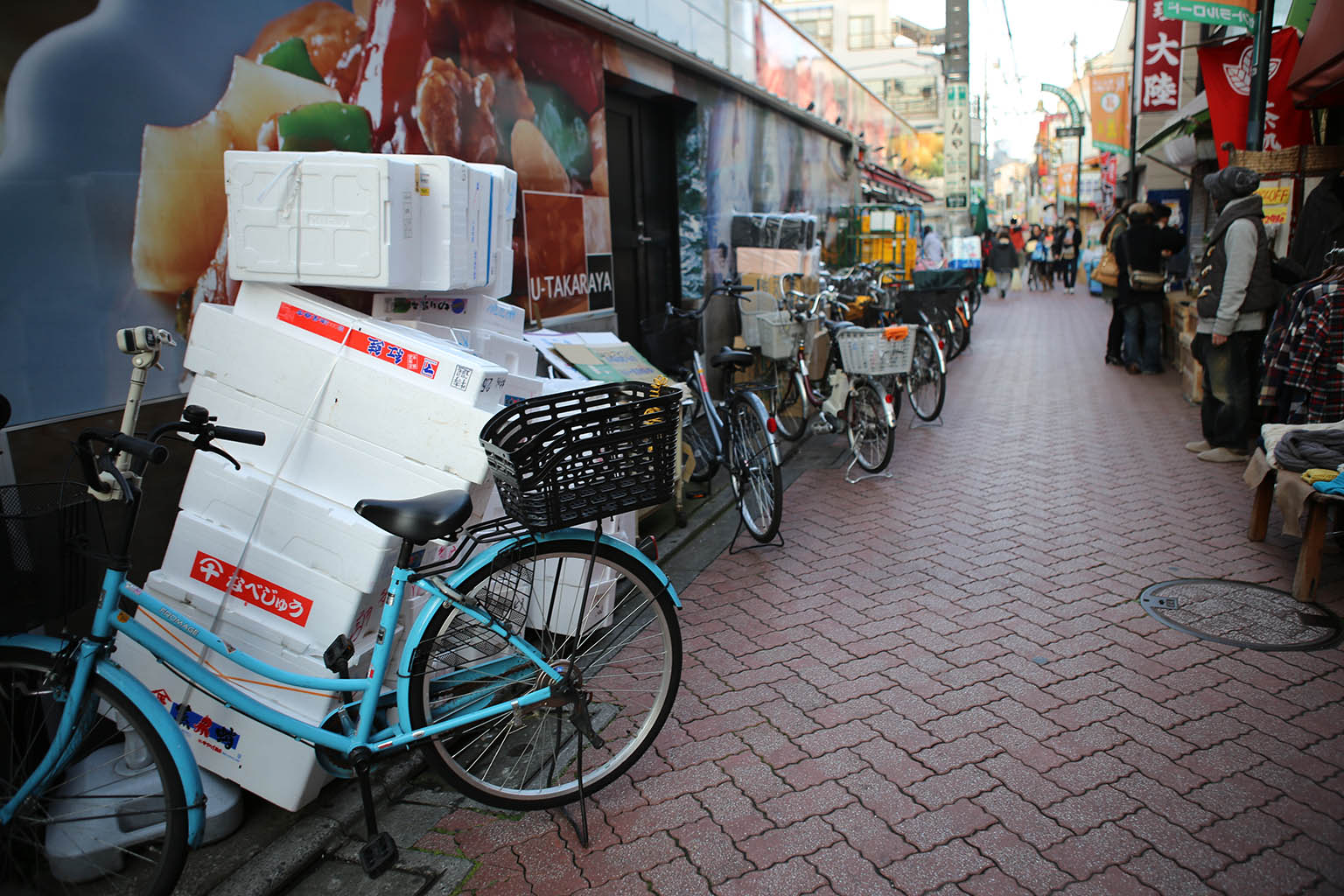

First off there were lots of shops of all varieties as you walk down the narrow walkways. While the streets were wide enough to fit the odd tiny delivery car, almost the entire area was traversed by bicycle or walking. Walking through it was very enjoyable as there were tons of great shops to check out.


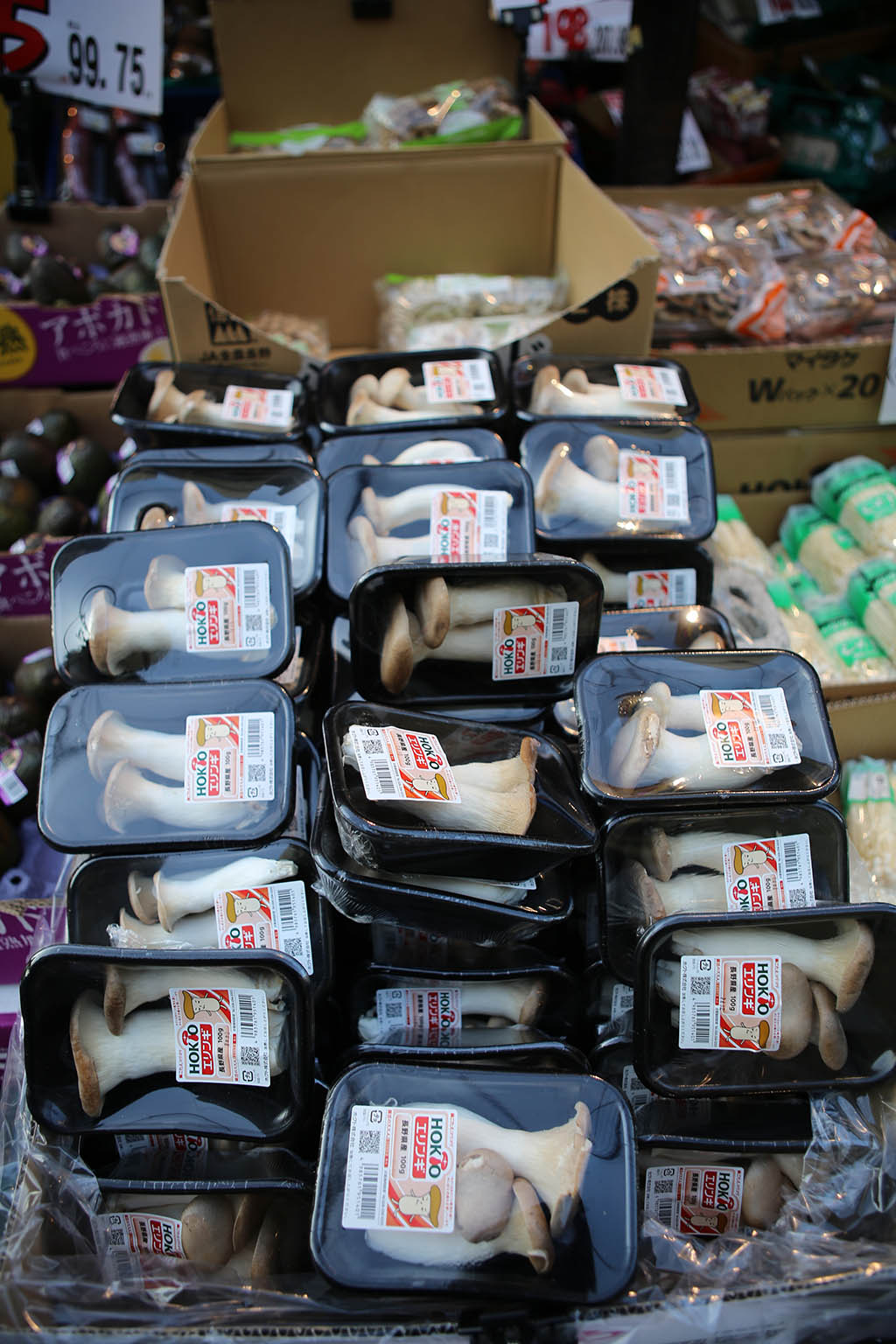
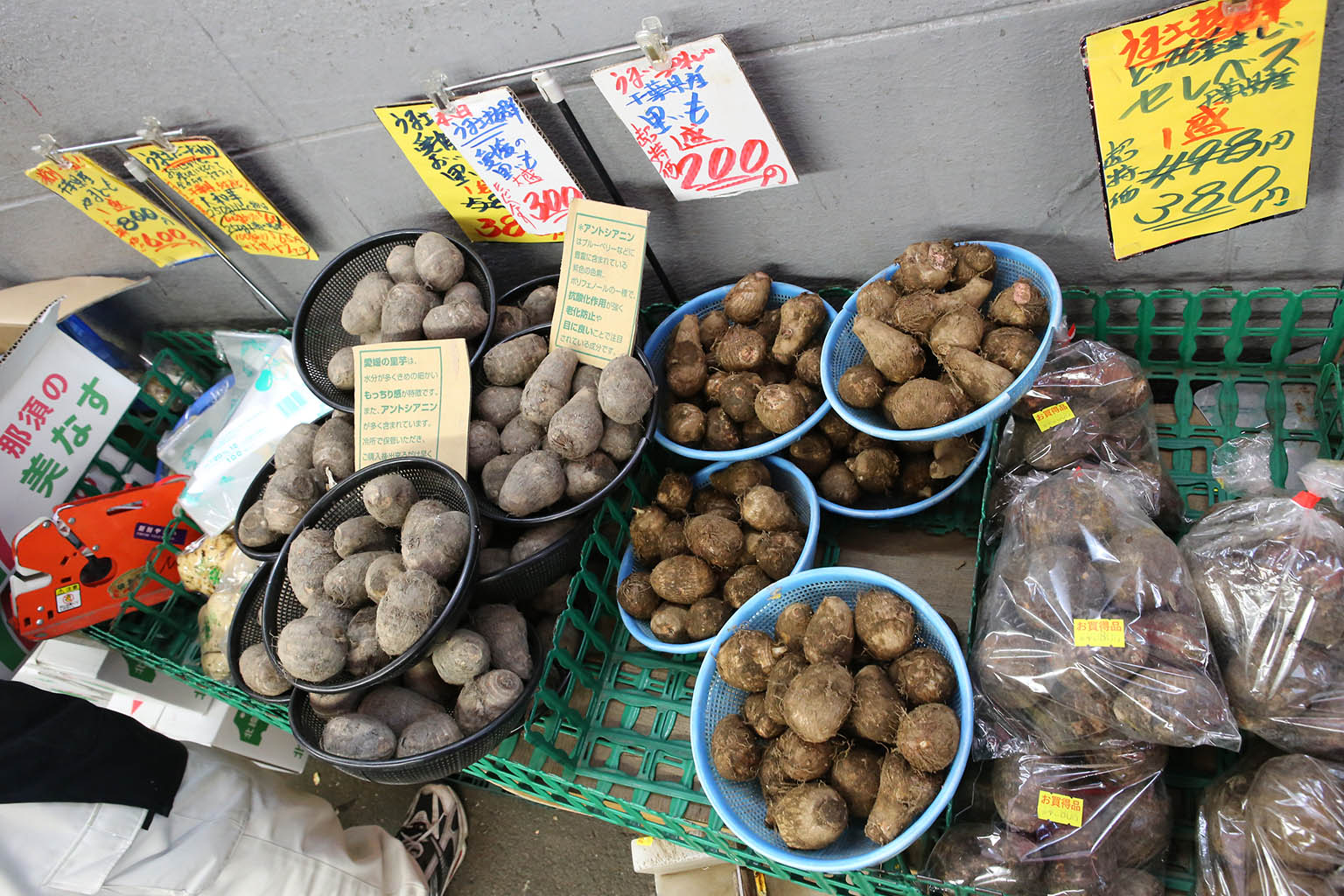
The most interesting/cool stores were the groceries. You can tell a lot about a culture by what foods it likes.

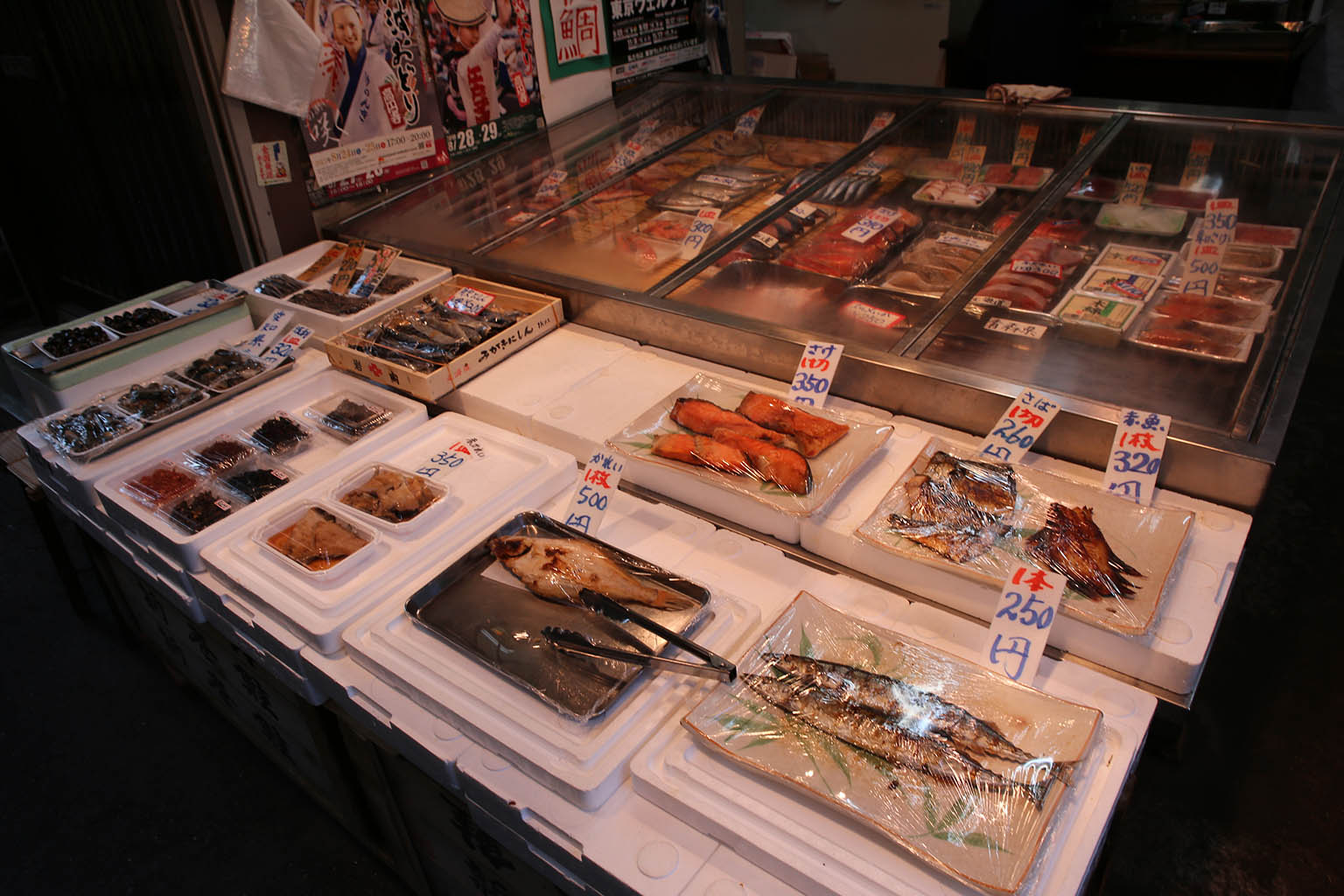

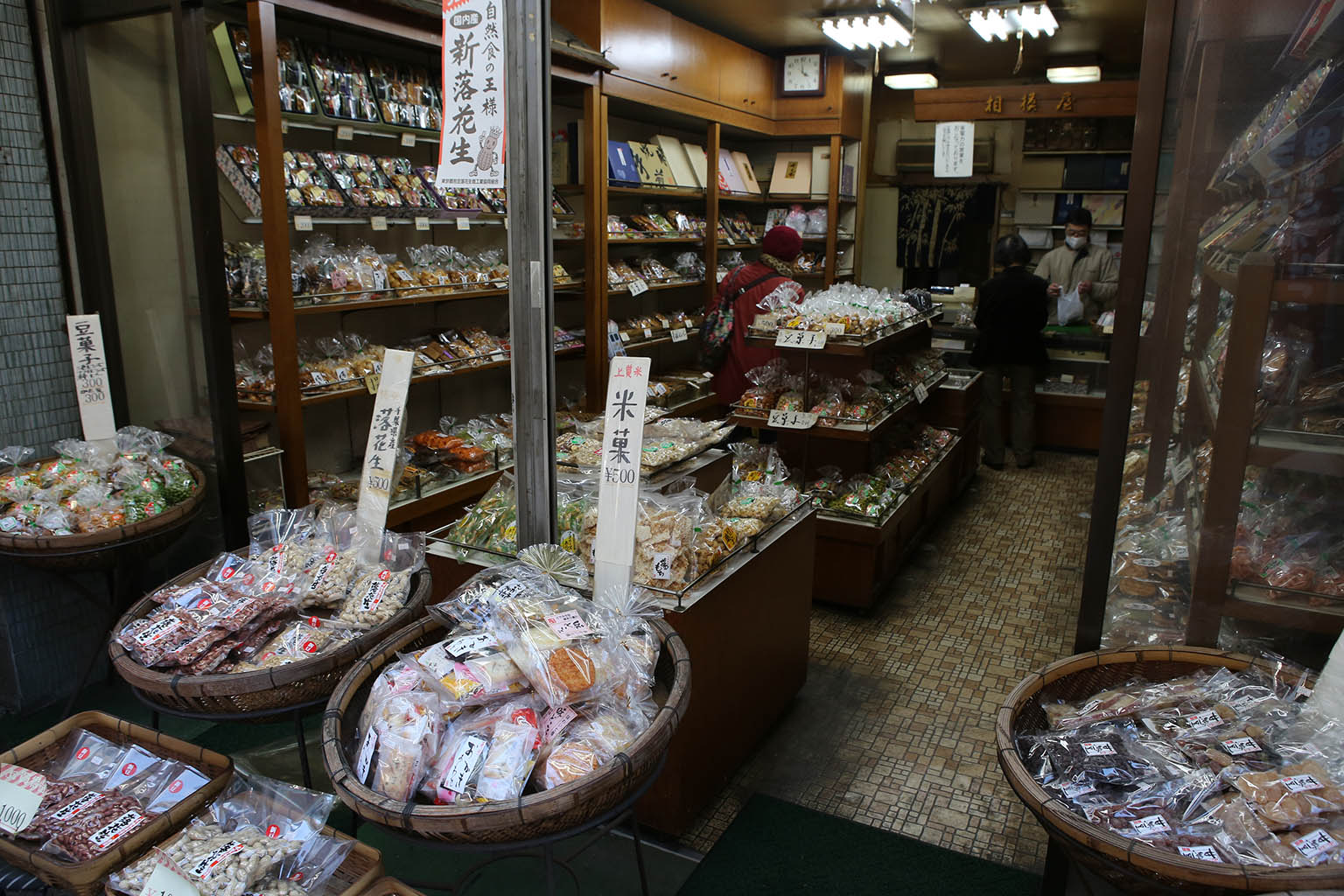
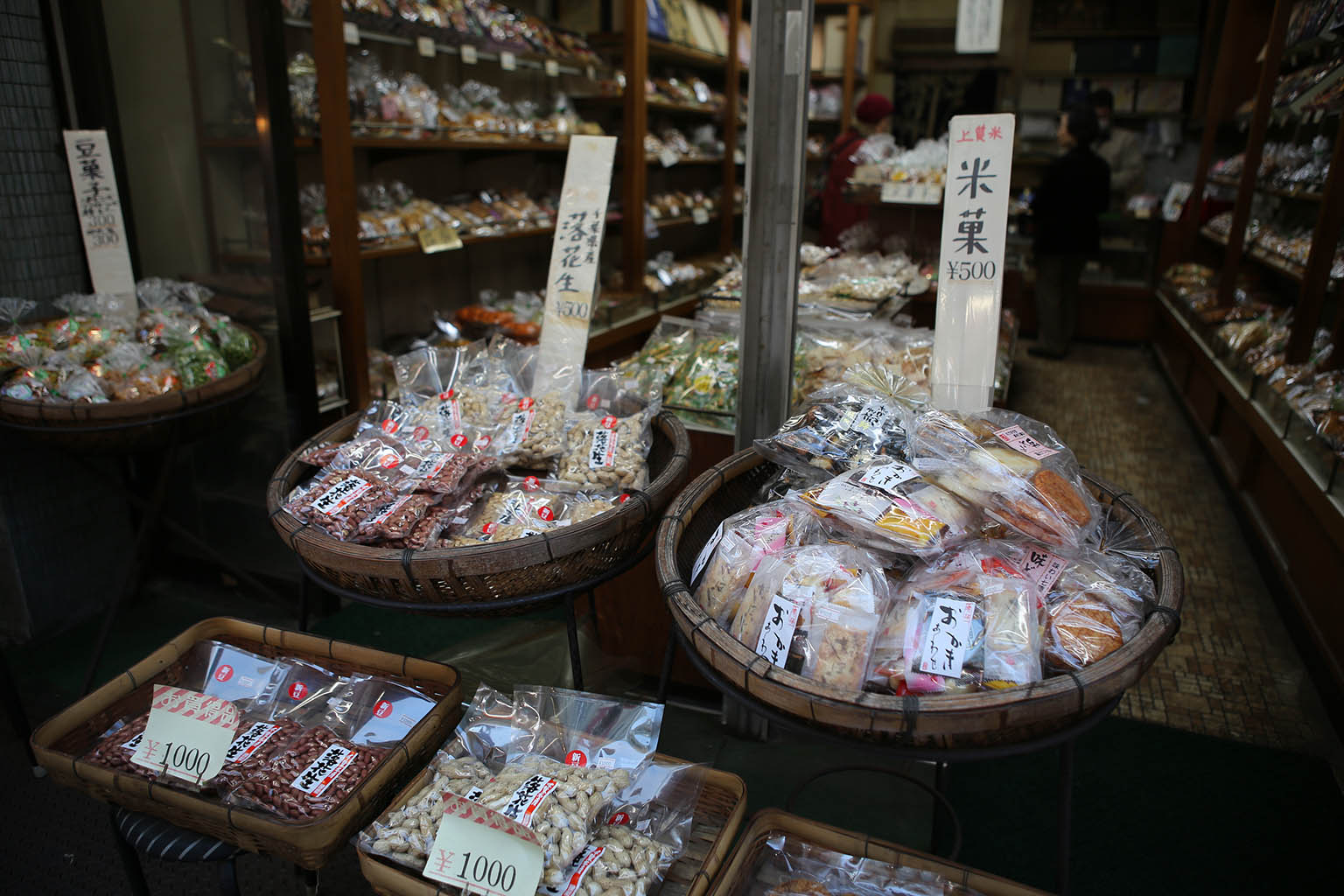
There were also fish and other food shops such as nuts.
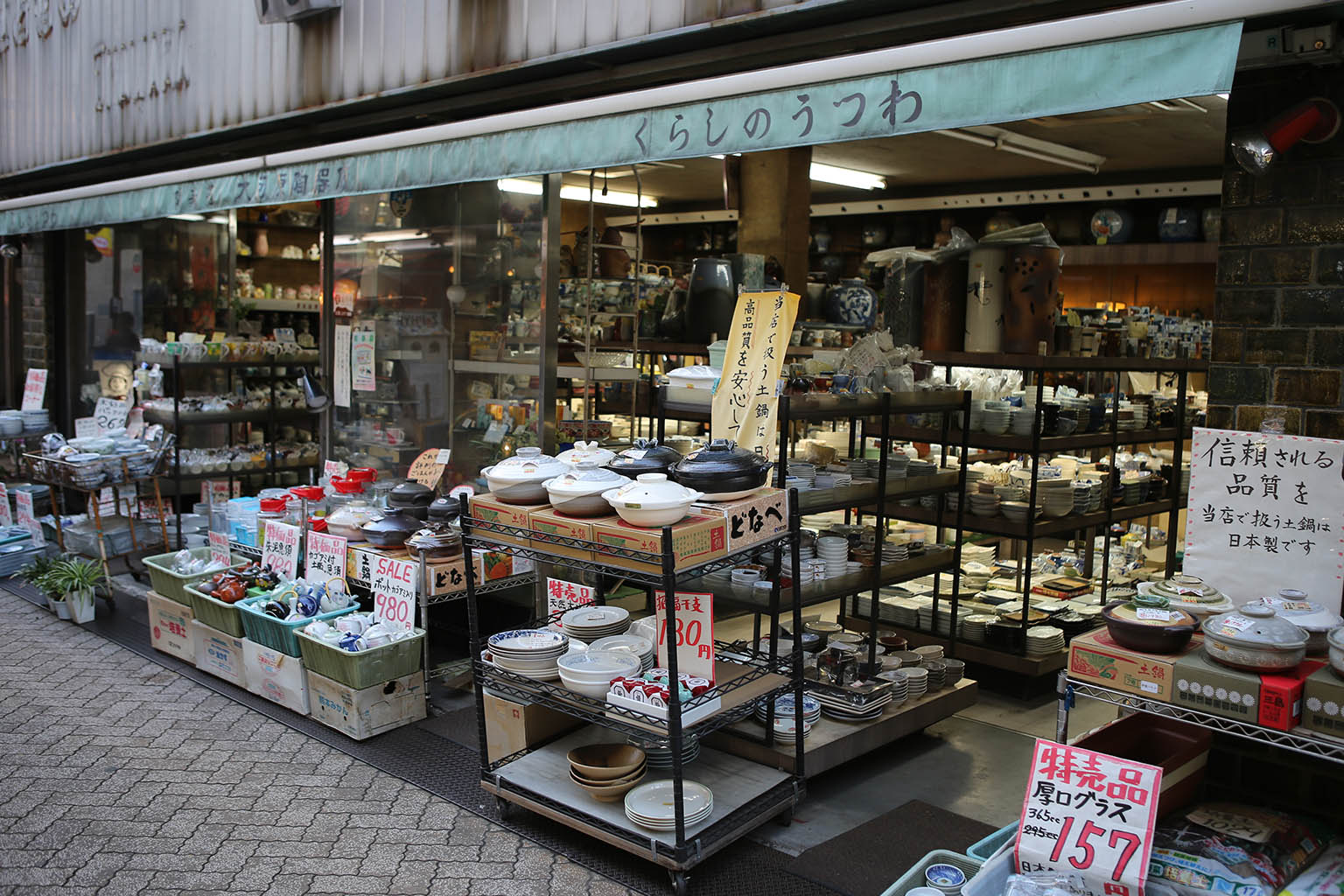


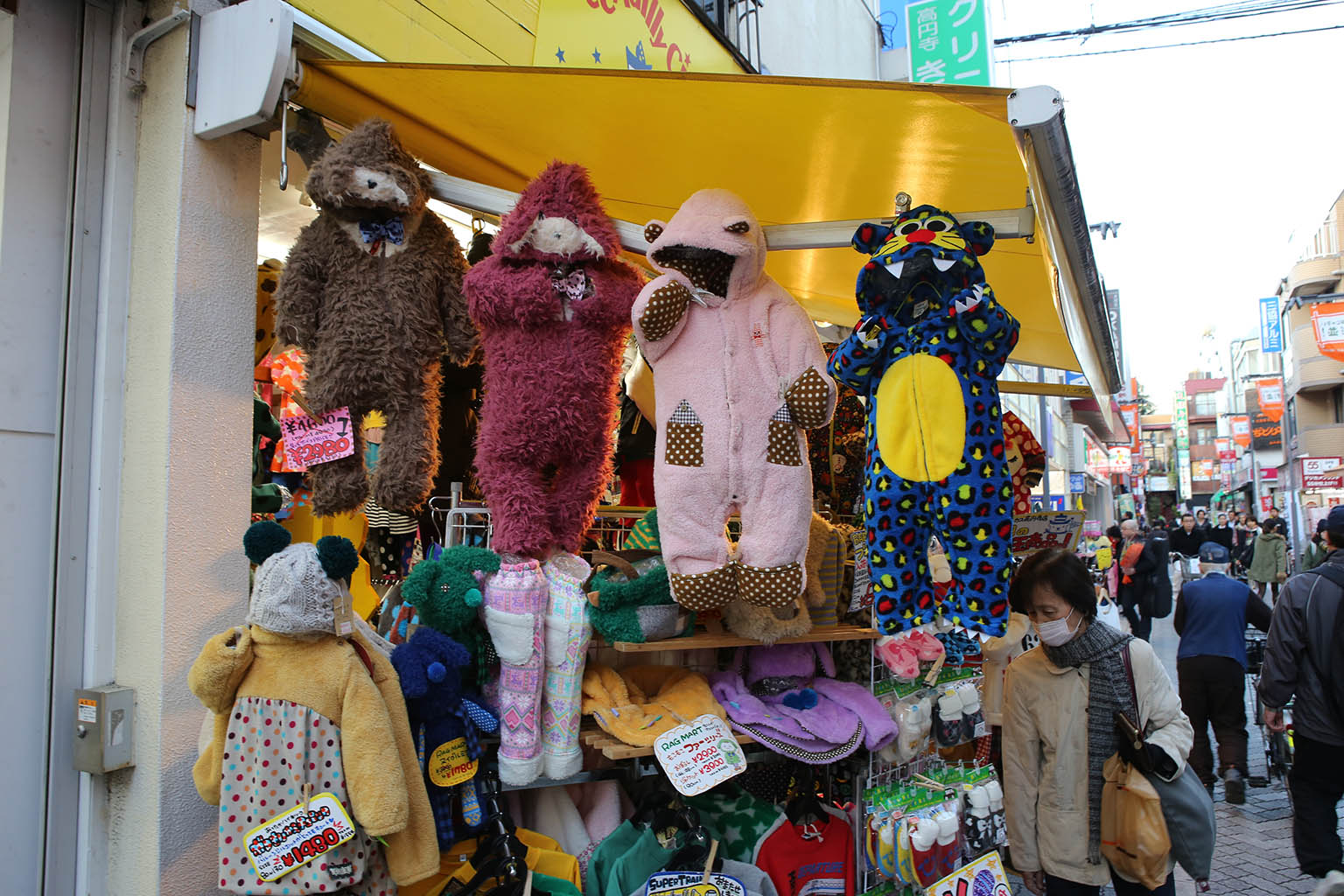
But there wasn’t just food, there were also other shops that served up all kinds of everyday wares. I love how everything can be made adorable with a few cartoon characters. Even toilet paper.

There were a few interesting restaurants as well – including this “Italian’ pizza place.

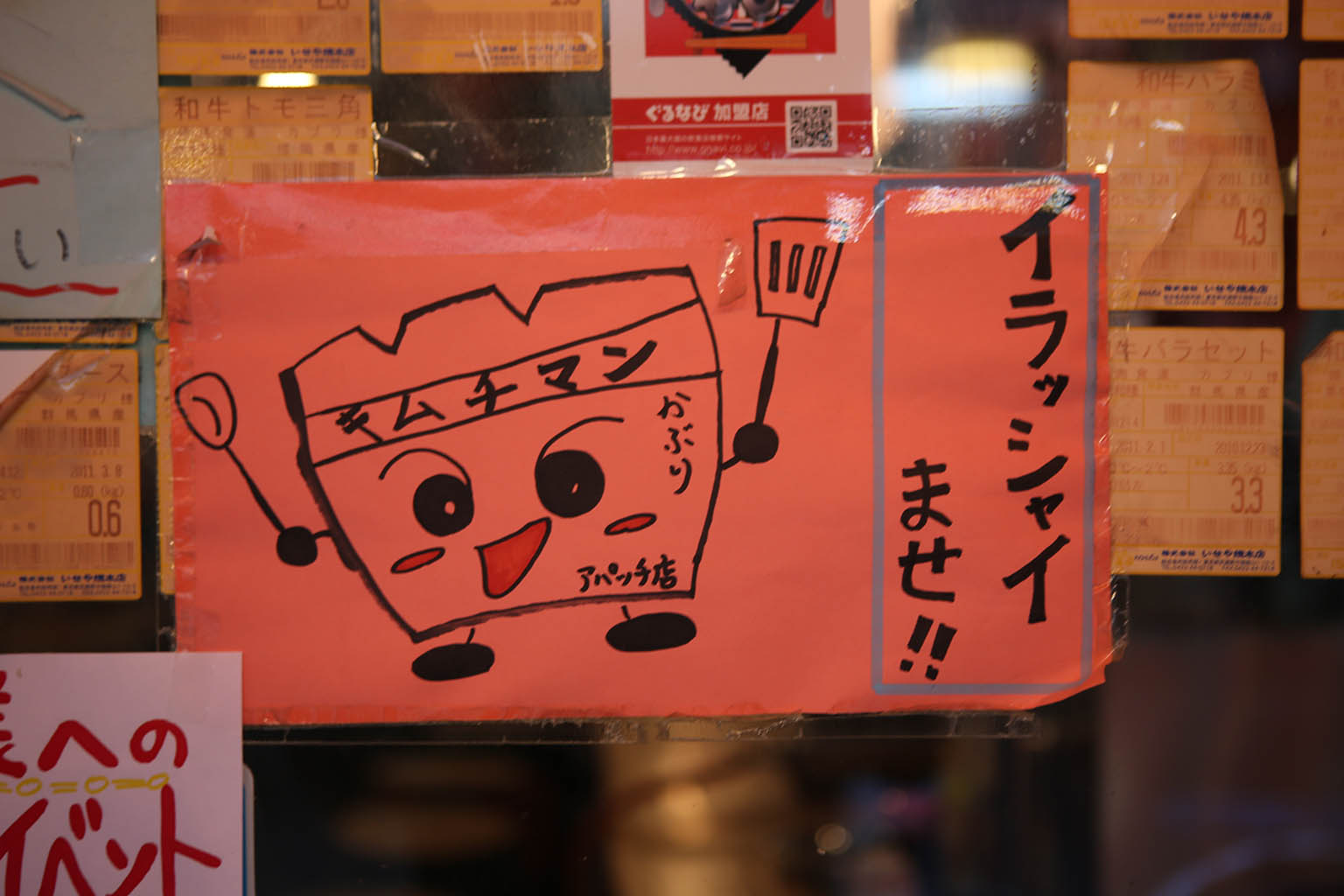
This eatery had this adorable character used a number of places on their signage – but I have no idea what it’s supposed to be. Any natives help me sort out what it is/what the kanji says?


While on the topic of cute, the sign for this little hair salon had this tiny doll house. If you looked inside, there was a pretty elaborate dining room scene with tiny animals inside it.


On a more serious note, you could tell this was a real town because they had a funeral and shrine shop that sold everything from markers, incense and funeral clothing. Every culture has it’s ceremonies. I decided to be polite and just observe from the street for a few moments before walking on.
But finally, the whole point of the trip – the donuts!
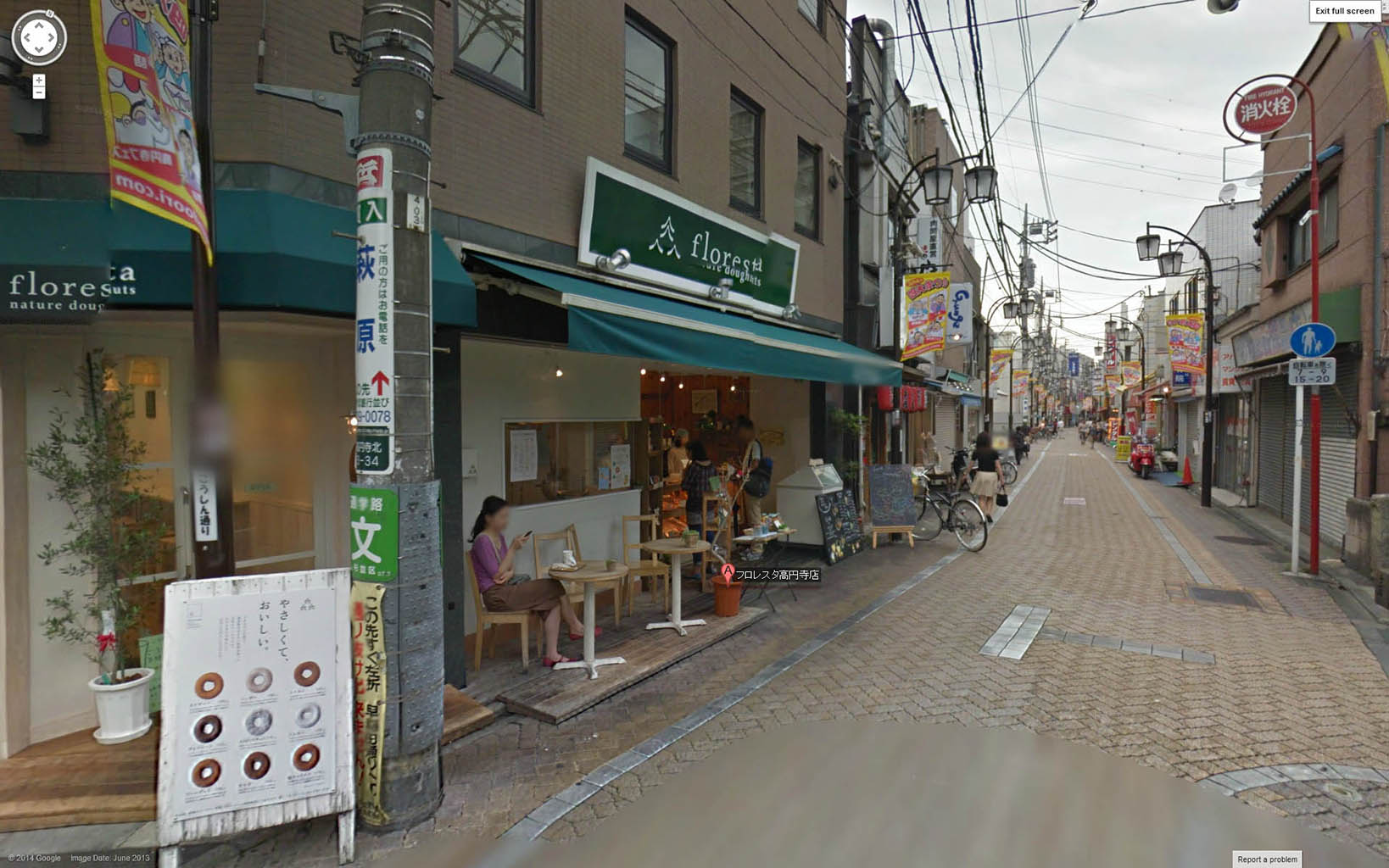


On this second visit, I finally arrive on a day/time when the shop is open. Good thing I came early too; because they were nearly out of their cute animal donuts. In fact, I bought up 3 of the 4 remaining ones. This meant the selection wasn’t that big, but honestly, scoring their last cat donut was the most awesome thing that could have happened.
I won’t lie – these donuts put the quality of Voodoo donuts to absolute shame. The little ‘squirrel’ ones were particularly well made. The ‘nut’ in their center was a chocolate covered ball of dough that was painted up with two kinds of chocolate. The fluffy ‘tail’ was granola sprinkled around the edge. The ears of all the animals were actual a tiny, delicious nut (1 nut per ear). The donut itself was the very simple cake-like donut not unlike the plain cake/coffee donuts you find here. That said, it was really hard to actually eat these little works of art but I sacrificed one immediately to my hunger god. I saved 2 of them which were the ones I pulled out and made friends with folks at the Albatross bar in Golden Gai. They certainly were a hit.
If you want to walk around an everyday, off-the-beaten-path slice of real Japanese life – I totally recommend a stop and walk around the Koenji station. Get some awesome donuts too – but if you do – call ahead and make sure their both open, and have some in stock!
On my nights out, I learned how packed Tokyo trains can get.
Everyone has seen or read about the train-pushers that squeeze people onto trains so everyone would fit. While I was told that this sometimes happens at one or two of the busiest stations during the day, I only saw it once and it wasn’t nearly as bad as this video. More on the order of a guy helping people push coats/backpack straps/briefcases in. The time trains were packed the worst wasn’t usually during the day – but was the last trains of the night. It makes sense too – a whole day full of people trying to get on the last trains of the night or be stranded. Without a doubt, those last trains were the most packed trains I ever saw.
Of course they have the same rules of etiquette as far as letting the aged and mothers have first seating priority – but like anywhere – that isn’t followed to the letter of the law. Still, you can gain a lot of respect from those around you by being the gaijin that surrenders their seat to an older person. I did this a few times and got very approving nods and smiles from the locals. It’s moments like this that remind you that small gestures of courtesy and respect go a long way.
When you do encounter packed trains – the squeezing process is simple. You fill in the obvious spaces – then people behind just keep shuffling and pushing into the car with their bodies (hands by sides marching forward). Squeeze and squeeze and squeeze. This is not an overly gentle process, but not rough either. Nobody throws an elbow or jams briefcases/umbrellas in each other or says anything. It is a nearly silent process no matter how uncomfortable people get. Instead, you just put your body against the people around you and lean forcefully into each other until they move. There’s no over-politeness or ‘excuse me’ like there is here in the US – you often won’t hear a peep from a whole car doing this. Personal space is a very relative term and it’s just understood you’re going to get crammed in so people do not mind leaning pretty hard into each other. As the trains start/stop, lurch and sway, you’re going to get really friendly with those around you. The good thing is that if people are really drunk – they basically can’t fall over anymore – but they might bang heads with you.
Nestled down a narrow alleyway in the middle of the glitz of Shinjuku, you can encounter a strange nature walkway that stretches off for a block or so. This nature-lined parkway turns out to be a simple buffer between old and new lines of buildings.

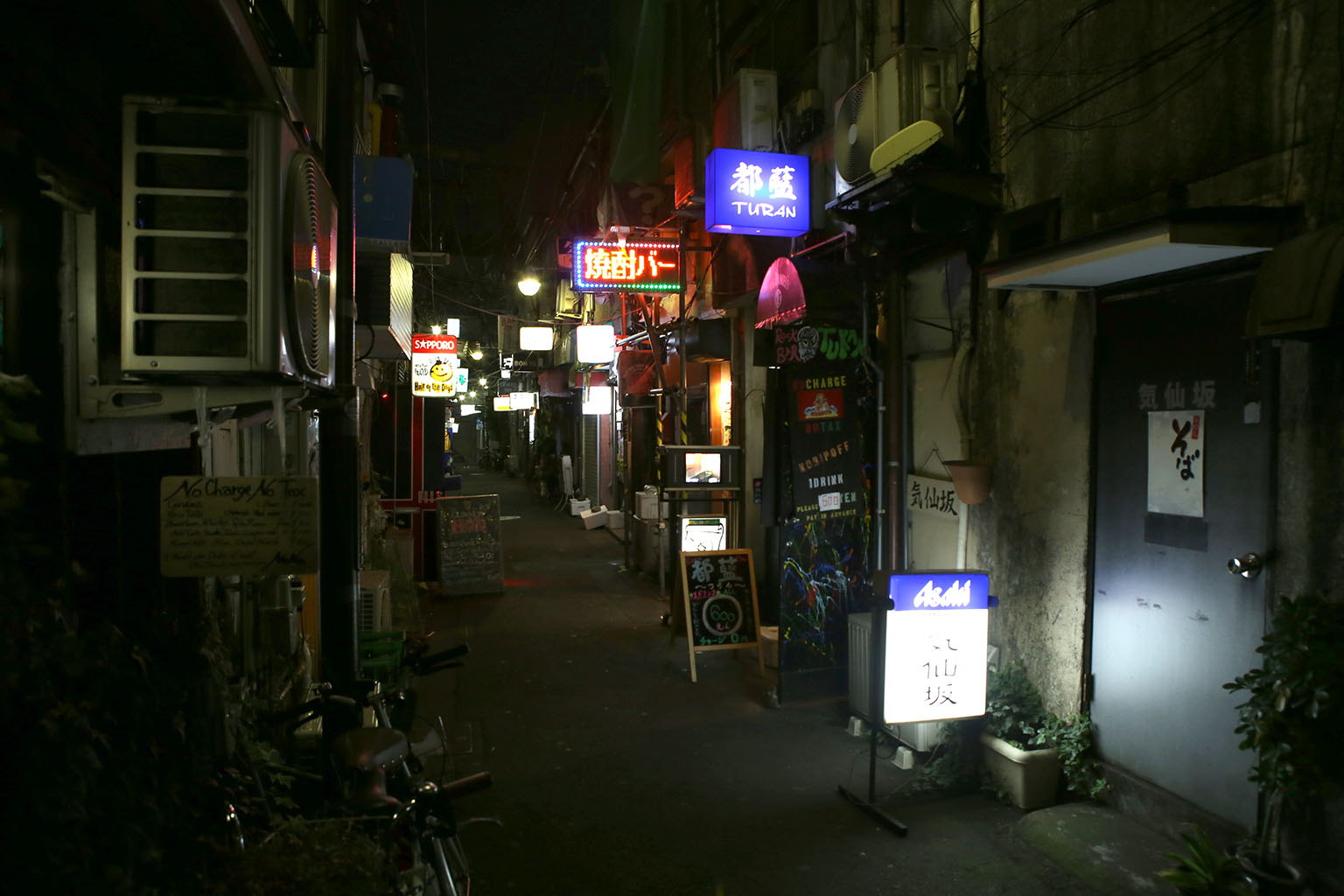
From this point, you can look right/continuing straight from the side street you entered on and you see the entrance to another little set of alleyways. Congratulations – you just entered Golden Gai.

Past the giant Jim Beam building, you’ll find the network of tiny bars and alleyways called Golden Gai. This map should give you an idea of what Golden Gai is about…
As you can see on the overhead map on the left, it’s a collection of very tiny buildings penned in by modern skyscrapers. The map on the right gives you an idea of how compact it is. In an area only the size of a small city block, almost 300 bars are squeezed in side by side. If you thought that Piss Alley had tiny little restaurants – this is even more impressive with 5 full alleyways of tiny drinking establishments.
History of Golden Gai
As before, knowing the history behind this place makes it even more impressive. Golden Gai is only a few blocks from Piss Alley, so it’s no surprise they share much of the same history. The area now known as Golden Gai (only a few short blocks away) was also left in ruins after the bombing raids of WWII. While Piss Alley was known for its food and necessity shops, this particular area was known for rampant prostitution until it became illegal in 1958. It then turned into a bar and drinking area – and some of the bars can still trace their origins back to the 1960’s. In the 1980’s, many of these ramshackle areas around Golden Gai were burned down by the Yakuza so they could be bought up by developers during the development boom of the 80’s. This area survived because supporters would take turns each night standing guard.


Like Piss Alley, this place is architecturally important because it gives you a window into the relatively recent past of Tokyo. Large sections of Tokyo used to apparently resembled the present-day version of this district. Namely, extremely narrow lanes and tiny two-story buildings all scrunched together. Today, most of these buildings still have a bar downstairs with very narrow and tiny stairs up to a second floor. Some bars have this second floor open to patrons, some are private drinking rooms, others preserve them as flats.
Many of these bars are so small that they can only hold 5 or so patrons. Some establishments only welcome regular customers or after introduced by an existing patron. Others are more open and welcome new customers and foreigners. It’s important to be very respectful of this fact and only come into places that seem to be welcoming. The best way is to very politely smile, poke your head in, and maybe hold up a finger or two for how many people in your party while the rest of your party wait quietly outside. You will be politely declined if you should not come in; or you may be warmly welcomed. You never know – so be very polite, learn how to say a few words of Japanese, don’t be an ugly tourist, and take a chance. In many ways, some of these places are like a friend’s house-bar-lounge – so treat it as such.
While the area looks somewhat ramshackle, it’s apparently a sighting spot for famous people. The area caters to musicians, designers, and artists. While it may look run down, it’s actually a somewhat upscale price point – so you don’t see low-brow drunks here.


Overall, the area is laid out roughly like a grid. Each of the tiny alleyways is flanked by buildings that look roughly like this end-cap on the left/middle pictures. The left building appears to have been recently built, but is very architecturally much like the rest of the area. The rows are about 2-3 stories tall and only a few dozen feet wide. Even more impressive is to keep in mind that there are shops on the left AND right (front and back) of each of these buildings. In America, this entire building depth would barely be big enough for 1 apartment. Here a building this size is two-sided with full bars/living spaces back-to-back facing away from each other.
If you thought the front-to-back size of buildings is tiny, wait till you see the side-to-side spacing.


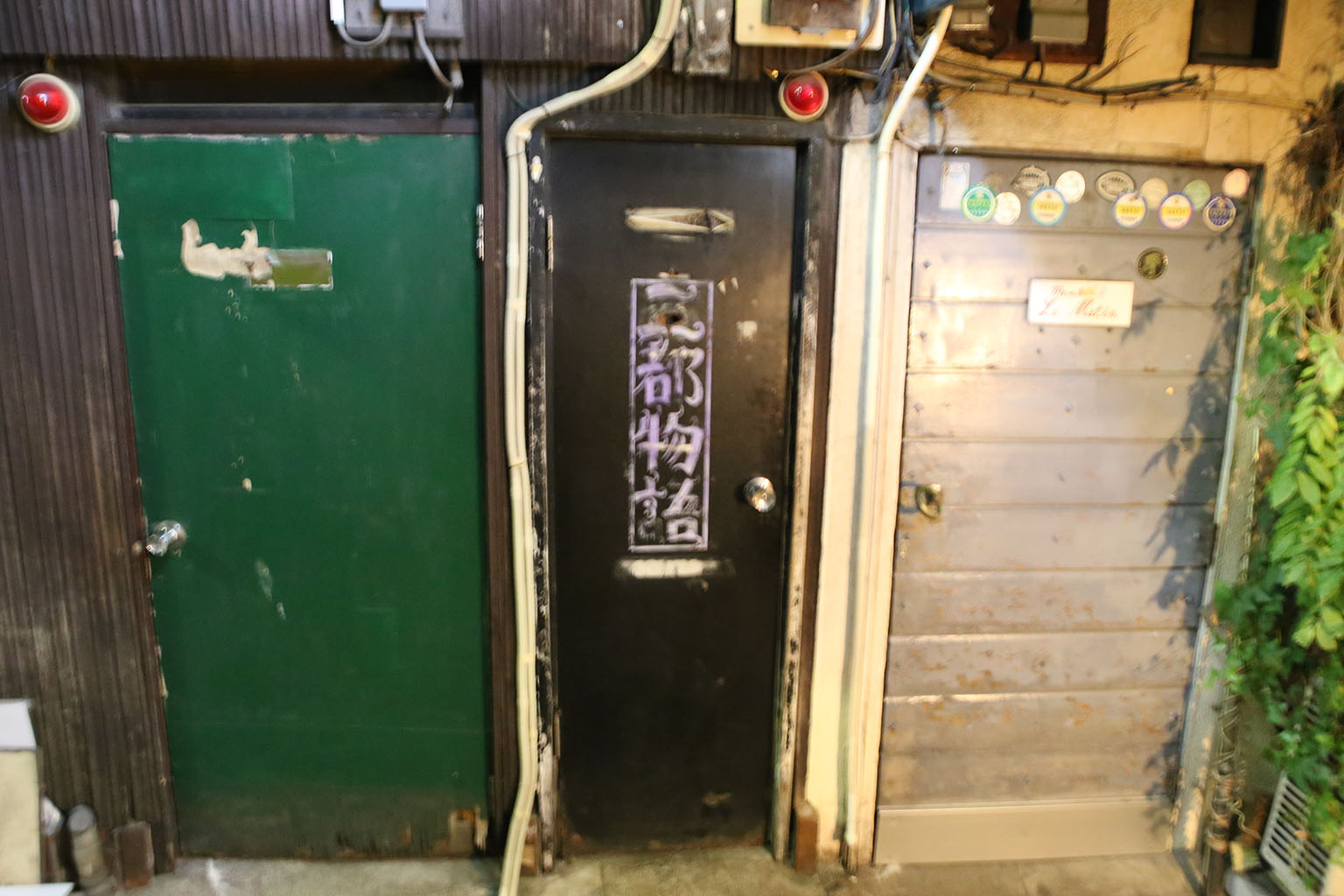
This is a really good example of how tightly things are packed side-by-side all up and down the alleyways. Each of these entrances is another bar. That’s right, they’re packed in this tight to each other.
Themed bars


Many of the bars are themed – such as this Texas chainsaw massacre, Hajime no Ippo, an 80’s style Miami Vice-style bar, and many others. I wished I’d had been able to get photos of them all – but one could easily have spent days here.


Sadly, these were the only two pictures I snapped. There was NO way you were going to pull a big DSLR out of a bag and shoot in such an intimate environment and likely get you thrown out. The website has better pictures of this absolutely funky interior.
This was one bar that I really wanted to spend a night at – Albatross. I had heard and read about this bar, so had to check it out. I had dropped in the night before and done some drinking, but came back on Friday as they had given out cards indicating they were having their 8th anniversary celebration. I dropped in at the beginning of their night (around 10pm) and brought some of my Florsheim animal donuts. This quickly made me a lot of friends with my donuts and managed to score a special anniversary t-shirt they were giving out.
The bar is extremely tiny with access to both floors. There is only room for about 5-7 people on each floor. The first night I drank on the second floor due to the first floor being full. Each floor of the bar was probably 15 feet deep and about 6-8 feet wide. There were gigantic, awesome chandeliers hanging over the bar, and a stuffed deer head as well. It was kind of a funky take on an English manor house or something similar. The patrons were all very sociable and I struck up broken conversations both nights. Even if you cannot speak the language, a phone full of photos does wonders to breaking down barriers. Be sure to load up your phone with pictures of home as a great icebreaker. 🙂
While I was there enjoying my drinks the second night, I happen to met two expats who were hanging out there. Just as we got to talking, a 5.5 magnitude earthquake starts rocking the building. It was a fairly good rolling earthquake that rocked the building for a good 30 seconds. The bartender simply reaches up and holds the chandelier while continuing to poor drinks, the locals barely even look up. While not interesting, it was on the larger side than usual according to the locals.
I end up drinking and talking with the ex-pats for many hours. They were American friends working as English teachers in small towns surrounding Tokyo. They had come into the city to enjoy a night of drinking and catching up. They shared all kinds of interesting social tidbits about Japanese culture. The most interesting parts were certainly when we talked about Japanese dating. We get to just about midnight when we realize we gotta get going if we’re going to hit the last trains. One of the ex-pats also was craving Burger King – so off we ran so we could get a bite and catch the last train. The other ex-pat had a local girlfriend and was staying with her.
Drinking in Japan
As we got our final bites to eat and headed to the train station, that’s when I learned all about drinking in Japan. As we made our way to the train station, huge HUGE crowds of people were flocking there as well. Some of them near sprinting. Many were drunk – but in a funny, happy drunk way. I didn’t see any ‘ugly’ drunks. Most of these people were dressed as they likely were all day: suits/suitcases/ties/business skirts/etc. More likely than not, they had left work and had been drinking the whole time. Most people were only a little tipsy, but some were falling down drunk.
Most people traveled in groups of friends laughing and helping their more inebriated friends. As I waited for my train, there was a guy two over from me that was so drunk he was barely remaining upright. Every so often he’d nod off and completely fall on someone near him in line waiting of the train. People would just shoulder him back up with nary a second look. Nobody got angry or beyond just a mildly annoyed look if he really plowed into someone. As the train came, it was obvious that it was going to be a tight fit. No, it simply was going to be madness.
More random pictures of Golden Gai


Shinjuku was the next train stop north of where I was staying in Shibuya – and a very different sort of place. First off, there were a LOT more lights and people out to have a good time.


It’s amazing how many people were out even on a weeknight. Shinjuku on the west side of the tracks is a lot of large skyscrapers and shops that I didn’t get to visit during my short time. On the east side…well…it’s very different. This area is a complex of streets with all manner of diversion available. And by all manner, think a cross between the drinking centers of a large downtown area meets Vegas meets red-light district. I only spent a few short hours here and barely was able to cover half of it. And by ‘cover’ I mean just walk around. Actually going into half these places would have been all-night adventures in themselves…


First you see some classic and themed bars and restaurants – even a standby or two like this Mister Donut and fast food places like McDonald’s/Burger King. There were so many themed bars that I couldn’t even begin to know where to start.

Since it was November, there was already Christmas trimmings available for you to purchase. That certainly felt odd and out of place.


But go about 2-3 blocks and you find the area called Kabukicho. Like the rest of the area around Shinjuku station – it had been destroyed after the WW II bombing raids. It was slated for the creation of a Kabuki theater in the 50’s. The theater never appeared due to financial problems, but the area exploded in development. This development was led mostly by foreign Chinese investors. Now it is a world famous red-light district complex that houses over three thousand bars, arcades, nightclubs, love hotels, massage parlors, host/hostess clubs and similar businesses. Because of the near constant activity of all sorts – it’s sometimes called ‘Sleepless Town’. A person could spend weeks investigating all the different venues, drinking establishments, arcades, and…er…shows and still not see it all.


First off, there’s some pretty standard stuff: karaoke, bowling, pachinko parlors, and buildings full of more innocent diversions. Many of the buildings here had a whole different experience on each floor. After passing blocks of buildings like this, one wondered exactly how long it would take to just visit each place once! There were hordes of young people and businessmen coming and going constantly – which certainly help it earned its name ‘Sleepless town’.


Here was the really strange ‘robot restaurant‘ that has become somewhat famous. I wanted to attend since I heard it was pretty crazy (but mostly innocent) fun, but it looked like I was between shows or they weren’t starting till later and there was nobody to talk to when I passed by. Most of the action apparently happens downstairs, but the upstairs alone put the gaudiest Vegas casino to shame.
While they weren’t doing a show at the time I came by, this video can give you an idea of the madness that is usually inside (disclaimer: not my video or anyone I know).

It wasn’t the only place done up in crazy lights. I just blindly wandered past this place too.

This is one of the manga-kissa‘s that have recently popped up. Manga kissa’s (cafe’s) are usually open 24 hours and they let you rent out a small cubical for as many hours as you’d like. They have different kinds of cubicles depending on what you’re looking for. Some come with a computer and internet access, others with just a TV to watch shows, and some cafe’s come with amenities like a shower. A number of them have huge libraries of manga to read, anime, and movies you can rent and watch. From what I could tell, the cubicals were barely 8×8 little rooms. But they were fully enclosed and had doors. You rent the rooms by the hour.
While they do have plenty of manga and other fans that just come to enjoy some quiet, they have also become something of an alternative place to crash for late partiers that have missed their last train and can’t get into one of the capsule hotels. The hourly rates are so low, they actually can make for extremely cheap lodgings if you don’t mind sleeping in an office chair. I always kept these in mind in case I ever missed my last train (thankfully it never happened).
Many people think such things as capsule hotels and manga-kissa’s are strange. In fact, most of the things Westerners think of a strange actually make a lot of sense when you understand the context. Living space in Tokyo is hard to come by and every square foot expensive. Not only that, but hotels are often booked up weeks in advance (as I found to be the case. Hostels were booked MONTHS in advance at times).
Also, Japanese trains shut down at midnight and don’t start back up until 4am. So what happens if you go drinking and miss your last train? You could pay for an expensive cab – which might be impossibly expensive if you live 50 kilometers or more away from the downtown core (very likely!). You are left either with staying up drunk with little to do until 4am and then fight morning crowds to get home/back to work. Maybe you try to get lucky finding a hundred+ dollar a night hotel but could wander around for hours trying that. All you really need is a friend’s couch really. So as an entrepreneur, why not make a couple of small places for people to crash at for a few hours until the trains start? It really isn’t that strange at all. If all you need is a place to crash – a capsule hotel is just a little more formal than a friend’s couch.

Speaking of capsule hotels – the capsule hotel of Shinjuku appears to have shuttered – quite literally. This doesn’t surprise me considering it’s surrounded by a very seedy red-light district and was likely used for all kinds of … activities. It was also surrounded by love hotels – but more on that in a little bit…
As I worked my way north and away from main drag, things thin out a bit and become…seedier. You definitely run into the red-light district aspects as you wander around. Strangely marked nondescript buildings with guys standing around front with cel phones. Some saying ‘Japanese only’ and others advertising girls with pictures outside. The very shady looking guys outside these establishments were constantly asking you if you’re looking for some fun. I’ve been told most of these guys are yakuza and judging by the way they dressed, acted, and looked like they’d just assume stick a knife in you as look at you, I tended to agree but never felt in real danger. I shuffled along through this area and then ran into something I knew about, but didn’t know I’d see. Host clubs.


More towards the main street of this Shinjuku, you saw lots of hostess and themed bars catering to men. There were lots of pretty ladies advertised outside and many were themed much like maid cafes or the robot bar.
There were tank girls bars, maid cafes, singing bars, etc. If you could imagine a theme – it probably existed. Based on what I was told about by two ex-pats I met, these bars are actually quite fun with friends. The girls are very friendly and hang out, talk, and drink with you – for a price. Often a very HIGH price – so you have to be careful or you might find you accidentally drop hundreds of dollars in just an hour or two. The understanding is this is all this opposite sex company is very platonic, there is no sex/physicality. As you move away from the main areas, the ‘Platonic-ness’ quickly fades to blatant sexuality. Go even further, and closer to the love hotels, and you run into the flip side.
Hostess clubs are not just for men. There is an equivalent for women as well. These are called Host clubs.
For a price, many very attractive young men (all looked in their 20’s) will hang out and drink with female patrons. Again, it’s completely platonic – there is no sex or even physicality to it. Again, it’s purely emotional company. Here’s a good video that described the trend. The male equivalents with women (hostess clubs) are almost the same – just with genders reversed. In another video I saw, one of the hosts admitted he earned well over $200,000/year.
Past the host clubs, you run into a quieter area…the love hotel district.


Love hotels also seem strange to westerners at first, but again, they fill a need. Japanese apartments are very small and expensive. Young people especially often share apartments and many of them still live at home. In families, parents may share rooms with their kids. In such conditions, it’s very difficult to enjoy intimate time with your significant other. Some crafty business people saw a need and filled it. These fancy hotels can be rented by the hour or by the night. To distinguish themselves, many of them become themed. And, well, you have love hotels as you see them today.
This was all tremendously fascinating – but I was somewhat sad because I didn’t have a local guide to help me experience any of the bars and crazy stuff of Shinjuku safely. Up until a few years ago, this area was notoriously dangerous. All manner of red-light district scams would take place: most of the drug your drink and you wake up with no wallet and all your cards have been maxed out variety all the way to yakuza street justice. While the area has been apparently cleaned up a lot, it wasn’t a place I’d like to go drinking on my own. But I was heading to an area called Golden Gai anyway. I’d been there the night before to check it out, and was coming back to celebrate the bar’s 4th anniversary – which just happened to be happening while I was in town.
So, enough of the Vegas-style Shinjuku – and off to Golden Gai.
Amazing. Adam Magyar takes high-speed video of crowds as his train pulls into stations and then replays them at slow speed – creating a ghostly passage through the terminal. He did this in New York, Berlin, and Tokyo. Having just been in Shinjuku station a month or so ago, this one is my favorite.

After leaving Odaiba island, the beautiful sunset, and the giant Gundam – it’s about dinnertime as I head back through rush-hour downtown Tokyo. For dinner, I’m heading to an amazing place I read about – Memory Lane (aka Piss Alley) and later, Golden Gai.
Over the last few days, I spent some evening walks finding these two locations (not an easy task in itself) and scouting them. Now I wanted to actually enjoy them. But first, some background.
First, we’ll start with “Memory Lane” (Omoide Yokocho – 思い出横丁) which is less reverently, but more popularly known as “Piss Alley” (Shonben Yokocho – 小便横丁). Nestled just north of Shinjuku Station, it is a few narrow alleyways with ramshackle eateries squeezed right next to each other. It looks quite out of place next to the modern shiny modern glass/metal sky-scrapers surrounding it.
But before that, let’s have a little history lesson to understand it better.

(Piss alley circa 1960 – it’s already shrunk dramatically)
Located just north west of Shinjuku Station in Tokyo, this collection of stalls has it’s roots in the gritty and terrible post-WWII days. In 1945, WWII bombing raids had left the area around the station as little more than piles of rubble. By 1946, the few remaining shops and food stalls started selling daily goods like food, clothes, and other necessities to war-battered residents trying to rebuild. A black market street called Lucky Street popped up in the area. By 1947, food shortages become more severe and the Japanese government started placing strict regulations on many goods – such as flour. Many of the shops then switched from all flour based foods like ramen, udon, and other noodles to cheap meats such Yakitori and Motsu (which you’ll still find there today). The area grew and soon earned its pungent name because there were no bathrooms or other public sanitation fascilities. By 1959, there were over 300 stalls – many illegally set up by squatters. A redevelopment plan was made for the area and many of the stalls were razed and replaced with the gigantic skyscrapers you see today.
Today, only about 50 shops still remain in the area, but they are under pressure. Modern Japanese culture frowns on people eating while walking around – so much so that it’s quite common to see a group of people gathered around vending machines consuming their purchases instead of leaving. In some places, even eating in public (on the train/walking down the street) is seen as ill-mannered. There is also a general sentiment that considers street foods to be for the poor/lower class. On top of that, the area itself carries a lot of the stigma and reminders of those post-WW II shortages and struggles. For these reasons, many would like to see the area razed – but it still clings to life today.
So over my first few days, I discovered that even finding they alley can be an adventure in it’s own right. The area isn’t usually found in most guide books – which is a shame really because I believe it’s places like this that help you really understand a place, it’s people, and it’s history.

The location of the alleyway is not well documented and is surrounded on the outside by strip-mall like modern stores that one could easily walk right past. The low-budget mobile phone vendors and small electronic nick-nack shops certainly disguise the fact they are surrounding a whole different experience of shops on their inside.


The entrance to the alley is down a pedestrian side street and is so tiny that it is barely noticeable Even when looking for it. There is this little green archway sign with a yellow map of the restaurants below it. You then see the half-stall (4 foot wide) entrance to the alleyways.

Once you step down the alleyway though – you enter what looks like a totally different world. The network of tiny walkways is lined with tiny eateries serving ramen, yakitori, soba, kushiyaki, and countless other street-food style dishes. Each restaurant consists usually of just one counter with some stools, but there are a few larger ones that have a couple of tables.


By about 9pm, the stalls and alley were getting quite busy and one had to start squeezing around folks. Occasionally you’ll run into a group of Japanese businessmen/group of ladies that had already hit the bars pretty hard and were ferrying an inebriated friend or two home. One such fellow in his 40’s/50’s came by, threw his arm around me, and we became ‘best buds’ for about half a block until his buddies pried him off and we exchanged knowing nods and laughs over their poor inebriated, but completely friendly, friend. More on the drinking culture later.

Each restaurant stall is often no bigger than 8-10 feet wide – but go about 20-30 feet deep. Most have open fronts and are packed right next to each other. Some had little sliding doors against the outside weather, some had plastic sheets, others had nothing and were open to the outside air. Most of the ones with with doors appeared to be more for locals that people would sit, drink, smoke and chat leisurely for long periods of time.

Most of the stalls were laid out similar to this one above. There is a long counter that runs down the center with the cook on one side and stools/patrons on the other. The counter has a shelf/display case of whatever is being cooked up for the night, and there is usually a small charcoal fired grill on the end cap near the opening that vents out into the alleyway. This made for some amazing smells as you walked down the alley and got great whiffs of fish, yakitori, eel, and all sorts of other meats being cooked up.

Some of the stalls had a great number of different dishes (like these guys above) with lots of different varieties of meats, vegetables, and soups.


Others had only one or two kinds of dishes. These guys, for example, only had some kind of chicken soup/broth dish they served up with various sides.

This was some kind of ramen/soba noodle place that never had an empty seat when I walked past it. Bummer – looked really good.

This place had many vegetable skewers – but you can also see 3 shops in this particular shot – and how thin the walls are to each other and how tightly packed they are. I had the 17mm lens at it’s max FOV and still was having a hard time getting things into shots.

Another very typical scene from one of the small shops. Note that smoking is totally cool – so this isn’t really a set of places to eat out if you’re a non-smoking snob. Still, smoking was fairly limited with only one or so people smoking at a stand. Most of the time you wouldn’t see anyone smoking; but you should be prepared for someone to light up at some point.

Some of the eateries have upstairs rooms that you can’t really get access too unless you’re an insider or are very polite. You can see there is barely enough room to squeeze through to the stairways. This one had the stairs up front, some were hidden in the back. I had the option on the night I was there to eat upstairs at one place with such a second floor, but the food would have to be brought up to you. Since I was traveling alone, I opted to sit downstairs where the action was next to the grill so I could meet folks and see what was being made. It would have been a great way to keep with the Japanese custom of sitting and drinking with friends for hours though.

In the end, I decided to stop into this little shop that seemed to have a wide variety of food and start my eating and drinking adventures. It also had an open seat right up front near the open charcoal grill so I was constantly smelling great food and seeing everything being ordered by the 10 or so folks in the place.


I pulled up my stool next to the grill and started watching for the dishes I wanted to try. I started with this fried fish. I ordered a beer and had an absolutely scrumptious dish of fried fish and rice. I then branched into some yakisoba and other skewers that the matron had pre-made and were sitting on metal trays, ready to be cooked and then eaten.

While eating, I started making friends with those sitting around me. After a few beers, I got to talking to these guys. They worked at a South Korean chemical company. The guy next to me was a chemical engineer that specialized in coagulates for waste-water treatment. The middle guy was his boss, and the guy on the end was a friend of the boss (if I remember right). We had a lot of great fun drinking, eating, and swapping stories. We ended up buying each other numerous rounds and all kinds of crazy foods – but there was no way I could keep up with the hard-drinking style of these guys. I told them I was a software engineer and we swapped cards. The guy next to me even gave me a Korean 100 Wan coin as a souvenir.


We also had a lot of great banter with the matron – a very funny and happy lady. We had lots of fun with her making me various dishes and I ate until I was stuffed. I even bought her a round as part of a round I bought with my new Korean friends. She politely had a shot of sake with us as part of our toast, but then insisted on drinking my beer with me most of the rest of the night (yep – she’d reach over and take a swig out of my beer and wink at me). There were some funny comments by my Korean friends about ‘indirect kissing’ and many a good laugh was had despite the fact she spoke no English and I very little Japanese. In the end, I couldn’t eat another bite or drink much more and had to call it a night as we rolled into the midnight hour. I bid goodbye to my new friends and staggered home to catch the last midnight train back to my hotel. It was also pretty amazing price – I blew less than $40 for tons of food and drinks.
But it wasn’t the only night I ate there. The next night I returned.


I decided to try a very different booth this time – one that looked very much full of Japanese businessmen. I could tell this booth was a much more locals-only style of place, but with a bit of charm and a LOT of Japanese politeness, I managed to get a seat.


This is the only picture I took while in there since you could tell they were not beholding to the tourist crowd (or cameras) at all. This place seemed to go by the style of only serving one dish style – and this night was fried eel yakitori. It was served up by this older guy that cooked them on his little charcoal grill just under this fantastic melty lamp. There was even a picture of it behind him enshrining the lamp. Can any of you help decipher/translate it since I found nothing on the internet about this artifact? It was covered with black grease/tar/??? from what I can only assume was years and years of frying underneath it. It was also melted in a very odd way too. The lamp was trippy in a Salvador Dali sort of way and clearly something of a trademark/mascot.
As a counter spot opened up, I sit next to an extremely drunk older guy that attempted numerous times to have a conversation with me. Despite the fact I didn’t speak any Japanese, I don’t think it would have mattered much if I spoke the language or not. You could tell the servers had kind of stopped serving him and he was nearly falling over drunk and barely getting sentences out. I took the opportunity to earn a little face by being very kind to him and helping him remain upright in his chair and making some small-talk (very small talk since I only knew a few dozen words of Japanese). After a few minutes of this and being very polite, I seemed to have won over the servers who had started by gruffly telling me ‘no English’.
This place worked on the system that they would cook up a full grill full of skewers and then serve them out as people asked for them. Within a few minutes, another batch of the skewers were cooked up and I ordered up 4 of them.
Each skewer was about 4-5 inches long, covered in some delicious sauce, and absolutely wonderful. Over the next 45 minutes, I think I down about a dozen or more of them along with a beer and a half. Looking around, I see that I’m on the low side since some guys have a pile of 20-30 empty sticks each. I end up after this feast having only spent about $10. Anyone that says Japan is terribly expensive must be going to the wrong spots. I got one of the best meals for a super-low price in the heart of Tokyo.
It’s at this point that I realize that Japanese beers are actually pretty good. I’ve had Japanese beers like Kirin and Asahi (my new favorite after this trip) in the states, but the same brands here taste completely different. Much, much worse in fact. Not sure what happens in the translation/shipping, but they’re way better in Japan than their same-named US counterparts. They tend to be very light beers without a lot of hoppy flavor – which makes me happy, and a complete outcast in hop-loving Portland.
This second night I cut out a little early (and a lot less inebriated) – because I’m heading over to the heart of Shinjuku to spend some time at Golden Gai.

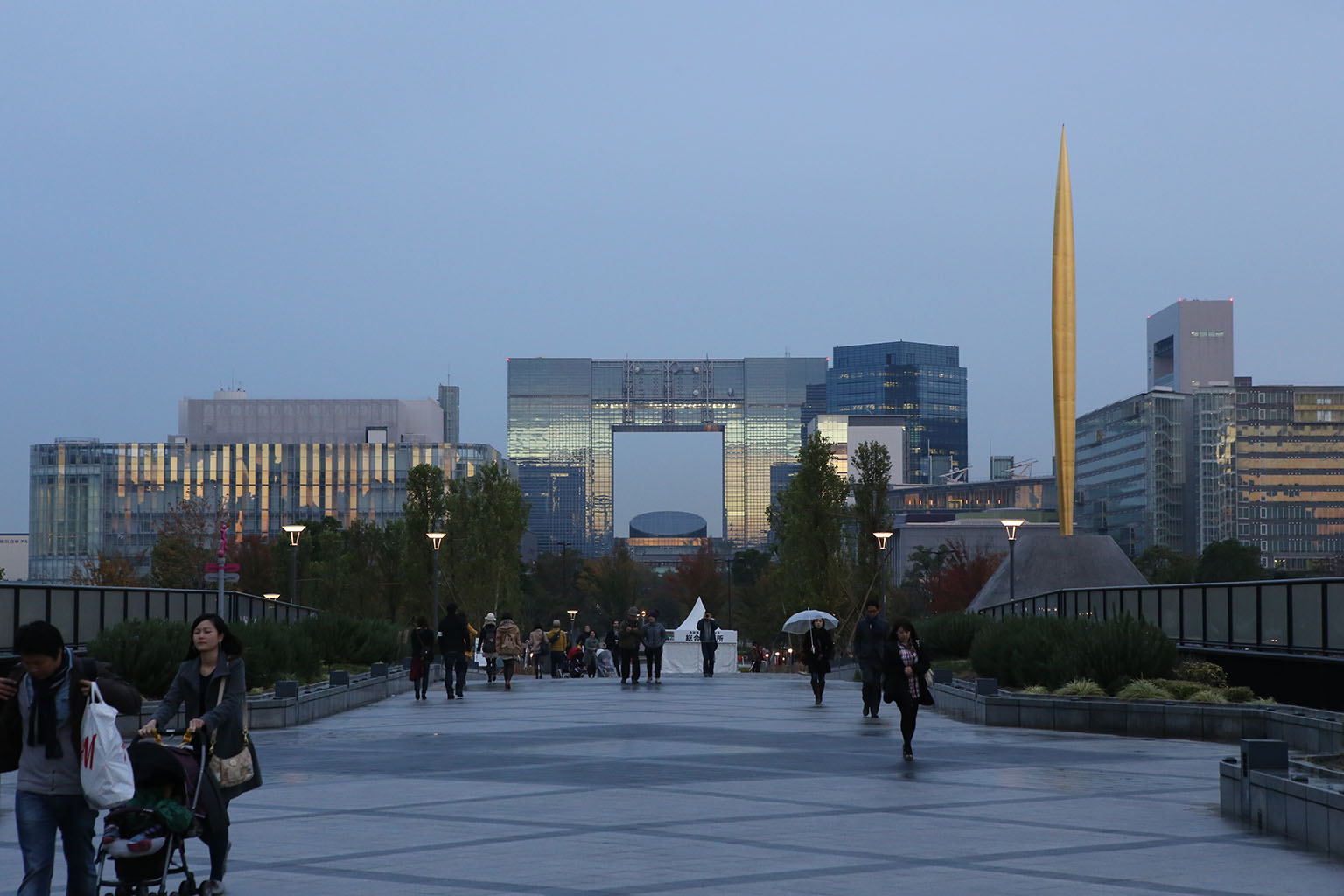
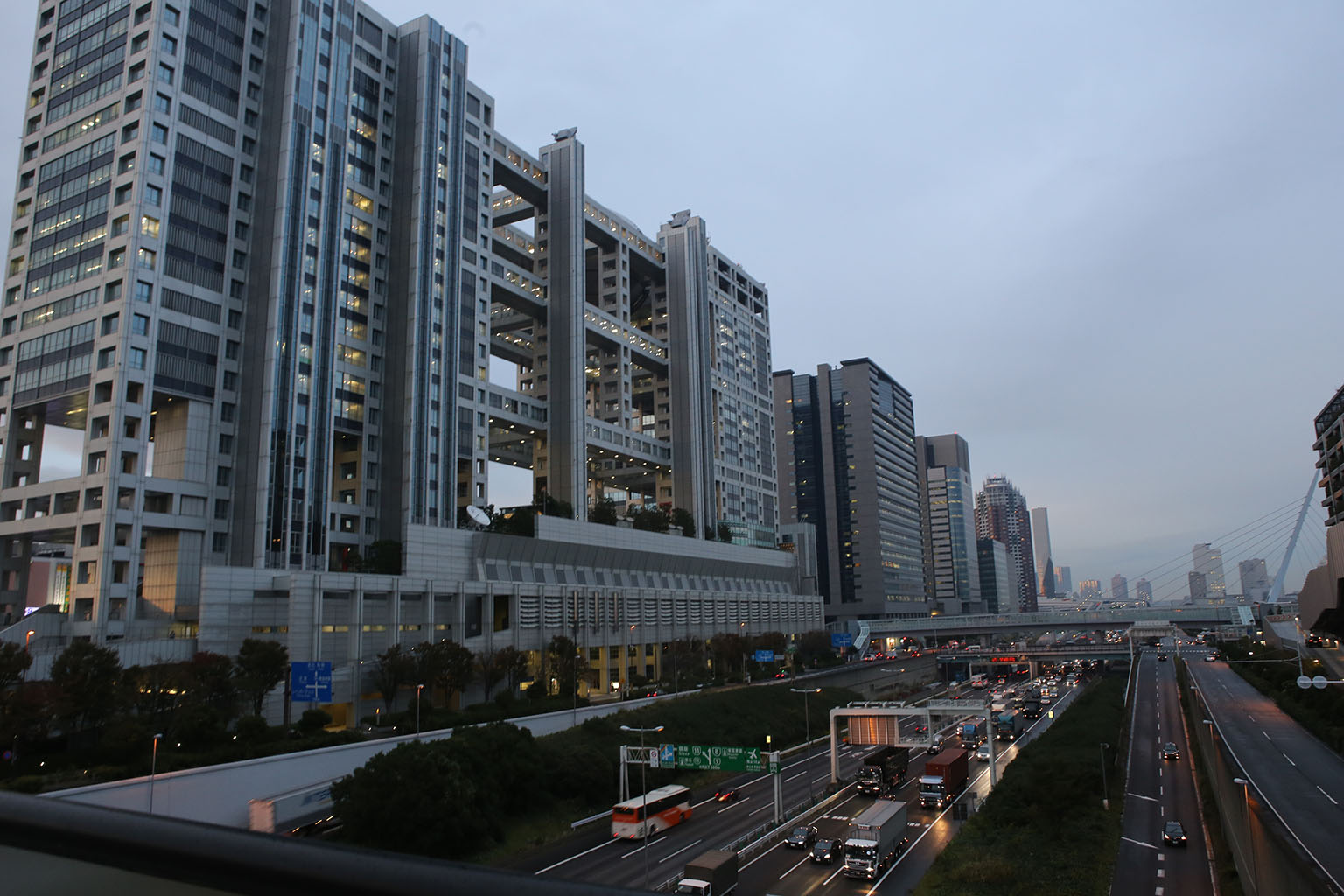
Odiaba island is a large, artificial island in Tokyo bay. Starting as a military defensive base in the 1800’s, it grew dramatically as a port hub in the 1900’s. In the 90’s it got targeted during the the Japanese real estate boom as a commercial and ‘future showcase’ development area. The mayor of Tokyo began a major development plan for the island called Tokyo Teleport Town and was designed to showcase futuristic living. It had residential and commercial development for about 100,000 people. However, the mayor’s successor halted the plan in 1995 as the Japanese asset bubble popped after a great number of the lots were still vacant and the area underpopulated. Unfortunately, over 1 trillion yen (~$10 billion USD) had been poured into it by that point. Many of the special companies that developed the island quickly went bankrupt as Japan went through their ‘lost decade‘ during the late 90’s as the overvalued asset bubble unwound. Since then, it’s languished – and it shows.
It has absolutely enormous buildings in a large-scale city-planning style. Capturing the scale of this complex is very difficult due to the huge buildings and the gigantic open spaces between them. The whole place feels like a bit like those images of Chinese ghost cities but with odd futuristic buildings that look nearly empty and few people walking around. It was actually kinda creepy.
I could easily have spent a day walking around the humongous city/island. The buildings were nearly miles apart. But I was looking for Diver City. Diver City is a large and very nice modern mall. I found it just a short walk off the rail line. It’s about 5 floors of shops – and reminded me very much of any modern mall you’d see in the US. Almost all the same stores were there too: Old Navy, H&M, Diesel, American Eagle, etc. The food court also had a lot of mall-style chains like McDonalds, Starbucks along with lots of local chains I didn’t recognize. They had some higher-end shops and gourmet chocolate stores as well. So, overall, on the flashier end of mall stylings. But this wasn’t what I was looking for. I was quickly trying to find a certain recent addition before the afternoon show.
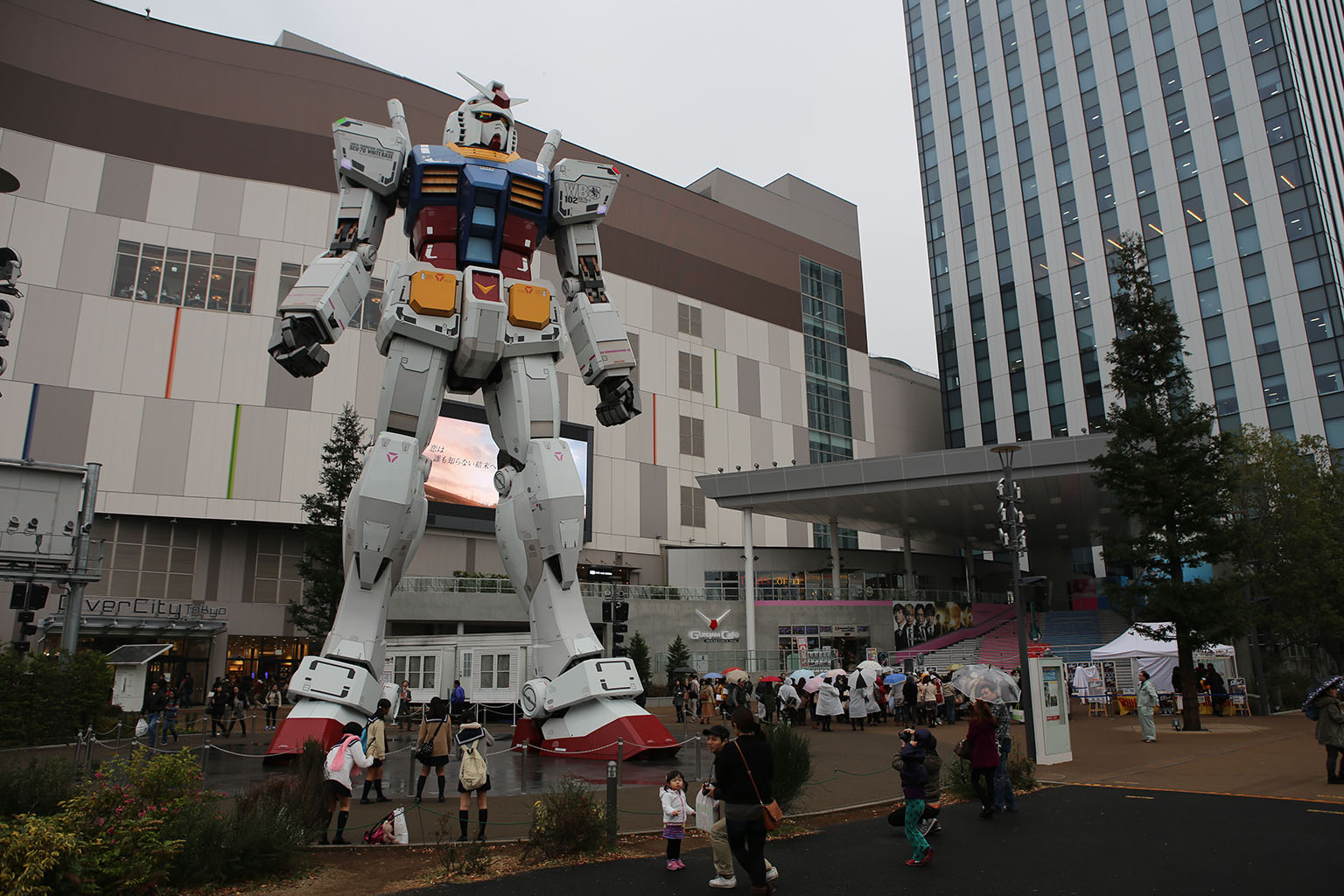
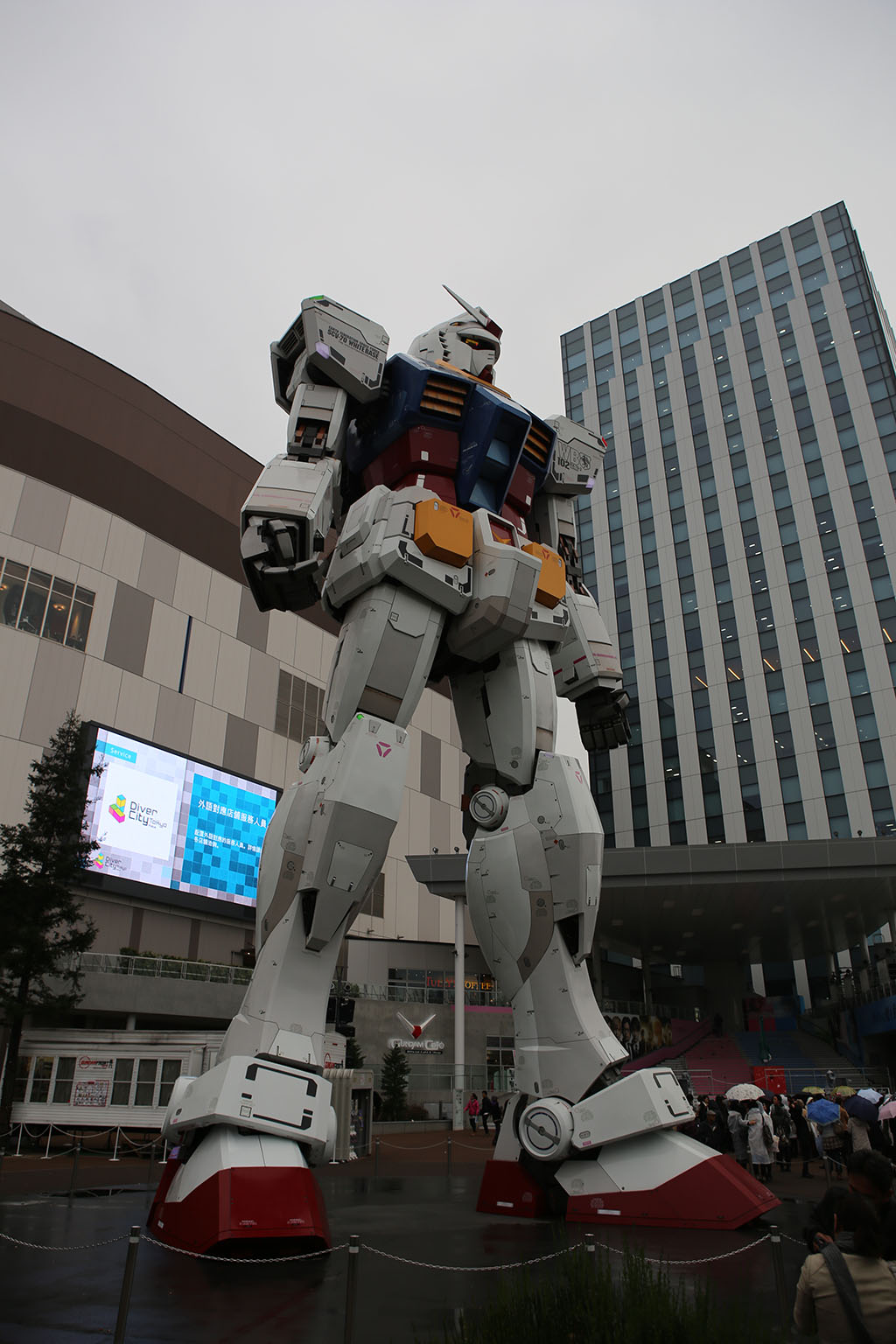
I head out the door of the food court and – bang! There it is – the Giant 60 foot tall RX-78 Gundam. This giant robot/statue/installation was originally built by Bandai in Odaiba’s Shiokaze park to mark the 30th anniversary of the massively popular Mobile Suit Gundam franchise. It was first constructed and unveiled in July 2009, and made a big splash with fans. It was so popular that in March 2010, they rebuilt it with a light saber. Since then, it found it’s more permanent home at Diver City. They have daily shows where lights, smoke, music, pour from the robot as it comes to life. The daytime shows look just like this:
The night-time shows have lights and video accompanying them. I had a few minutes before the afternoon show, so I looked around the foot of the giant statue.

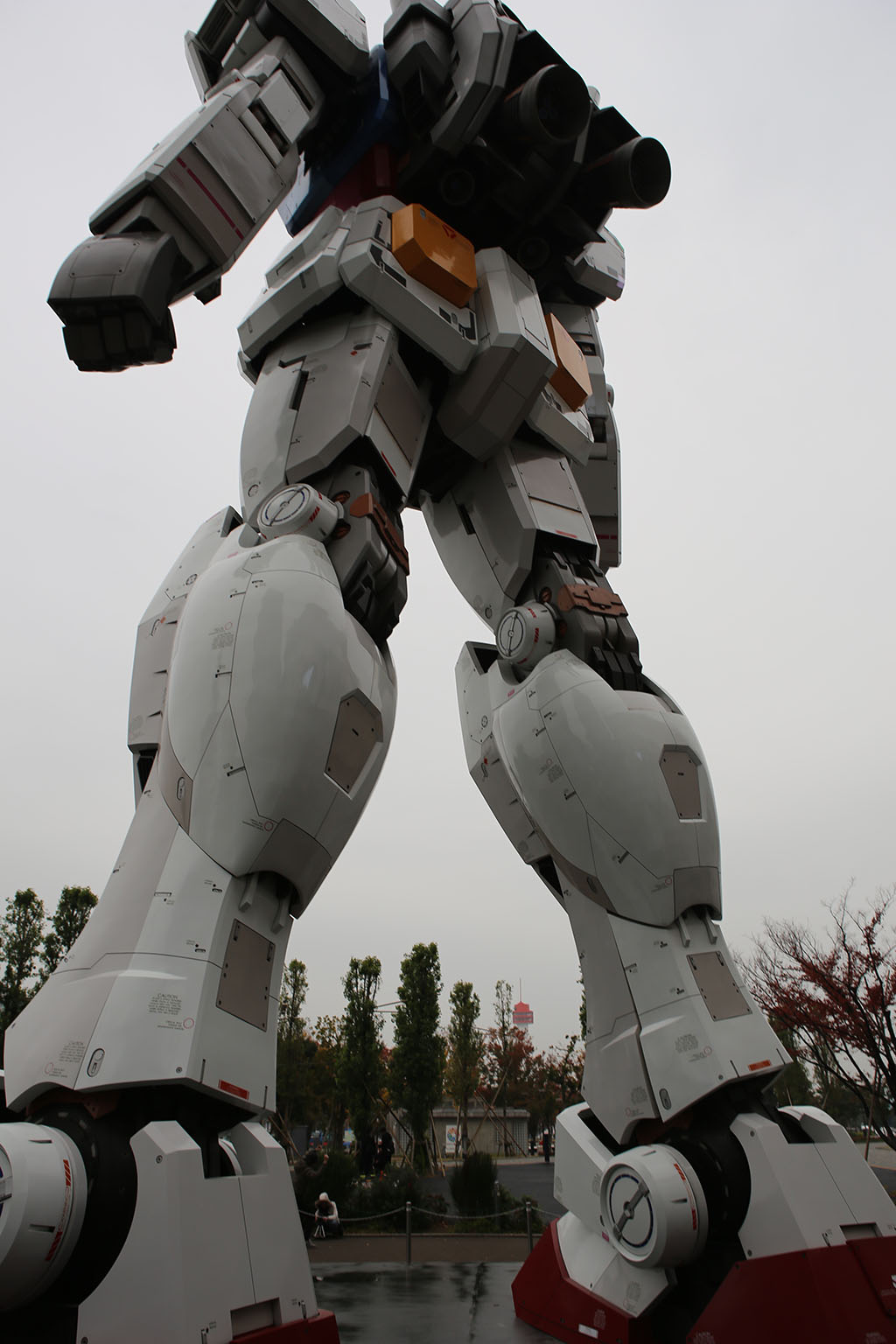
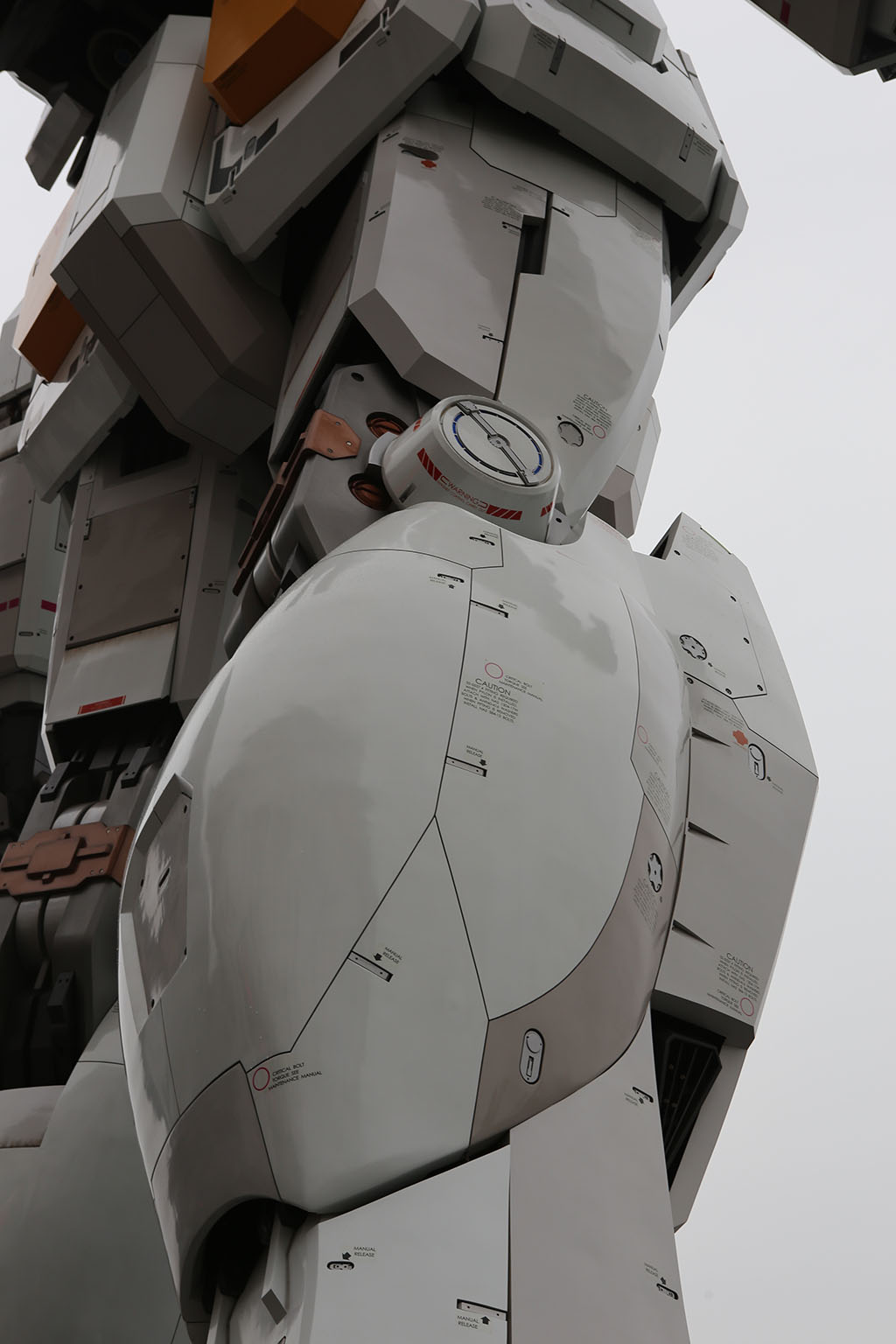
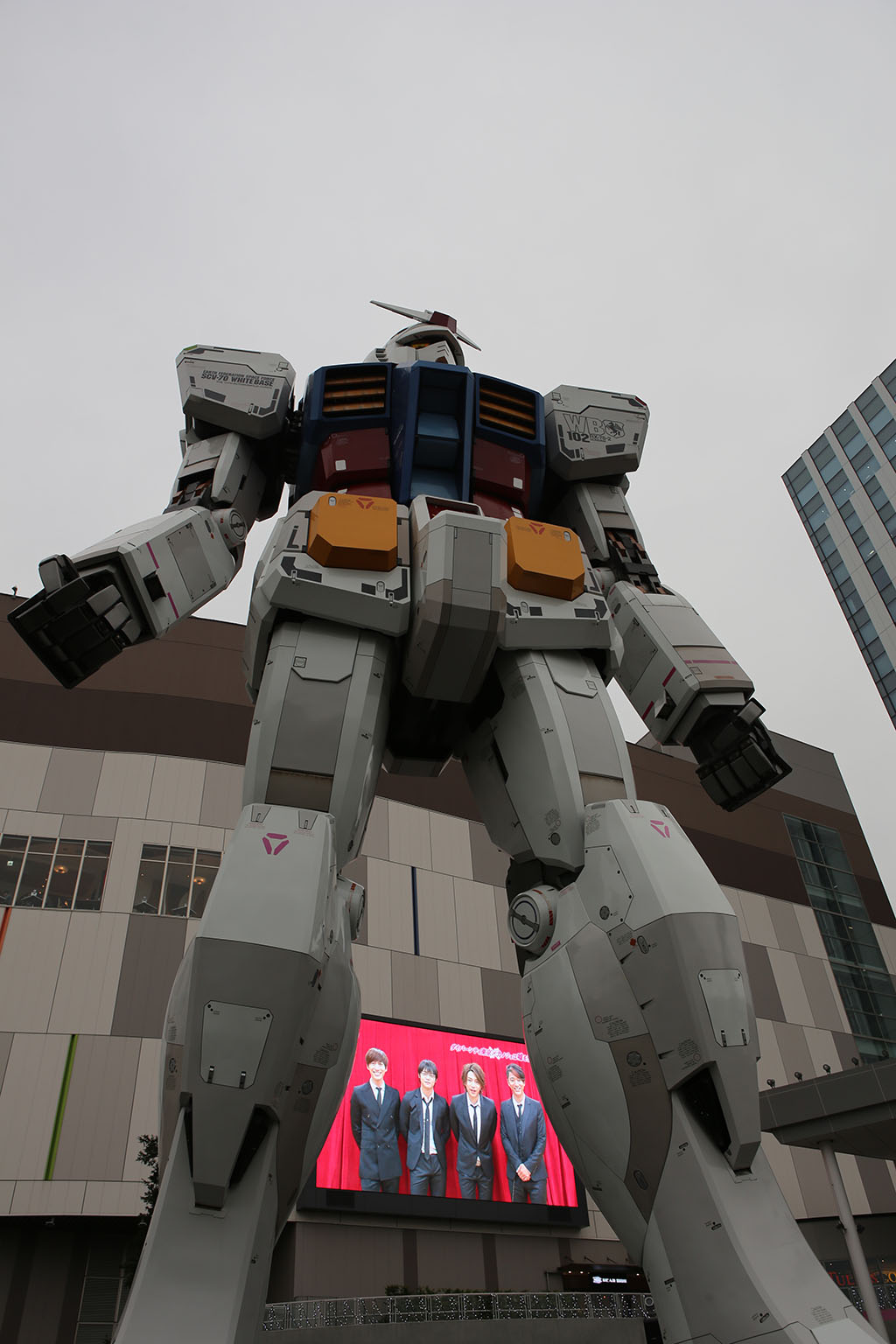
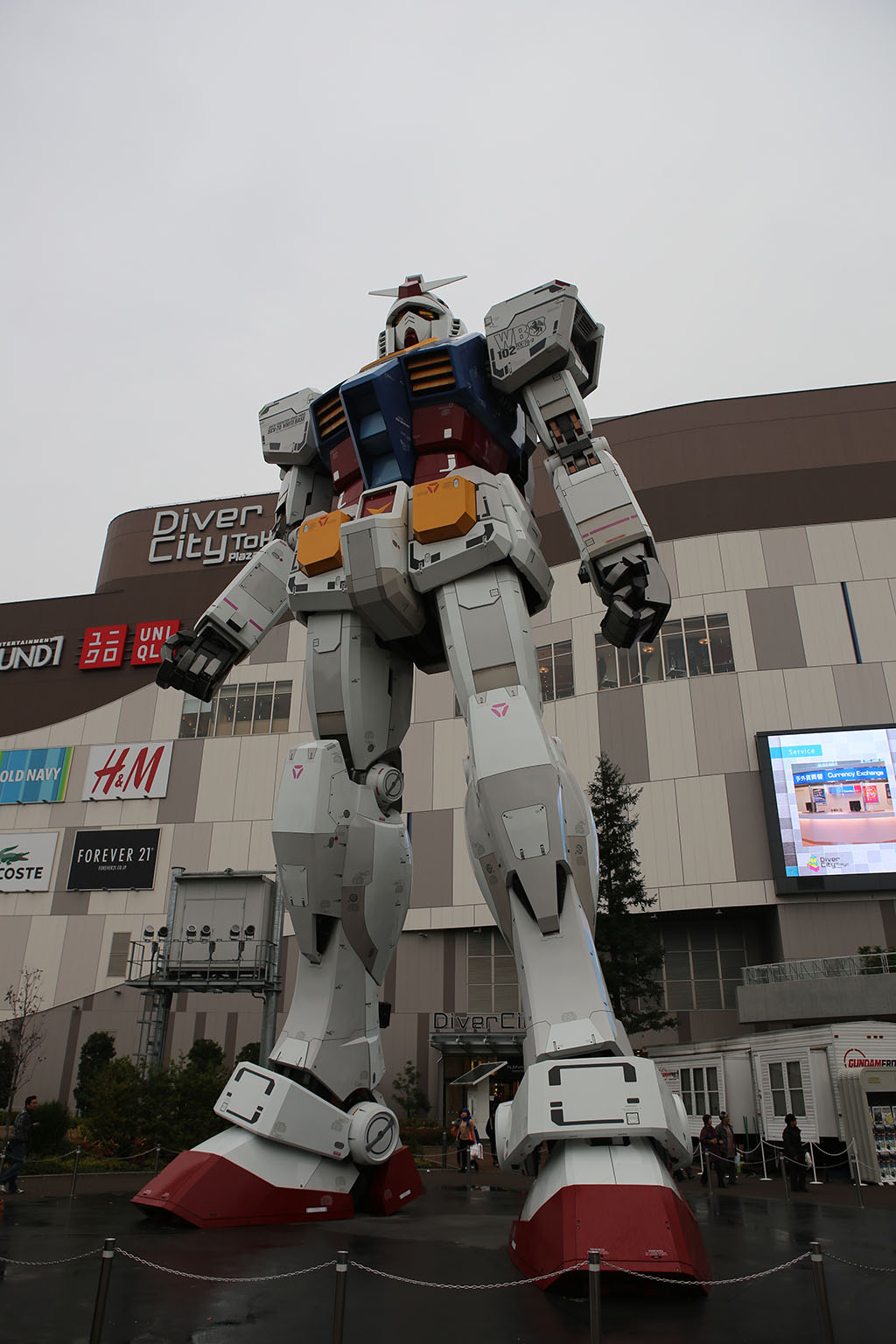
The detail was just fantastic. Usually, with things this big, the closer you look the shoddier it is up close. You look in between the joints and see hollow forms. The section edges/connectors are actually just paint on a solid plastic form/etc. Not with this thing – it was fantastically detailed even inside the less-visible areas. Some serious love and care went into this statue. Amazing amounts of detail were everywhere on it.
It was kind of interesting, because just to the right of the Gundam, was a small stage with HORDES of teen girls waiting in the sprinkling rain. I couldn’t quite figure out what was going on until the Gundam show finished. All of a sudden, the girls start yelling as a 4-teen boy band popped out of their tent and started singing on the makeshift stage. It was kinda surreal to watch all these young ladies singing along with this 4-guy boy band next to a giant Gundam. I went over to the Gundam’s temporary shelter area where they had a store selling a lot of their current Gundam line toys.


But that’s not all that’s Gundam at Diver City. They have a whole museum area inside the mall on the top floor/north end called Gundam Front. Gundam Front is a store/showcase/museum for the Gundam series.

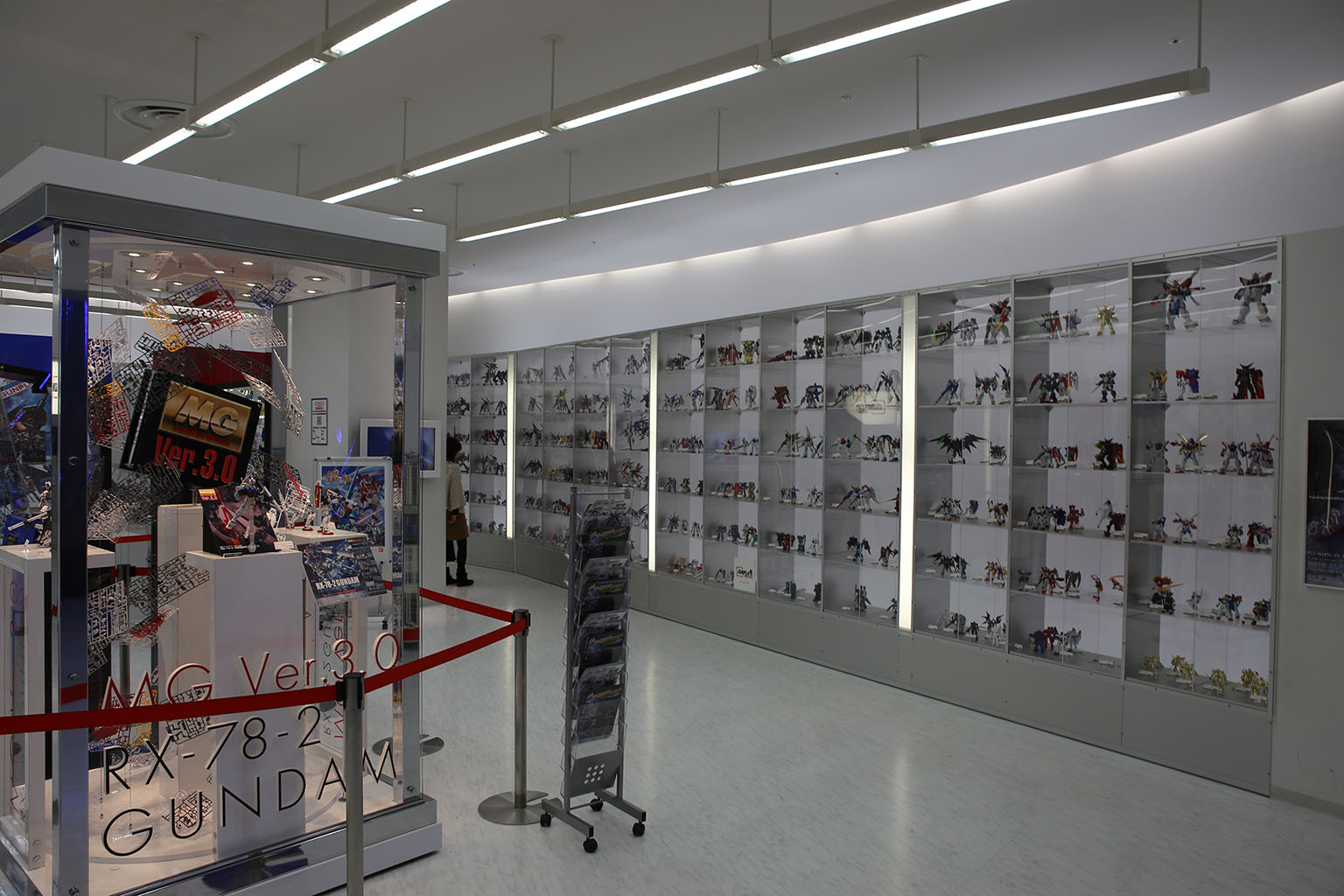
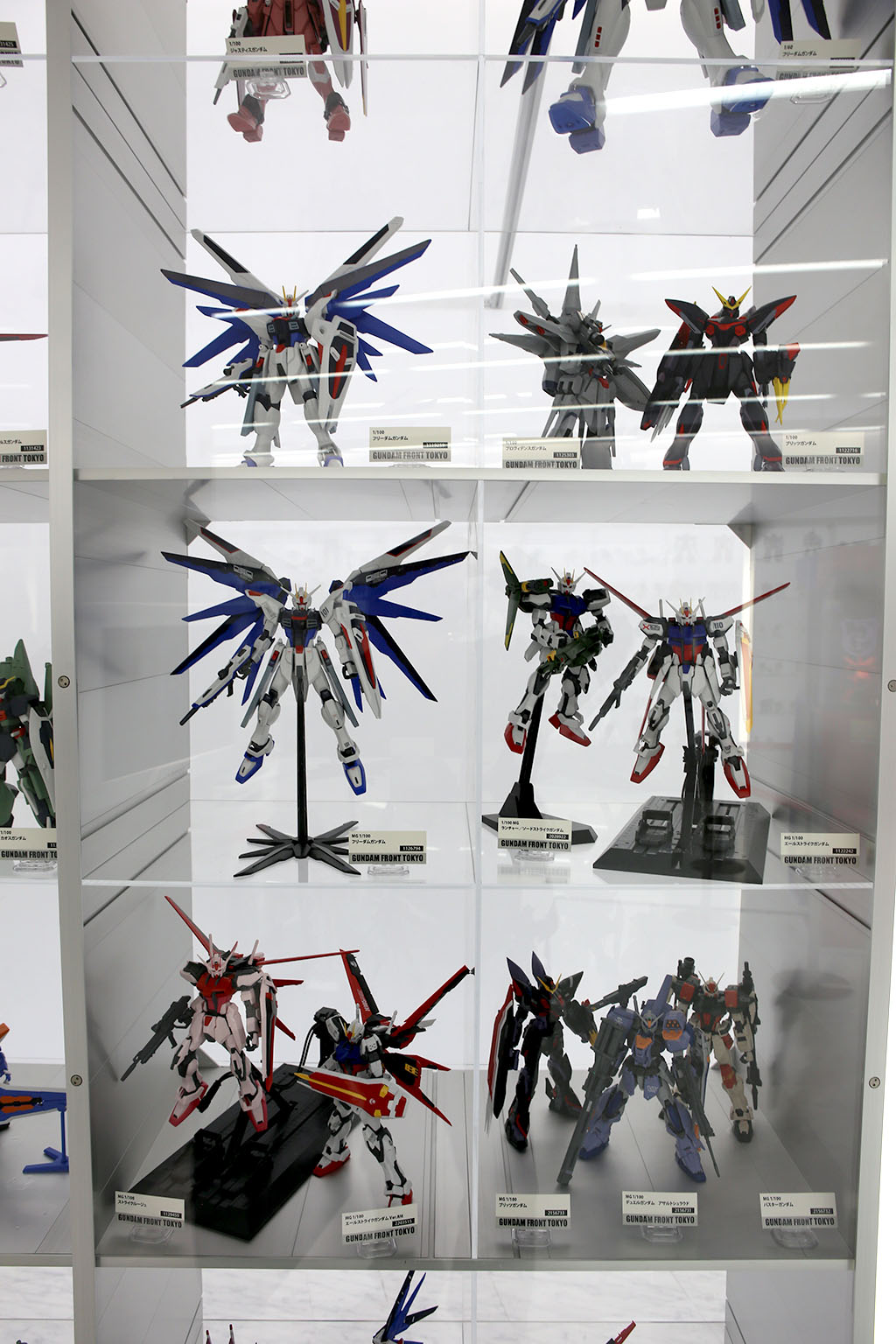
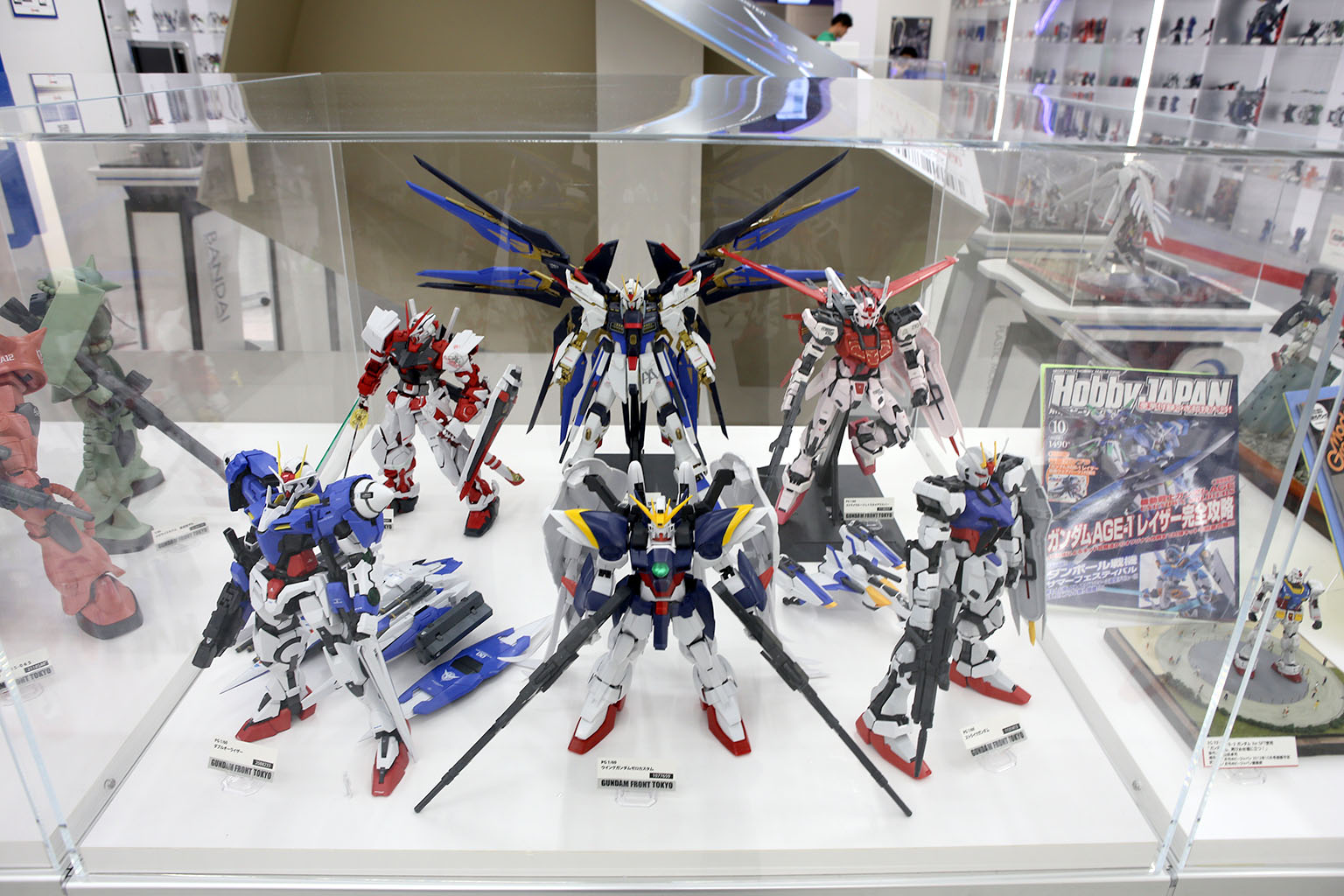
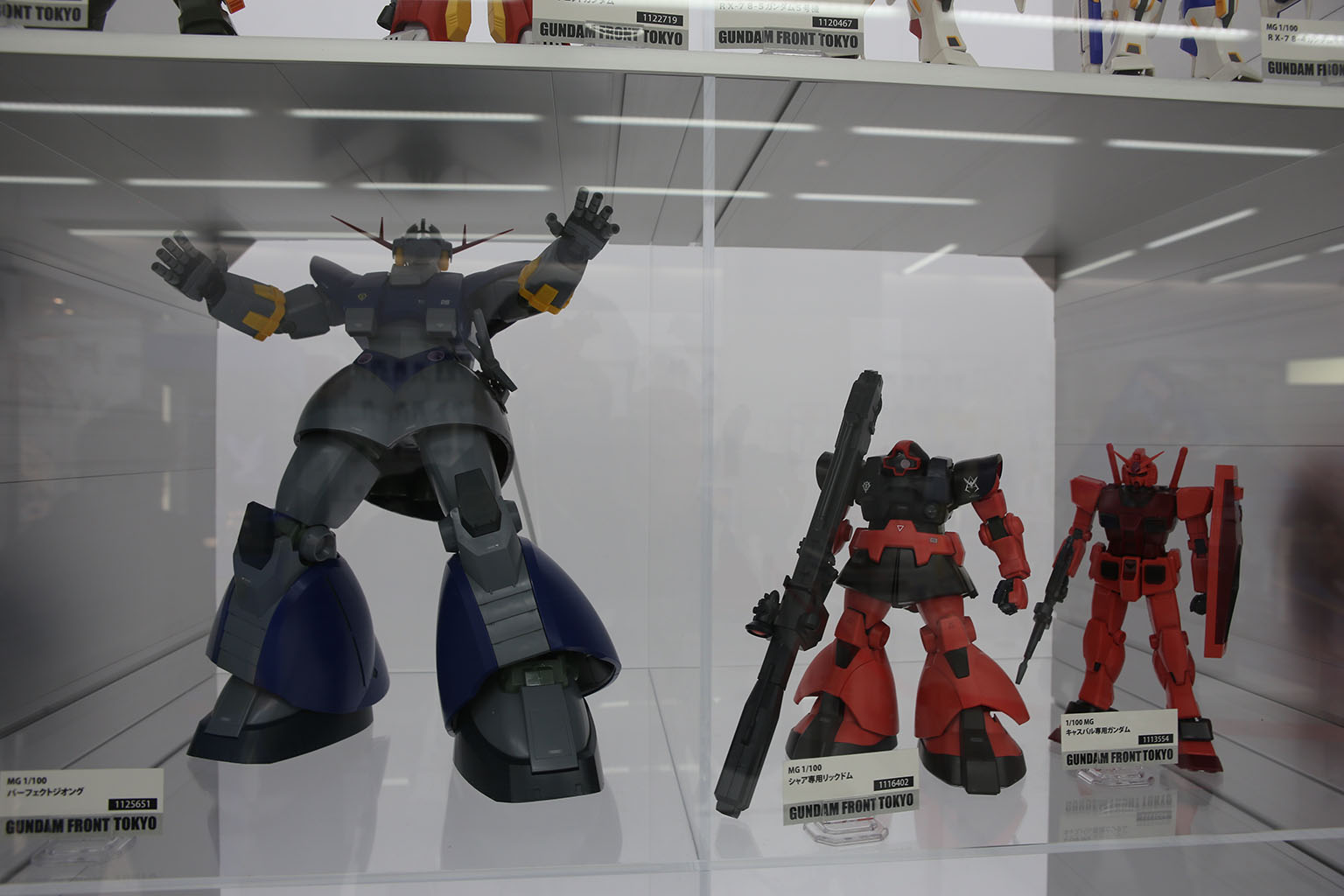
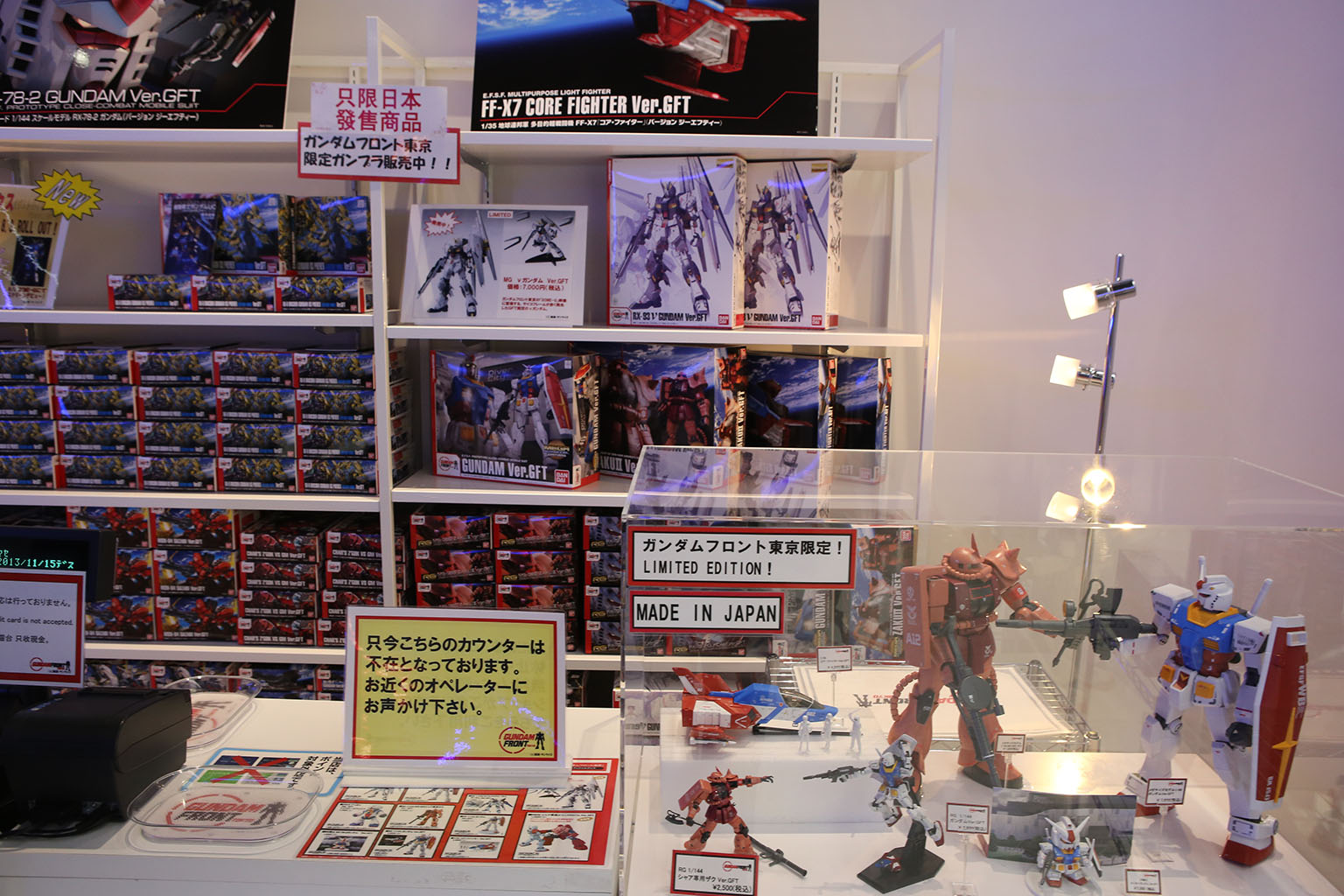
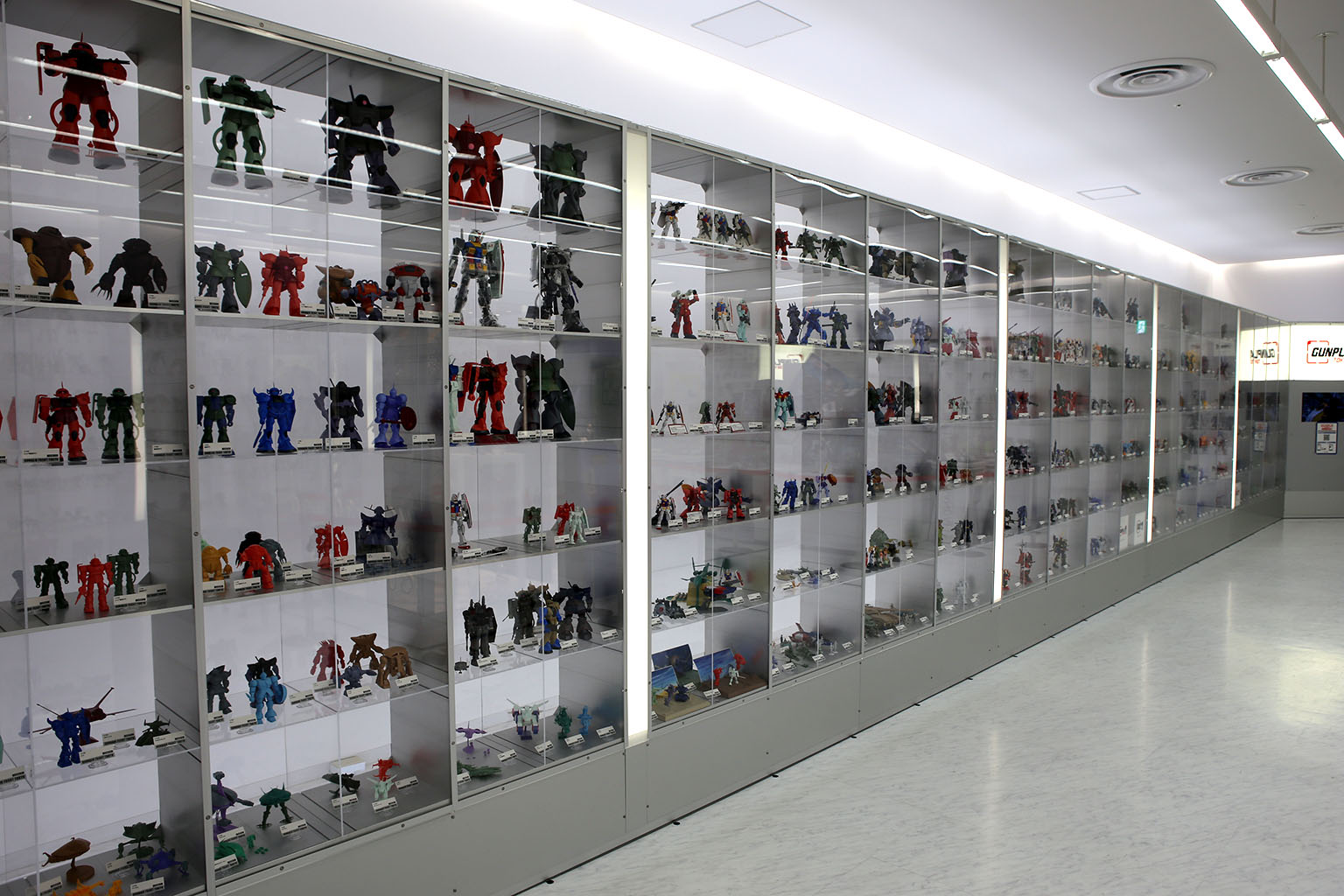
On your left as you enter is a museum are with just about all the Gundam toys ever made. Two giant rows with special display cases in the middle. You can see how they’ve evolved from very simple beginning to massive and complex models as time went on. They went through a lot of different style changes too. But it was pretty amazing to say the least. One could easily geek out of the whole line.

But it wasn’t all just toys. They had a shop with clothing too. I found the prices to be pretty amazingly high, but probably not an issue for true fans. There was also a whole pay area to Gundam Front with life and scale-model sized Gundam suits along with many of their more famous enemies as well. I decide not to pay the money to go in – and I believe they had assigned time slots as well. I enjoy a good robot as much as the next guy – but I don’t think I was ‘hard Otaku’ enough to warrant it.
I grabbed a bite to eat at the food court and walked around the high-end shops of the mall a bit to get a feel for things. I especially enjoyed the gourmet chocolate shops that had all kinds of interesting brands and styles. Strange styles of Pokey and candies I’ve never heard of before. But, nothing too noteworthy as this mall was much like other malls, so I called it a day.
As I left, however, I was treated to one last gift from Tokyo. Sunset.

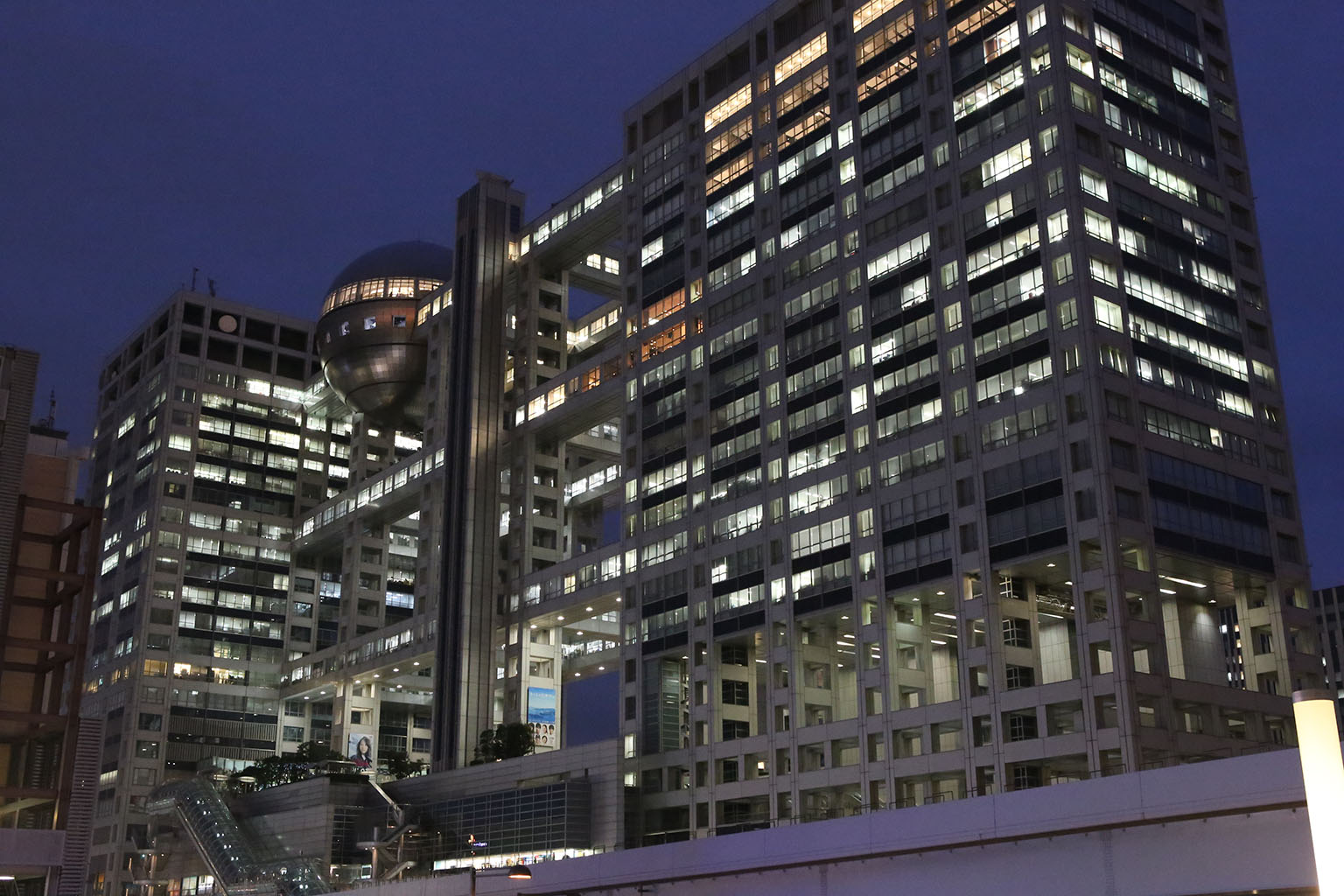
Being fall, sunset comes early. The buildings on the way over to the train station already had their lights start coming on. This particular building was intriguing, it reminded me of some kind of cross between a Sierpinski carpet (in this case a Sierpinski cube). As I rounded the building, I was greeted by a few sights simultaneously.
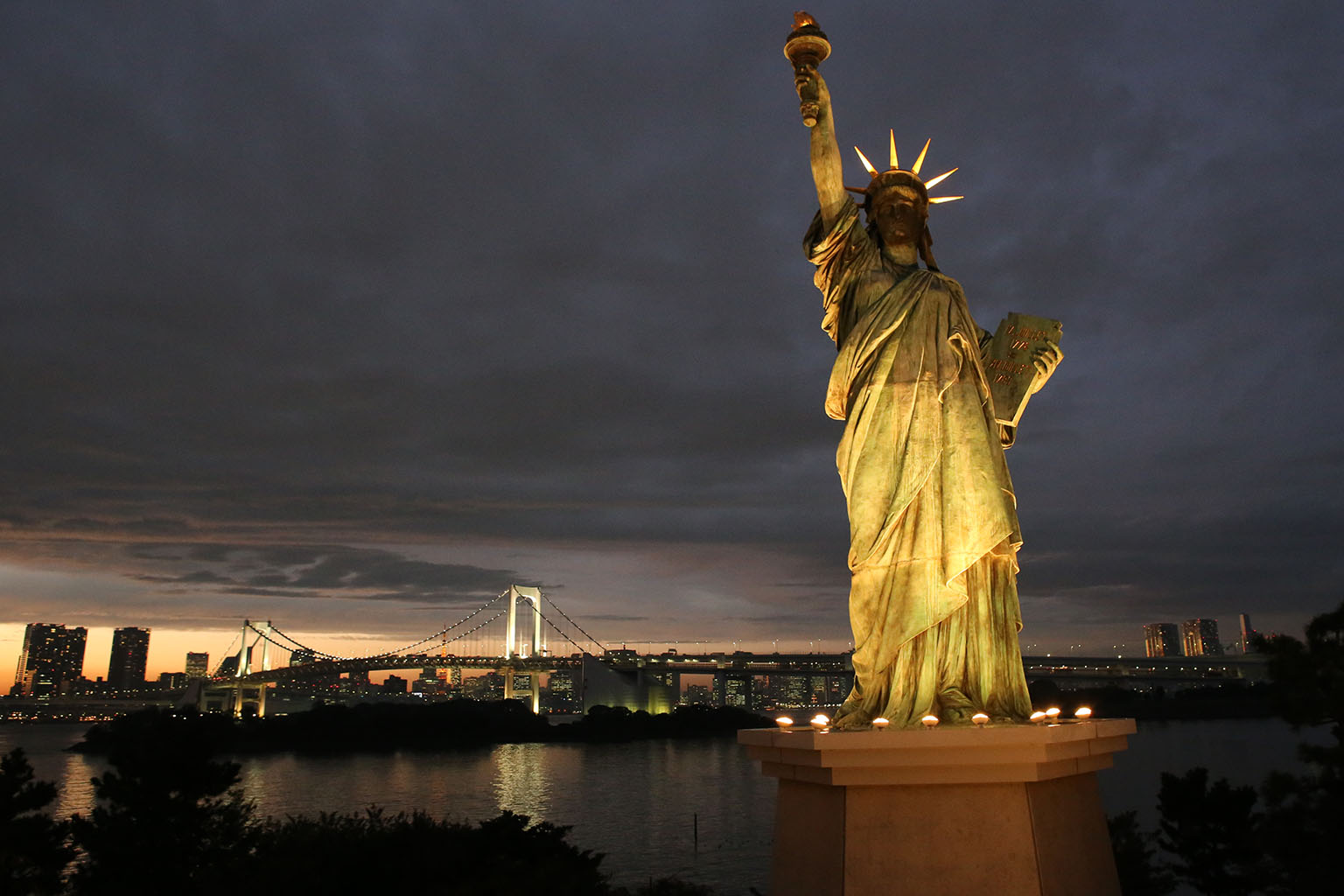
First off – the Statue of Liberty!?! I had no idea there were so many Statues of Liberty around the world – let alone one in Japan. This version was only about 30-40 feet tall, but there it was. There was also a small area set up with a large Christmas wreath to stand in for folks to get their picture in front of the statue.
While taking this shot, a group of orange robed Buddist monks came up and started snapping shots too. Kind of surreal to have the Statue of Liberty against the Tokyo skyline, a couple of Buddists monks in their orange regalia with cameras, English Christmas music playing with local tourists getting shots standing in a giant Christmas wreath. My, what globalization has wrought.

Next amazing sight, the Rainbow bridge across Tokyo bay. This night it was lit up white, but has been rainbow colored in other times. However, it was very beautiful.

Finally, the sunset itself. Wow – firey! Amazing colors as the setting sun found its way over the horizon. I sat and enjoyed the setting, shifting colors. So much so that I decided to take a nice wide panorama. It came out beautifully.
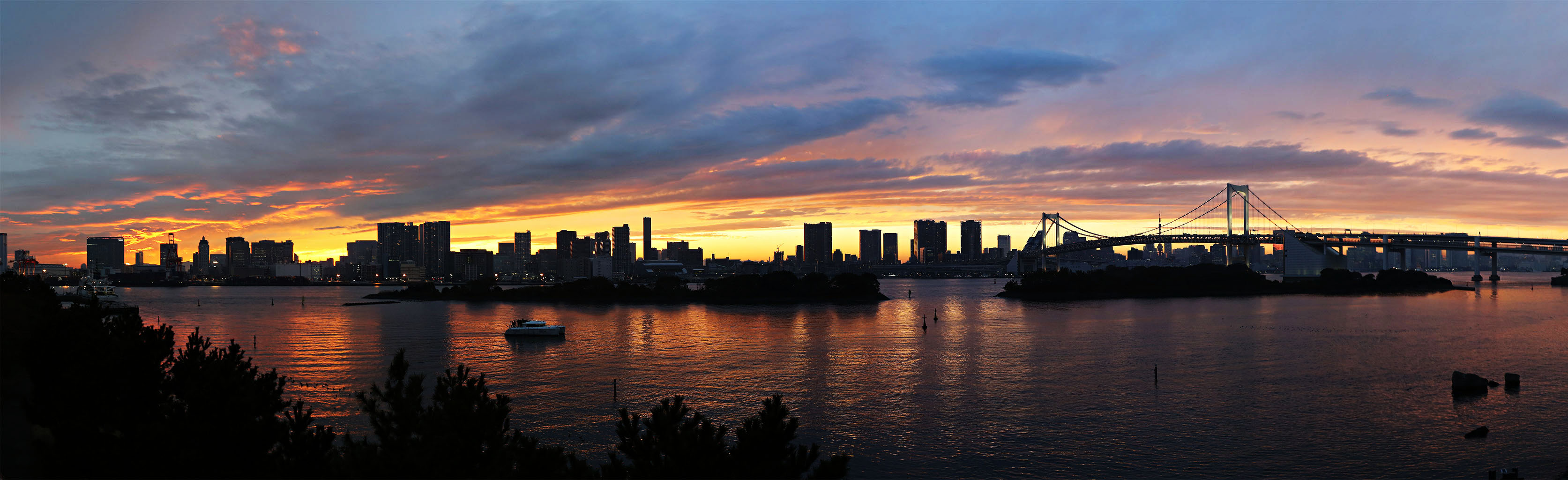
As I just sat and watched, I realized that I hadn’t stopped running and seeing things since I got there. I think when we travel that we often get too wrapped up in the process of traveling itself, seeing things, doing things, being on a schedule. We often don’t make space in our schedules, nor place ourselves in the right places, to enjoy moments like this. To smell the ocean breeze blowing across a bay. Watch the sunset go down. To see the changing colors of the sky. Watch the lights slowly coming on in the buildings as the city moves into evening.
Life is a beautiful thing – and all too fleeting to spend it wrapped up in constant doing. It’s in the quiet moments that you actual realize what life is about and see just how amazing and precious are the things you’ve been holding in your hands all along.
I awaken in the morning still feeling the light effects of the Fugu. I decide to rest in a bit since it’s been a couple of big days. I watch some TV shows that I brought over on my laptop and also get my Netflix working by using the awesome Firefox plugin called MediaHint. It’s nice to be able to have a taste of home after a few days in a completely different country. I’ll admit one thing I watched was Adventure Time.
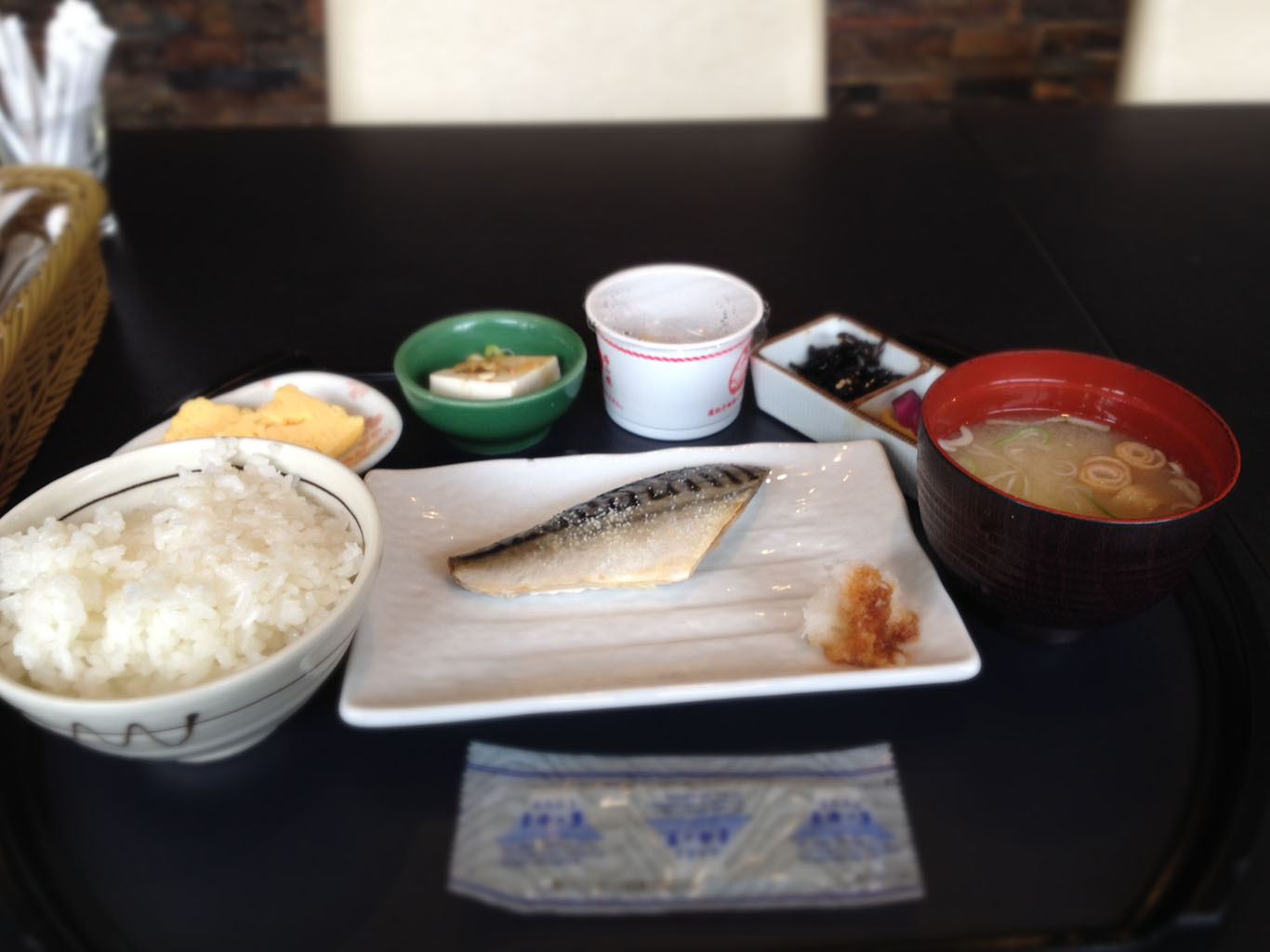
Still a bit disconcerted from the odd fugu feelings, I head down for breakfast at the hotel restaurant. I get the traditional Japanese breakfast, and am then off to get my first big errand done – a shipping box and packing materials.
I run over to Tokyu Hands, a pretty remarkable and famous do-it-yourself department and crafts store. I pick up a large box, and then run into these folks as I’m on my way out:

They’re some kind of news/interview folks from some show called ‘Zip!’ TV. My guess was it was kind of like the local cable-access channel. They asked me if they could interview me about my purchase at Tokyu Hands. After tentative agreement, signing a waver, and getting a tip or two from their translator – the camera guy switched on. They asked me a lot of questions about my box. What I bought it for, what I was going to send home. They had a young 20’s-ish kid from Vancouver, BC doing their translation and he admitted he kind of fell into the gig of translator for them. Anyway, it was kind of awkward to admit that most of what I was sending home was Otaku stuff: some models, a few action figures, a DVD or two, and a nice tea set and some pottery. Yes, pottery and tea set – that’s what I was sending home – and didn’t mention the otaku stuff. My goodness, I guess I now know what it’s like to be Bill Murray in Lost in Translation! But onwards, I had a meeting to get to!


At about 11 o’clock, I run over to the Shibuya Hikarie building to meet up with some friends-of-a-friend. What a fabulous building. It sits right behind the Shibuya station and is connected to it. But the connection was described as “Hikarie is part of Shibuya station the way a tree is part of your house when it falls on it.” Love it.
Before we went to lunch, however, one of the guys I was about to meet was super-helpful and we ran over to the post office. He helped me get my box of otaku wares shipped – so thanks Howard! I still have yet to see it about a month later, but they did tell me that sending it via surface ship could take 2-3 months. No hurry thankfully. We had a great lunch and we chatted about much geekery. Great success. Thanks Tanya for setting us up.
But after lunch, it was time to get to touring again! On my way back to the hotel, I take a little different route, and what do I find? A pet store!


So, how much does a cat in Japan cost? 89,000 yen is roughly $900. How much is the little black and white doggie in the window? 139,000 yen is about $1400. The little black pug was even more at almost $1700 USD. They were all adorable little animals – but it definitely showed that pets were a terribly expensive luxury item. If you see a person with a pet of any kind – they likely spent almost a $1000 on even an average looking animal.
But onward. I was going to take a trip through the heart of downtown Tokyo, and visit something I was very keen to see. It involved, however, an interesting train ride out to Odaiba island in Tokyo bay.
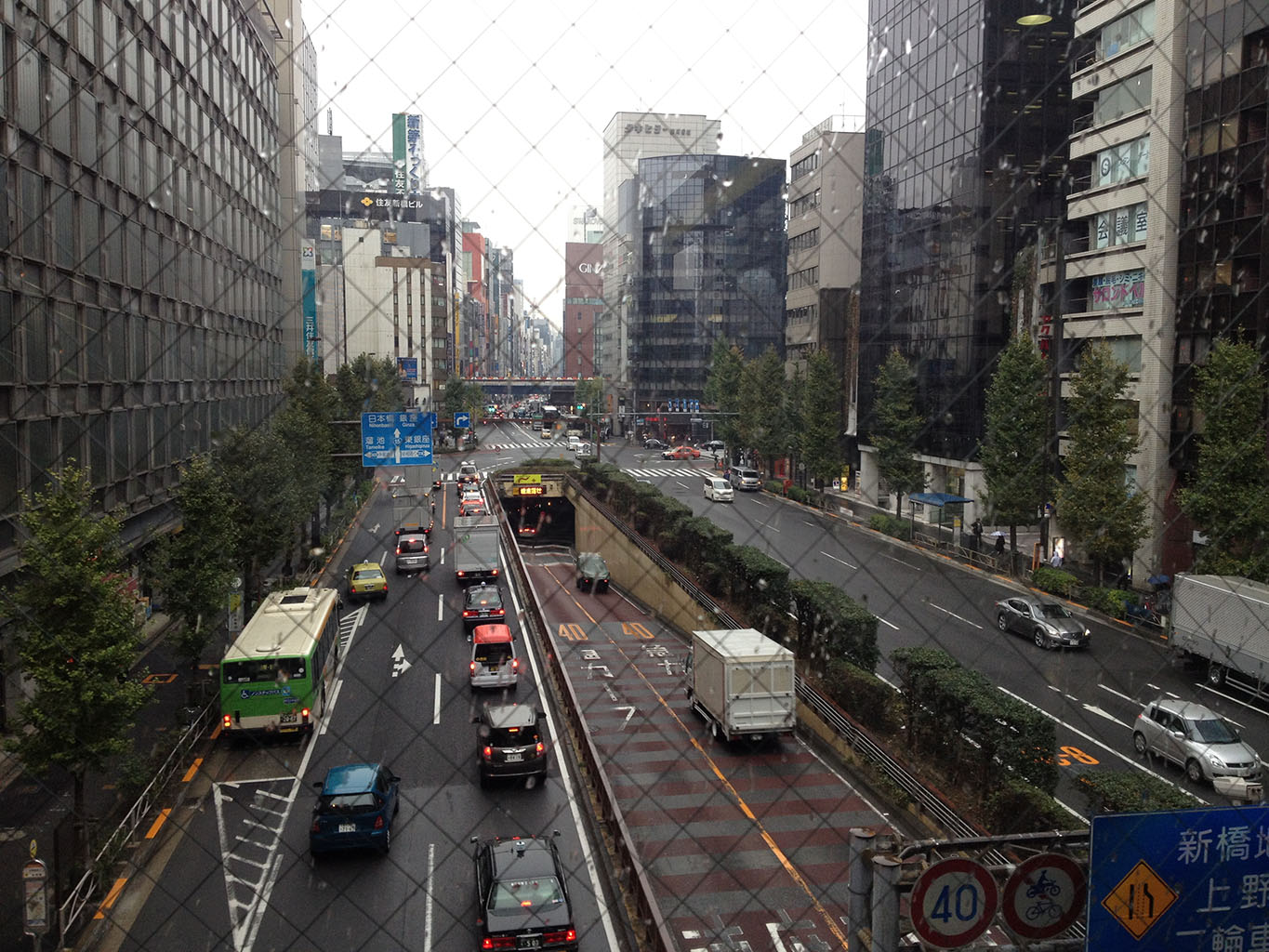
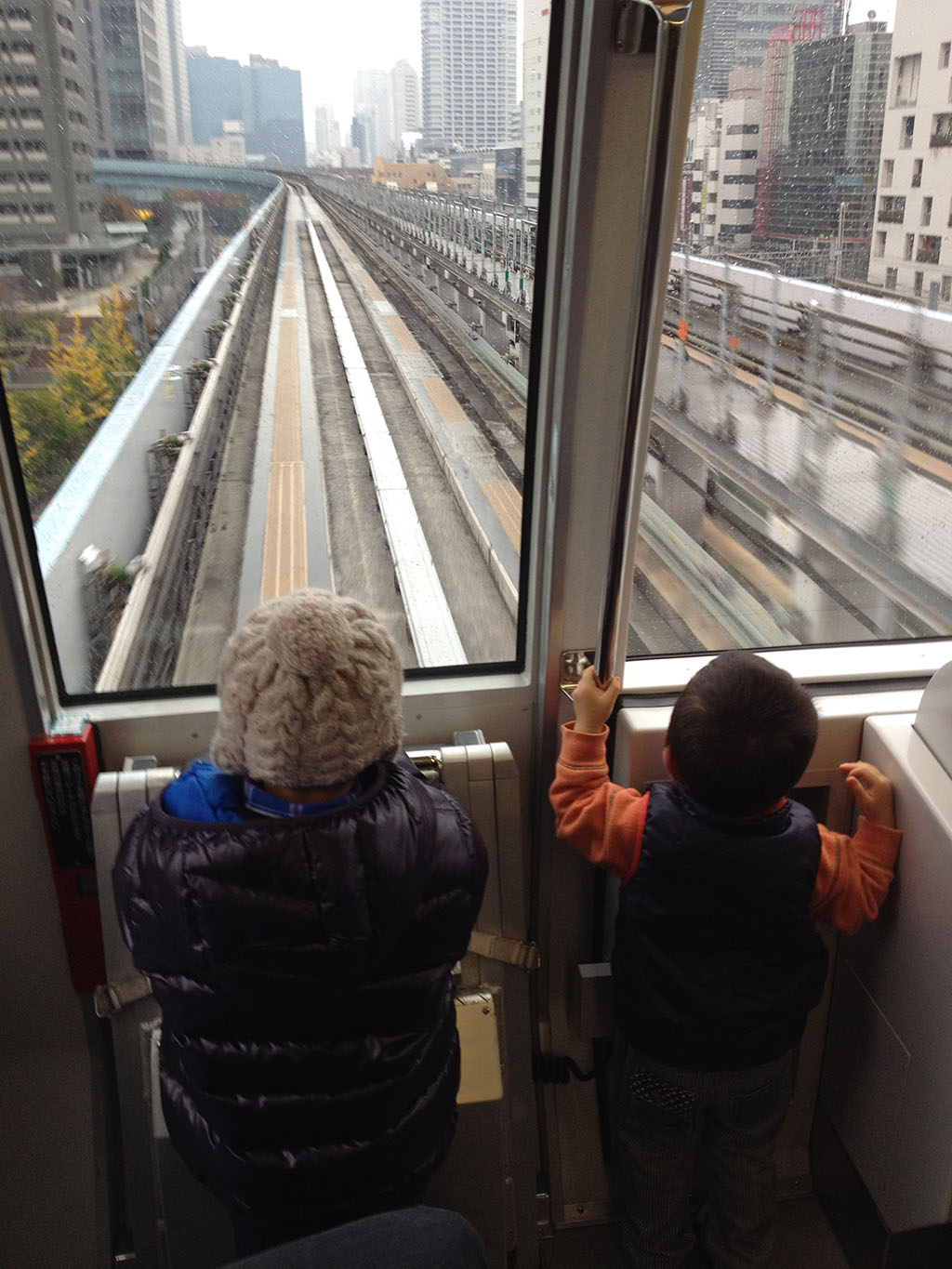

I take the subway all the way to the waterfront, and then switch to the Odiaba loop rail. It’s much like airport trains you see in that it’s really a train with car wheels that runs on a monorail track. It goes over the Rainbow bridge to the island itself.
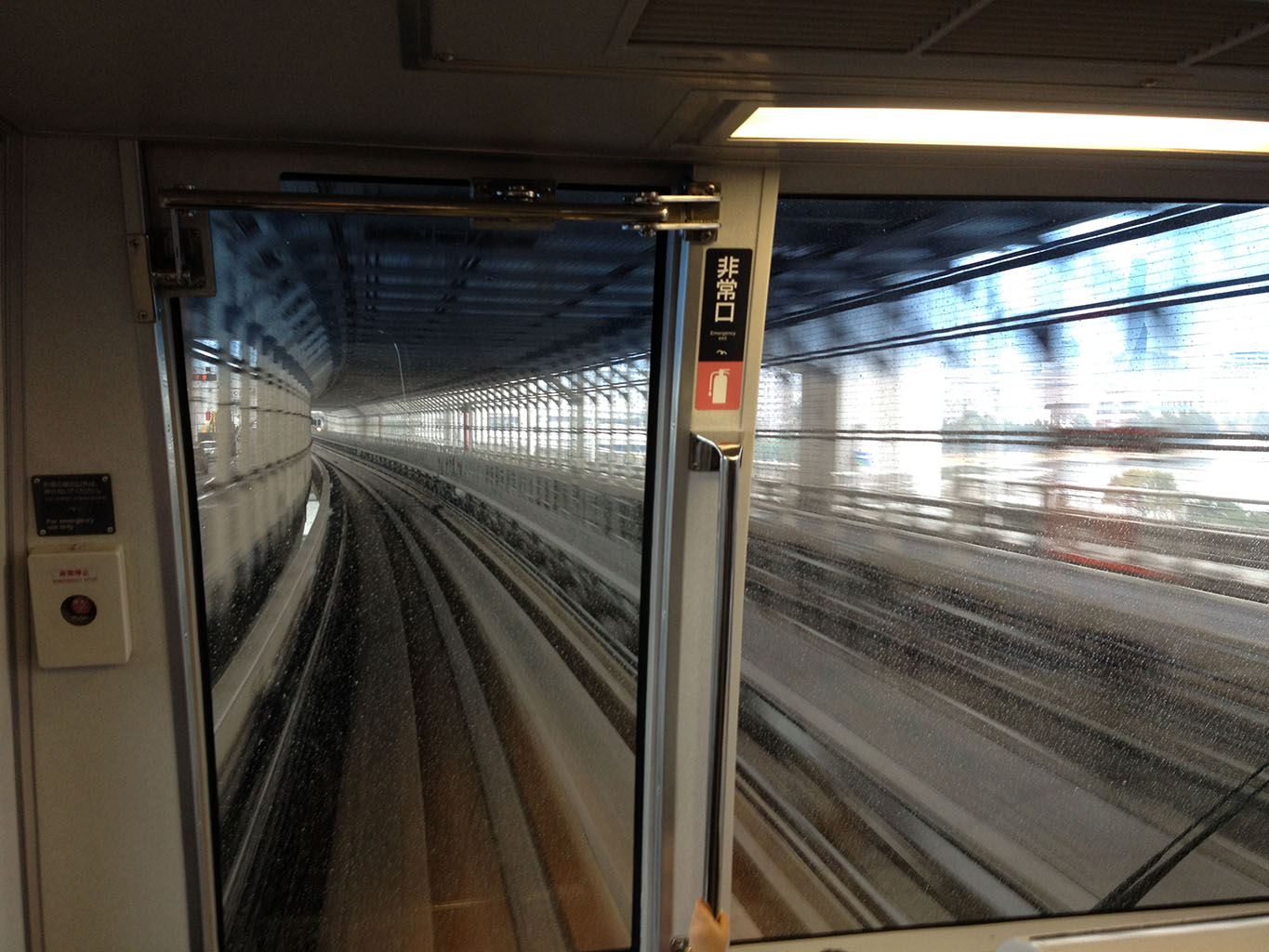
Does this picture look familiar? For those using Windows 8 – it should. The left shot is the exact same train line as the one on the Windows 8 desktop. In fact, it is the same rail line, just taken in the opposite direction off the bridge heading back into Tokyo. I thought of setting up my tripod/camera, but the train was full and so I just hand-held it. Nifty.
Anyway, I arrive at Odaiba island – and go looking for what I came to find…