Steam: Failed to add new steam library folder

Steam: Failed to add new steam library folder

Until we get 1TB SSD’s for less than $1000, space on them is always at a premium. One strategy is to split your Steam game installs between drives. For slow loading or games you play often, you might want those on your SSD.  For infrequently played games, you likely want those on a big, cheap platter drive. Steam gives you the ability to have multiple libraries on multiple drives, but it doesn’t always work as expected.

I tried recently to add a library to a big platter drive, and got the message 'Failed to add new steam library to folder'. I tried all kinds of ways of creating the library, but always got the same message. My drive was not out of space, I had adequate permissions. I started/restarted steam. No luck.

The problem:
Failed to add new steam library to folder
The issue is that the Steam client cannot add new libraries while anything is happening to the existing game library.  In my case, one single game (way off the bottom of the screen!) was updating.  This activity prevents the Steam client from being able to add a new library folder.

The solution:
Pause or cancel the download/update. Make sure nothing is updating, then go to the Library display view in the Steam client. Then select: Steam->Settings->Steam Libraries Folders->Add Library Folder. You should then be able to select/create new library folders on new drives.

The shaming:
Valve engineers – fix that dialog! Be sure to tell people WHY you can’t create the folder, not just that you can’t. Error messages are useless unless they give you enough information about what’s wrong so that you can fix the problem. Especially one so simple to report.

Hitchbot

Hitchbot

Some folks build a robot and give it an audio track and it takes pictures/recording periodically and sends them home.  It was set on the side of the road in Halifax, Nova Scotia and is now ‘hitchhiking’ to Victoria, British Columbia.

So far it’s making amazing progress!

http://www.hitchbot.me/


Installing WordPress using XAMPP

Installing WordPress using XAMPP

When customizing/working on a new WordPress layout – it’s better if you don’t do it on your live blog.  Instead, install XAMPP

http://www.wikihow.com/Install-Wordpress-on-XAMPP

You can then set up the database and install WordPress in the httpdocs/ directory – but that’s not a straightforward/easy process.

Instead of all the extra setup, you can also use Bitnami’s WordPress application that installs WordPress for you and takes care of a lot of the annoying database and other setup bits.  They have versions for Windows, OS X, and Linux to make your life easier.

After setup, instead of the WordPress files being in the normal httpdocs\ directory, Bitnami’s WordPress on top of XAMPP puts the WordPress files in X:\..\XAMPP\apps\wordpress


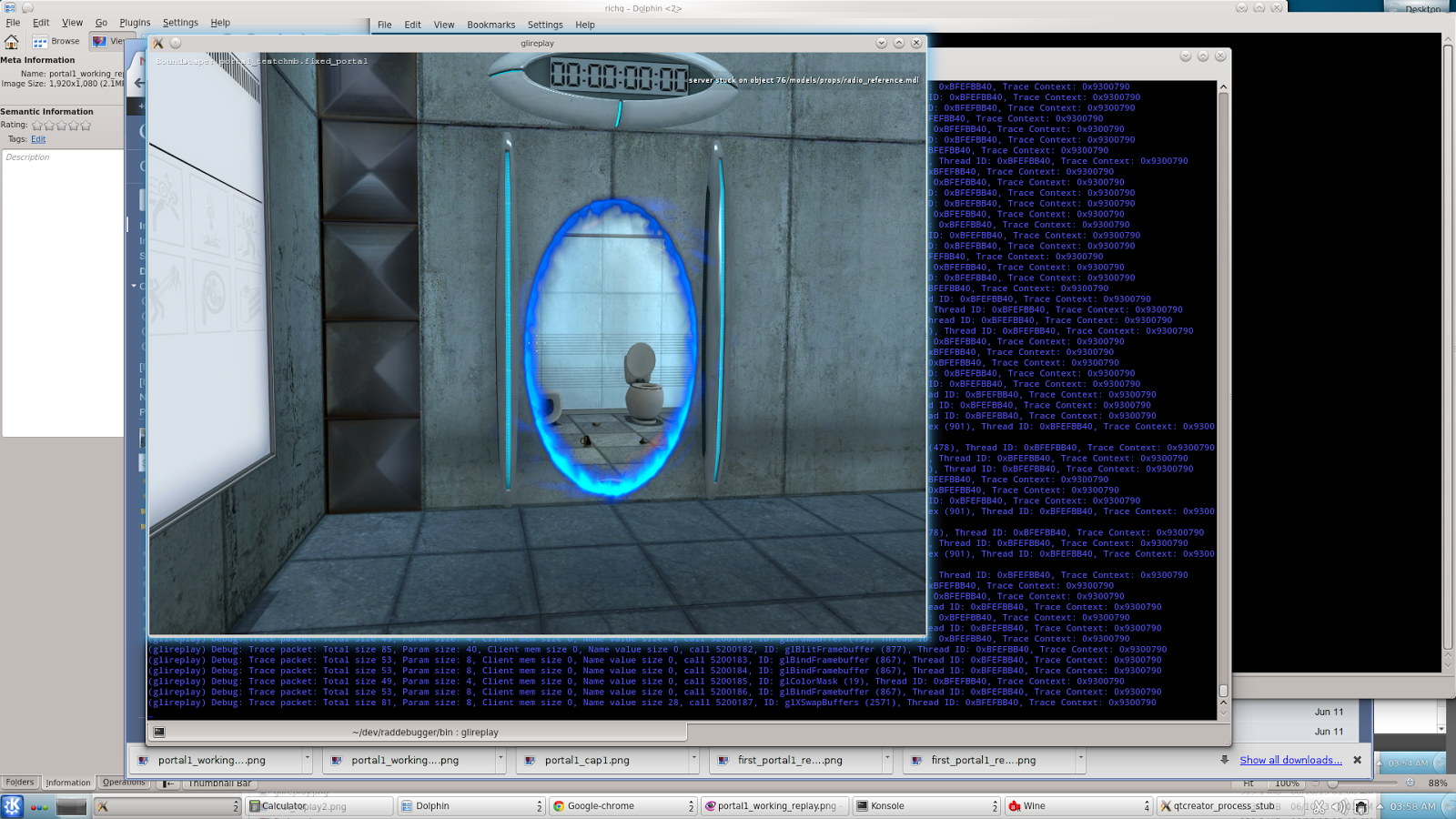
Steam OpenGL tracer/debugger VOGL

Steam OpenGL tracer/debugger VOGL

Steam Developer Days were a little while ago, but As a member of the Intel GPA team, I found their VOGL new tool announcement to be very interesting.  It’s a new graphics debugging/tracing tool – this time from Valve.

Here’s the link to Rich Geldreich’s Blog and gives all the details:
VOGL – OpenGL Tracer/Debugger

You can find the github distribution of the software here:
https://github.com/ValveSoftware/vogl


XAMPP on Windows – Port 443 used by VMware

XAMPP on Windows – Port 443 used by VMware

I was just installing XAMPP on my windows 7 x64 box, I tried to start Apache and got this message:

Problem detected!
Port 443 in use by ""C:\Program Files (x86)\VMware\VMware Workstation\vmware-hostd.exe" -u "C:\ProgramData\VMware\hostd\config.xml"" with PID 4688!
Apache WILL NOT start without the configured ports free!
You need to uninstall/disable/reconfigure the blocking application
or reconfigure Apache and the Control Panel to listen on a different port

Unfortunately, VMWare Workstation places it’s host ports on the same ones needed by Apache.  The solution is to change the apache ports via this procedure:

  1. Open the XAMPP Control Panel
  2. Click the ‘Config’ button next to the Apache module and select the ‘Apache (httpd-ssl.conf)‘ option
  3. A text edit box will pop up with the contents of httpd-ssl.conf
  4. Find the line with Listen 443
  5. Change 443 to some other open port – like 4430
  6. Do a search/replace in the file for all the references to 443 and change them to 4430 (should be like 3-4 of them)
  7. save and exit the editor
  8. Start Apache

If all goes well, it should start right up on ports 80, 4430.  Test it by going to localhost in your web browser and you should see the familiar xampp control panel

Update 2020-02-02:
Thanks to Spadez for this additional info:

I found I also had to set it via the Service and Port Settings in the Xampp Config. In the Xampp control panel click the Config button then the Port settings button and set the port number there.

Use Windows Git with proxy server

Use Windows Git with proxy server

Shesh – you’d think they’d have this more easily found on the official GIT website.

  1. Open a bash or cmd GIT shell
  2. git config --global http.proxy http://my.proxy.server:1234

That should do it.


Book Review: Penpal

Book Review: Penpal

Penpal is a book by Dahan Auerbach – but it didn’t start as a book. It is a terrific story and it’s also a fascinating example of how new kinds of stories and budding authors can come out of nowhere in our new internet world.  (note: this is a no spoiler review)

Penpal started as a couple of ‘creepypasta‘ short stories posted in the user-contributed, scary story ‘No Sleep’ area of Reddit.  It’s since been turned into illustrations, audio recordings, and even short films made by fans.  There’s even a rumor of a movie deal.

The book is a collection of several interconnected/overlapping short stories about a young boy trying to put together some strange events from his childhood.  As he goes over his memories, a very strange and terrifying tale begins to emerge from the pieces.

The book itself isn’t terribly long, but really draws you in.  I found myself reading at bedtime and next thing I know it’s 1am.  By the time I’d finished I felt like I’d had gone on a hair-raising roller-coaster ride and twisted around like a towel getting wrung out – but in a good way.  It left me thinking back on my own childhood and wondering about the things that I experienced as a kid and just how right/wrong I had understood them.

Told from the narrator (who is now an adult), the book is an adventure in watching what he as a kid experienced.  He does a masterful job capturing what he was feeling and the confusion while describing an unfolding story that would even terrify most adults.  You patch together what is going on via his own half-understood descriptions – and your own imagination patches together the rest – often much more terrifyingly than if you actually knew what was going on.

What makes Auerbach’s writing really unique is his ability to capture and communicate the feelings and experiences we had as kids.  His simple descriptions bring back a flood of your own memories of hanging out with your childhood best friend(s).  I found myself realizing I had the same feelings/fears such as staying back in the woods behind our house a little too late, going into a dark basement, or the little games we play with ourselves like trying to get back into our house before the street lights come on or not breathing while driving through a tunnel.  Auerbach also really hits the head on how kids misunderstand adult interactions and the ways we seek out parental love. Indirectly, he also captures the gut-wrenching moral/ethical decisions that adults make to protect their children from the harsh realities of a sometimes frightening world. If you ever had to explain to a kid why grandpa at the nursing home doesn’t remember you between visits – you’ll get an idea of these types of decisions.  Auerbach does a masterful job capturing these interactions with simple, approachable style.

Is it scary?  I would say that it is.  Not a jump-out-of-the-closet kind of scary – but the kind of scary you get because he’s nailing the emotions of childhood but telling them with the full knowledge of an adult.  The fact his descriptions are so real makes it even doubly impactful.

Sure, there are a few small plot holes and problems.  The biggest is the fact the individual chapters were actually separate clips that were written separately is a little apparent.  The flow and overlap are a little messy.  Part of the final resolution left me feeling a bit perplexed as well. But it doesn’t matter.  All that is easily overlooked by the great experience it is of reading this story.

Overall, I give this a solid A-.  It’s a great read.  It’s also scary. It won’t win any literary awards or upset any kings of horror, but it describes the experience of kids growing up so well that it’s worth the read alone.  It’s also a fascinating snapshot of how publishing is working now – much like how game development is working.  People work on a snippet of something, publish it on a forum, and see if it sticks.  If it does, they keep at it.  If not, it dies.

Regardless of how it was written/found – it’s a great read.  At the end, I found myself sitting there and re-visiting my own childhood, friends, and memories and feeling very thankful.  That alone is worth the time spent for the read.