Installing WordPress using XAMPP

Installing WordPress using XAMPP

When customizing/working on a new WordPress layout – it’s better if you don’t do it on your live blog.  Instead, install XAMPP

http://www.wikihow.com/Install-Wordpress-on-XAMPP

You can then set up the database and install WordPress in the httpdocs/ directory – but that’s not a straightforward/easy process.

Instead of all the extra setup, you can also use Bitnami’s WordPress application that installs WordPress for you and takes care of a lot of the annoying database and other setup bits.  They have versions for Windows, OS X, and Linux to make your life easier.

After setup, instead of the WordPress files being in the normal httpdocs\ directory, Bitnami’s WordPress on top of XAMPP puts the WordPress files in X:\..\XAMPP\apps\wordpress


Steam OpenGL tracer/debugger VOGL

Steam OpenGL tracer/debugger VOGL

Steam Developer Days were a little while ago, but As a member of the Intel GPA team, I found their VOGL new tool announcement to be very interesting.  It’s a new graphics debugging/tracing tool – this time from Valve.

Here’s the link to Rich Geldreich’s Blog and gives all the details:
VOGL – OpenGL Tracer/Debugger

You can find the github distribution of the software here:
https://github.com/ValveSoftware/vogl


XAMPP on Windows – Port 443 used by VMware

XAMPP on Windows – Port 443 used by VMware

I was just installing XAMPP on my windows 7 x64 box, I tried to start Apache and got this message:

Problem detected!
Port 443 in use by ""C:\Program Files (x86)\VMware\VMware Workstation\vmware-hostd.exe" -u "C:\ProgramData\VMware\hostd\config.xml"" with PID 4688!
Apache WILL NOT start without the configured ports free!
You need to uninstall/disable/reconfigure the blocking application
or reconfigure Apache and the Control Panel to listen on a different port

Unfortunately, VMWare Workstation places it’s host ports on the same ones needed by Apache.  The solution is to change the apache ports via this procedure:

  1. Open the XAMPP Control Panel
  2. Click the ‘Config’ button next to the Apache module and select the ‘Apache (httpd-ssl.conf)‘ option
  3. A text edit box will pop up with the contents of httpd-ssl.conf
  4. Find the line with Listen 443
  5. Change 443 to some other open port – like 4430
  6. Do a search/replace in the file for all the references to 443 and change them to 4430 (should be like 3-4 of them)
  7. save and exit the editor
  8. Start Apache

If all goes well, it should start right up on ports 80, 4430.  Test it by going to localhost in your web browser and you should see the familiar xampp control panel

Update 2020-02-02:
Thanks to Spadez for this additional info:

I found I also had to set it via the Service and Port Settings in the Xampp Config. In the Xampp control panel click the Config button then the Port settings button and set the port number there.

Use Windows Git with proxy server

Use Windows Git with proxy server

Shesh – you’d think they’d have this more easily found on the official GIT website.

  1. Open a bash or cmd GIT shell
  2. git config --global http.proxy http://my.proxy.server:1234

That should do it.


Book Review: Penpal

Book Review: Penpal

Penpal is a book by Dahan Auerbach – but it didn’t start as a book. It is a terrific story and it’s also a fascinating example of how new kinds of stories and budding authors can come out of nowhere in our new internet world.  (note: this is a no spoiler review)

Penpal started as a couple of ‘creepypasta‘ short stories posted in the user-contributed, scary story ‘No Sleep’ area of Reddit.  It’s since been turned into illustrations, audio recordings, and even short films made by fans.  There’s even a rumor of a movie deal.

The book is a collection of several interconnected/overlapping short stories about a young boy trying to put together some strange events from his childhood.  As he goes over his memories, a very strange and terrifying tale begins to emerge from the pieces.

The book itself isn’t terribly long, but really draws you in.  I found myself reading at bedtime and next thing I know it’s 1am.  By the time I’d finished I felt like I’d had gone on a hair-raising roller-coaster ride and twisted around like a towel getting wrung out – but in a good way.  It left me thinking back on my own childhood and wondering about the things that I experienced as a kid and just how right/wrong I had understood them.

Told from the narrator (who is now an adult), the book is an adventure in watching what he as a kid experienced.  He does a masterful job capturing what he was feeling and the confusion while describing an unfolding story that would even terrify most adults.  You patch together what is going on via his own half-understood descriptions – and your own imagination patches together the rest – often much more terrifyingly than if you actually knew what was going on.

What makes Auerbach’s writing really unique is his ability to capture and communicate the feelings and experiences we had as kids.  His simple descriptions bring back a flood of your own memories of hanging out with your childhood best friend(s).  I found myself realizing I had the same feelings/fears such as staying back in the woods behind our house a little too late, going into a dark basement, or the little games we play with ourselves like trying to get back into our house before the street lights come on or not breathing while driving through a tunnel.  Auerbach also really hits the head on how kids misunderstand adult interactions and the ways we seek out parental love. Indirectly, he also captures the gut-wrenching moral/ethical decisions that adults make to protect their children from the harsh realities of a sometimes frightening world. If you ever had to explain to a kid why grandpa at the nursing home doesn’t remember you between visits – you’ll get an idea of these types of decisions.  Auerbach does a masterful job capturing these interactions with simple, approachable style.

Is it scary?  I would say that it is.  Not a jump-out-of-the-closet kind of scary – but the kind of scary you get because he’s nailing the emotions of childhood but telling them with the full knowledge of an adult.  The fact his descriptions are so real makes it even doubly impactful.

Sure, there are a few small plot holes and problems.  The biggest is the fact the individual chapters were actually separate clips that were written separately is a little apparent.  The flow and overlap are a little messy.  Part of the final resolution left me feeling a bit perplexed as well. But it doesn’t matter.  All that is easily overlooked by the great experience it is of reading this story.

Overall, I give this a solid A-.  It’s a great read.  It’s also scary. It won’t win any literary awards or upset any kings of horror, but it describes the experience of kids growing up so well that it’s worth the read alone.  It’s also a fascinating snapshot of how publishing is working now – much like how game development is working.  People work on a snippet of something, publish it on a forum, and see if it sticks.  If it does, they keep at it.  If not, it dies.

Regardless of how it was written/found – it’s a great read.  At the end, I found myself sitting there and re-visiting my own childhood, friends, and memories and feeling very thankful.  That alone is worth the time spent for the read.

Japan Day 5 – Koenji and Floresta donuts

Japan Day 5 – Koenji and Floresta donuts

Kawaii!!!!!!!

Portland is known for their odd and quirky Voodoo Donuts – which I’ve been to many a time. Their creations go from the strange to the near pornographic, so are not really for the faint of heart.

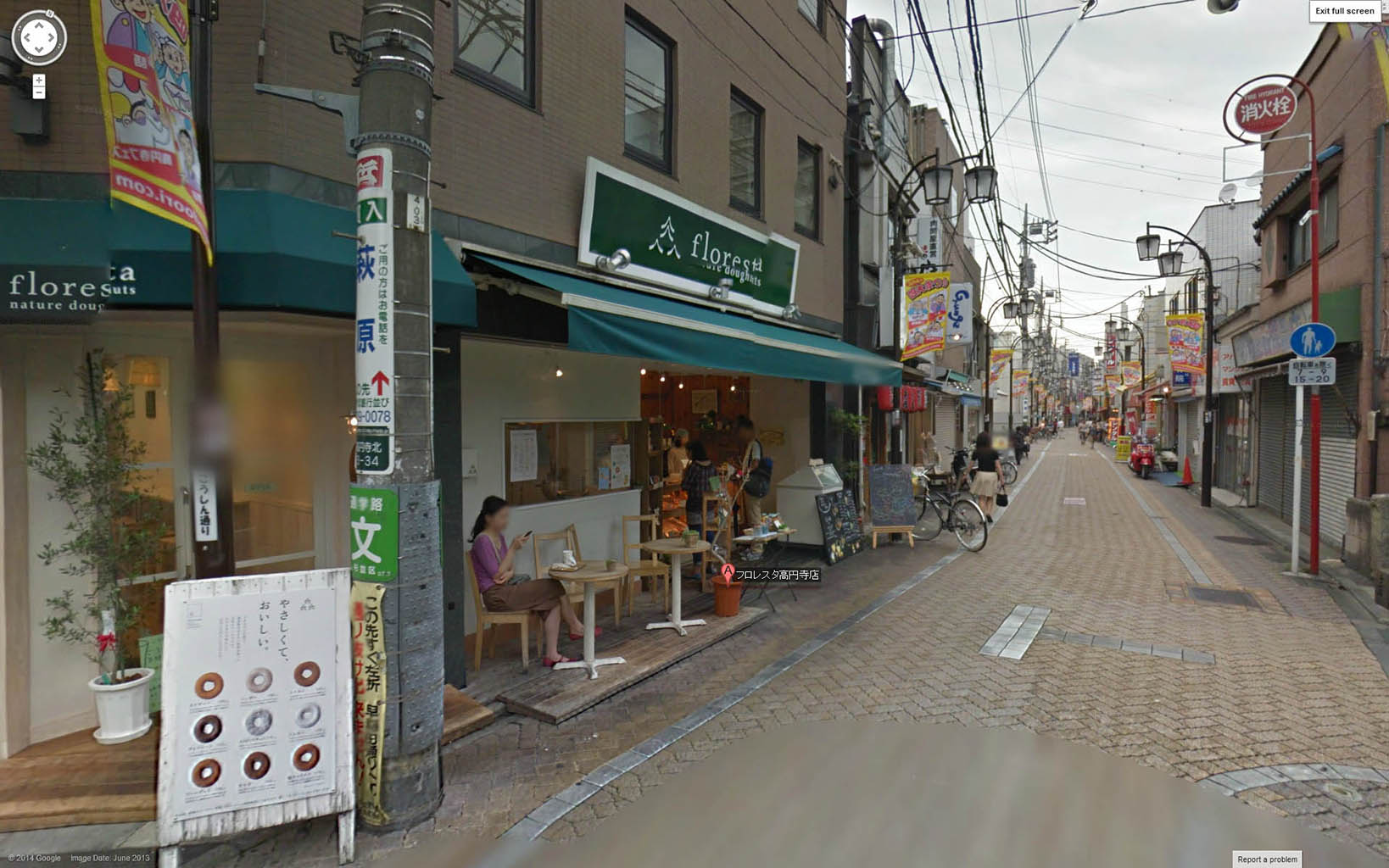
Two companies in Japan, however, have gone the other direction to create unbelievably cute donut creations. Ikumimama and Floresta have several shops around Japan, that have made a line of unbelievably cute donut animals.  Upon reading about them, I knew I had to find a shop when I was in Japan.  Doing that, however, turned out to be a bit more difficult than I first thought.

I searched around and went to one of their stores located just outside a station in Tokyo, but discovered the warning that not all stores carry their animal line was all too true.  I then located the next closest one I could find: Koenji.  The first time I visited the Koenji Floresta, I was unfortunately greeted with a “Closed for the day” sign.  What bad timing.  But I came back the next morning, and hit paydirt!

IMG_9010  IMG_9008

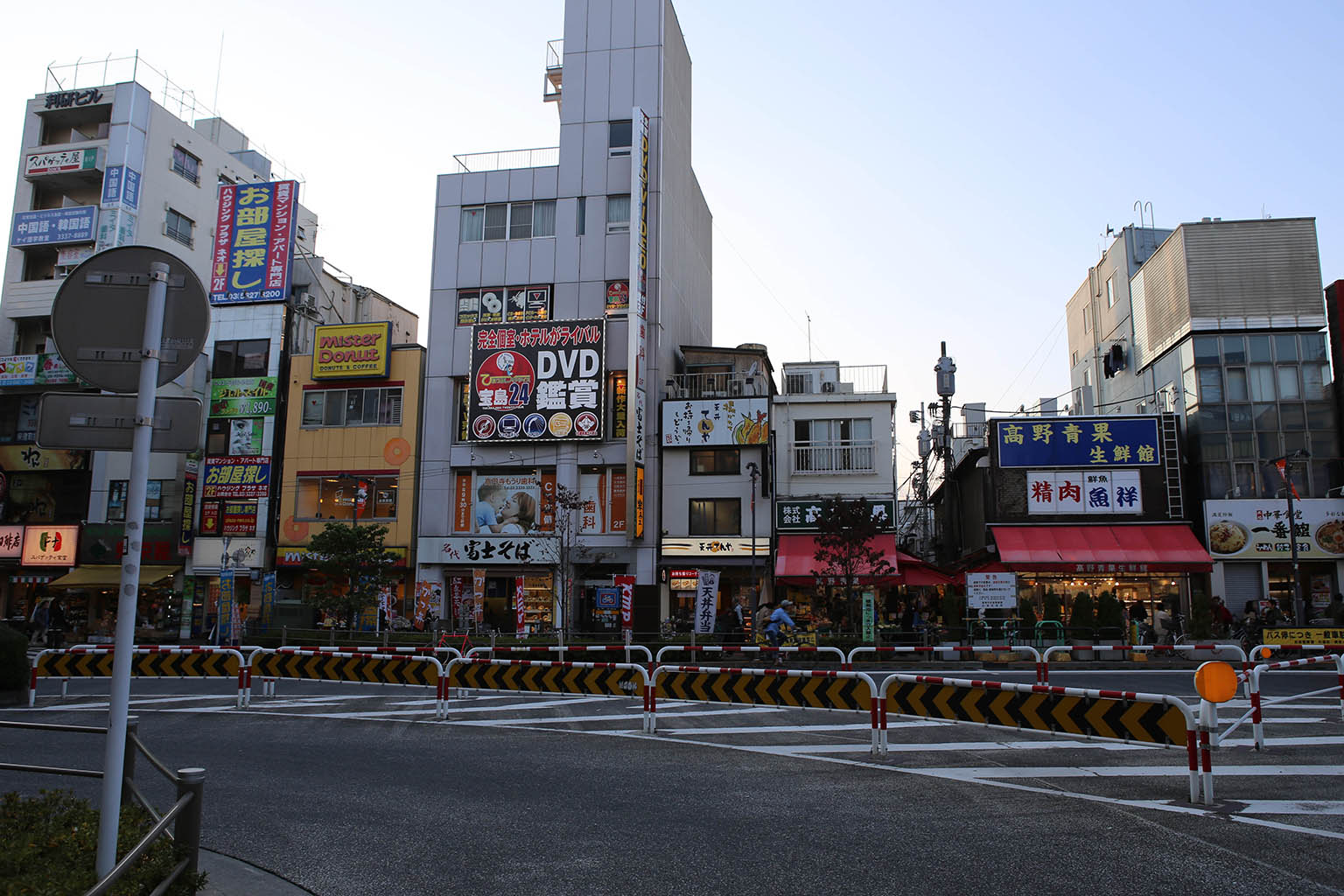
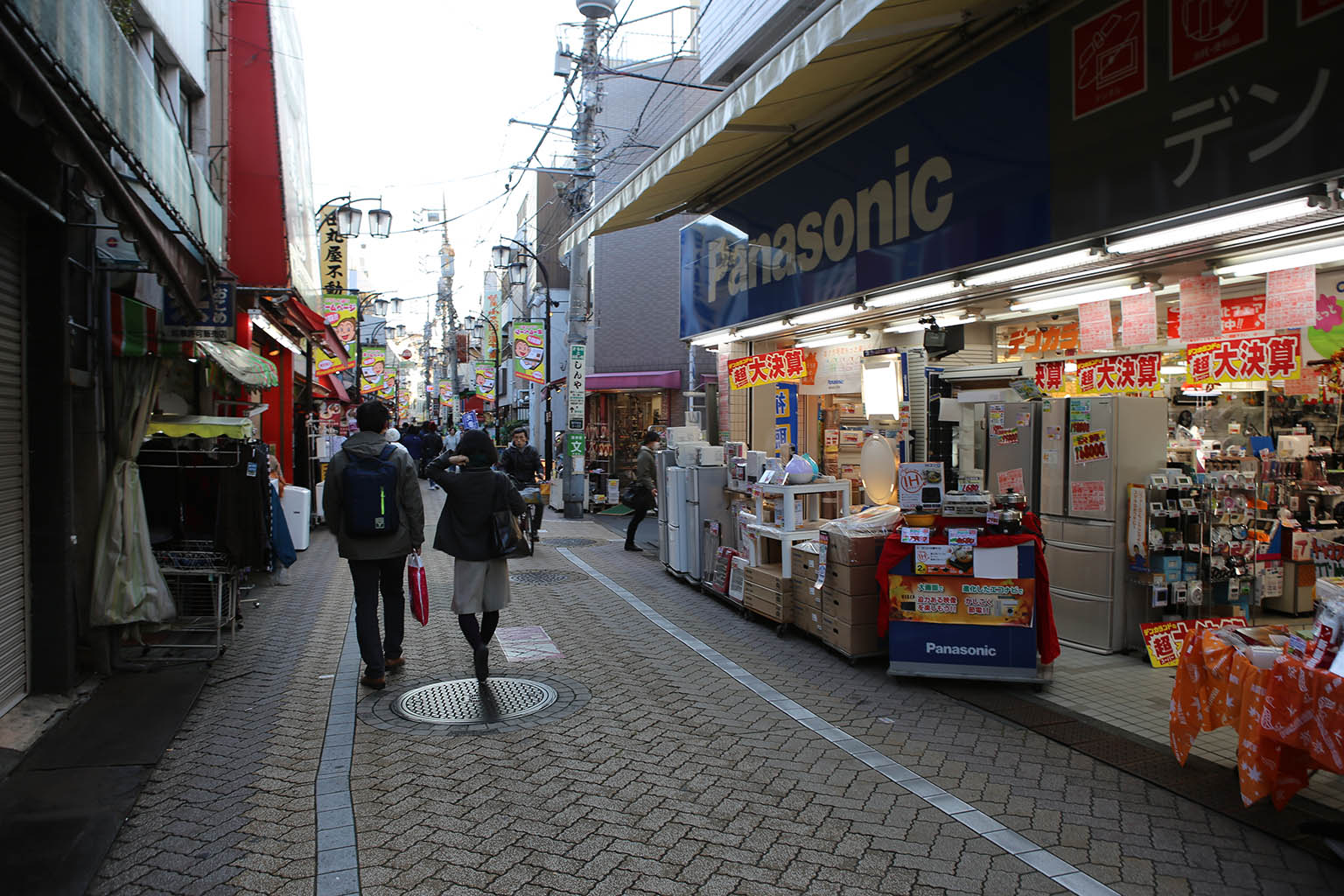
The area around Koenji station is actually a great, quiet suburb.  You’ll never find it in any guide books, but walking around in this area was a great insight into normal, everyday Japanese life.


IMG_8957  IMG_8954  IMG_8995  IMG_8976
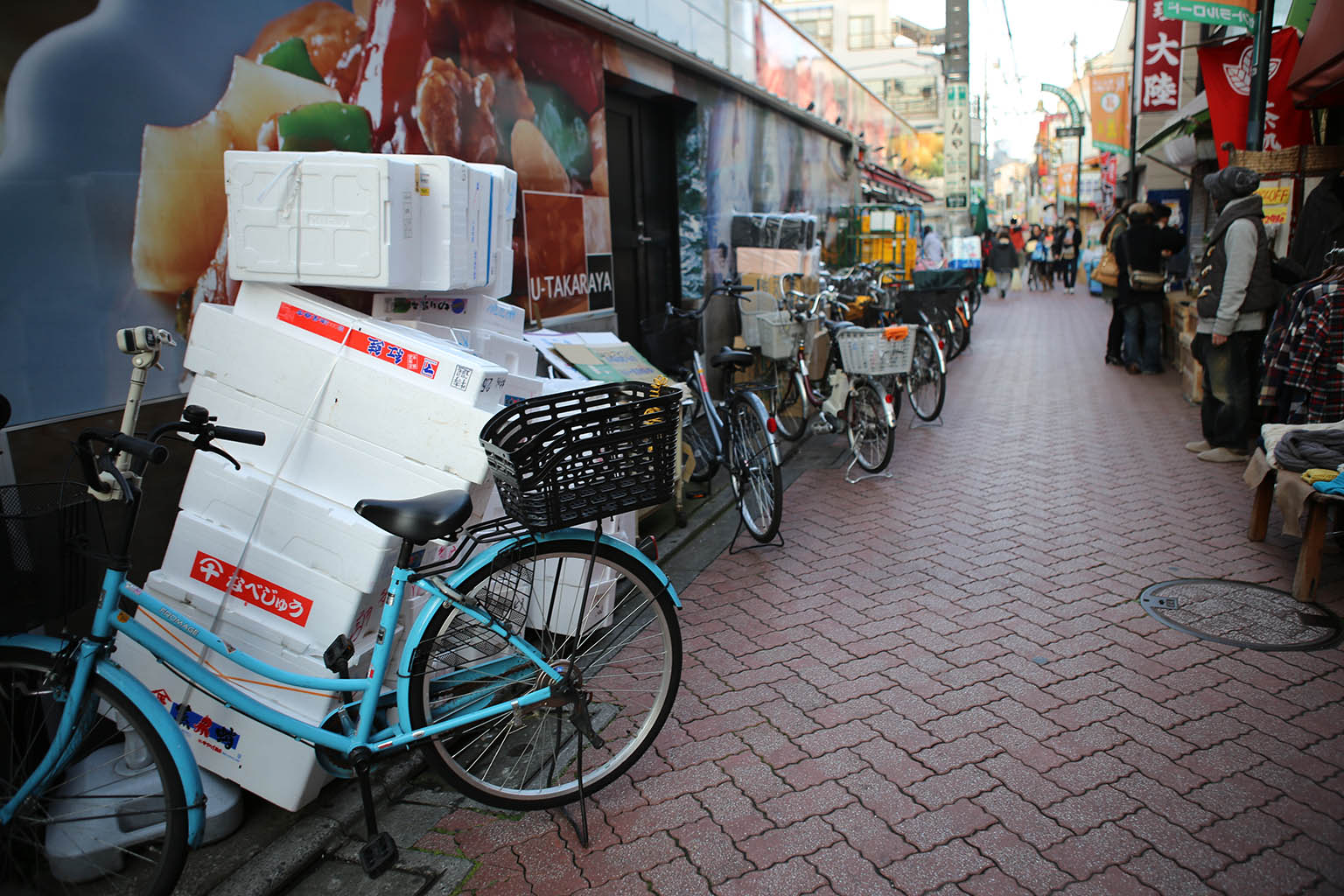
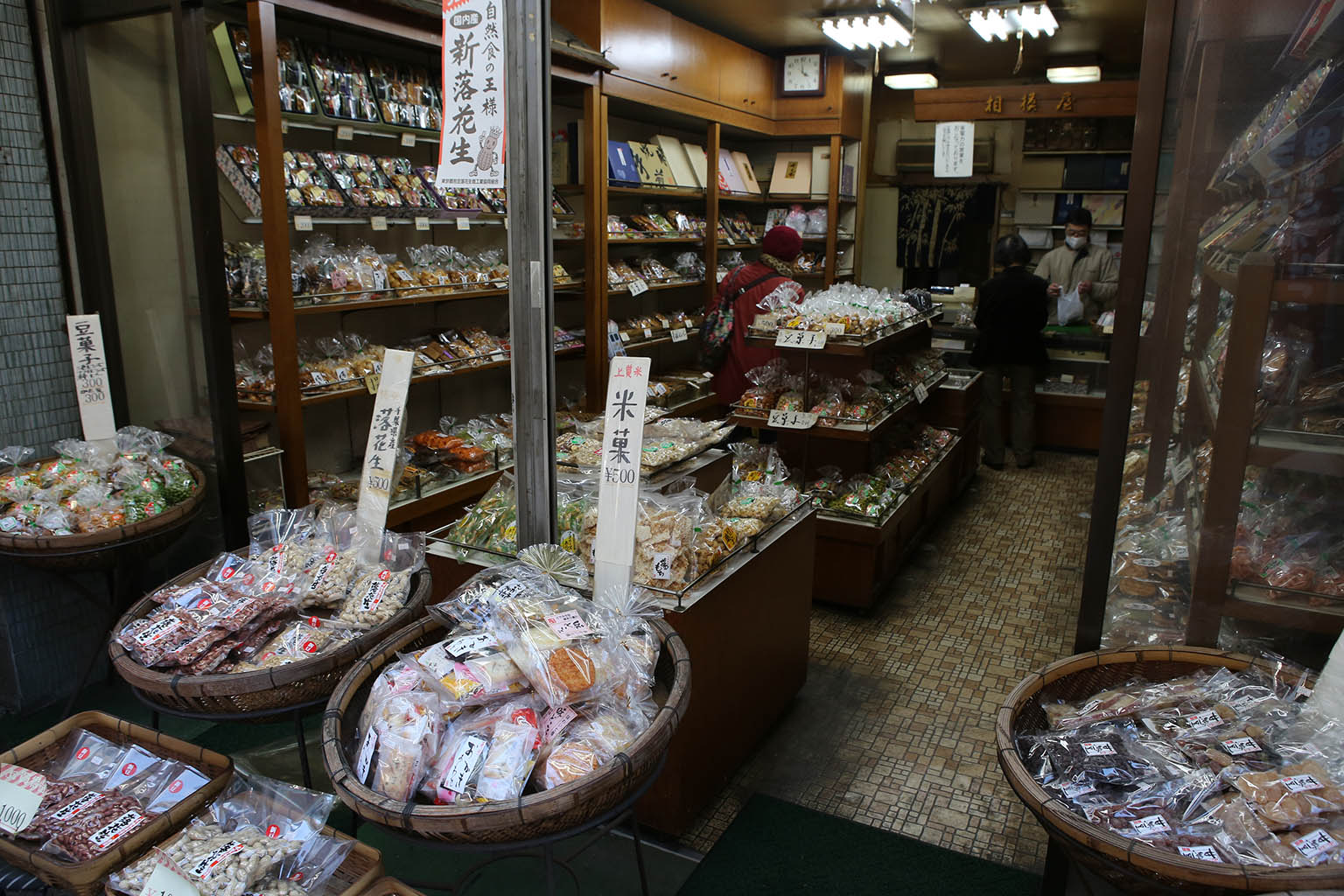
First off there were lots of shops of all varieties as you walk down the narrow walkways.  While the streets were wide enough to fit the odd tiny delivery car, almost the entire area was traversed by bicycle or walking.  Walking through it was very enjoyable as there were tons of great shops to check out.


IMG_8972  IMG_8968  IMG_8970

IMG_8988  IMG_8991  IMG_9005  IMG_9004

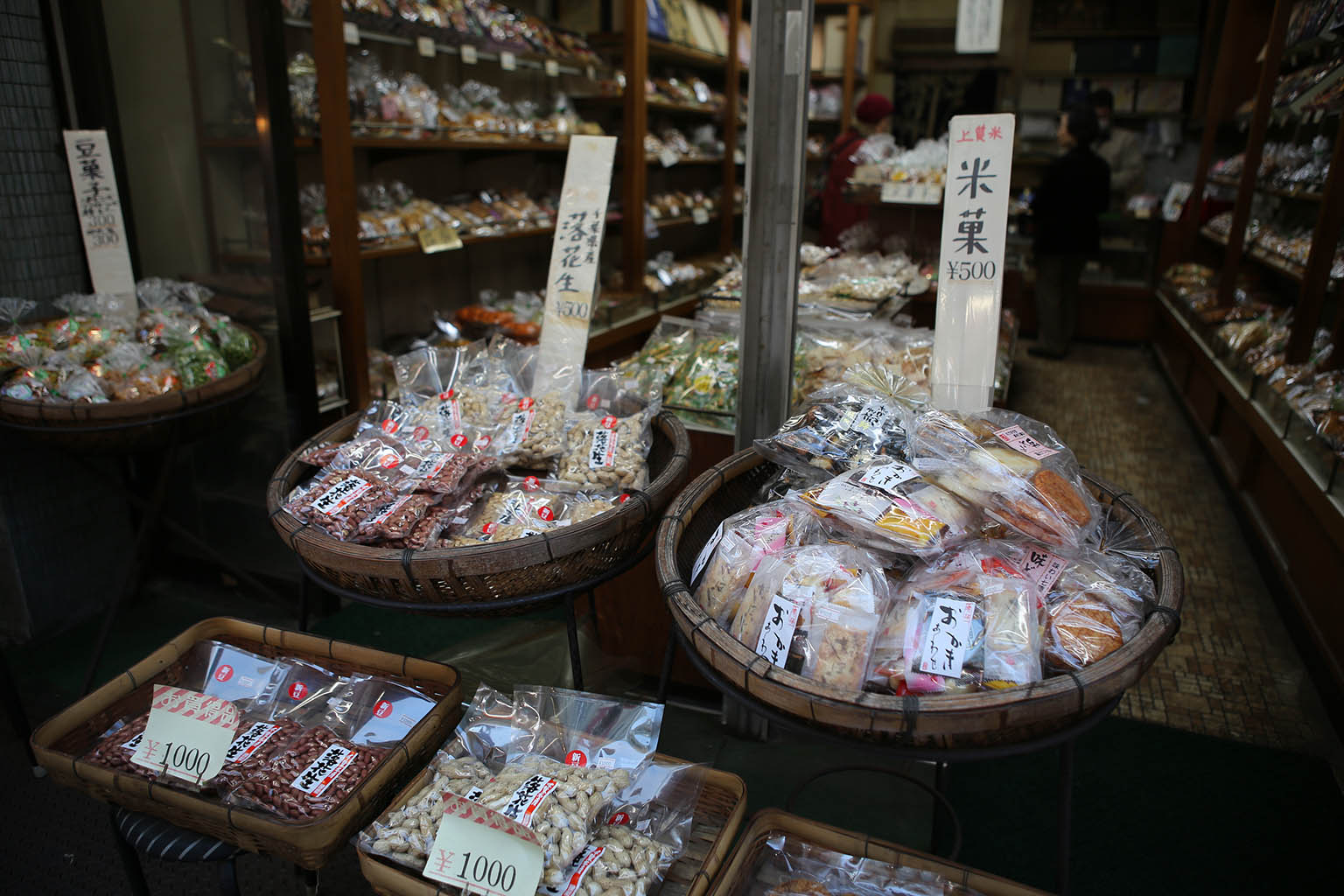
The most interesting/cool stores were the groceries.  You can tell a lot about a culture by what foods it likes.

IMG_8964 IMG_9000 


IMG_9001  IMG_9013  IMG_9015  

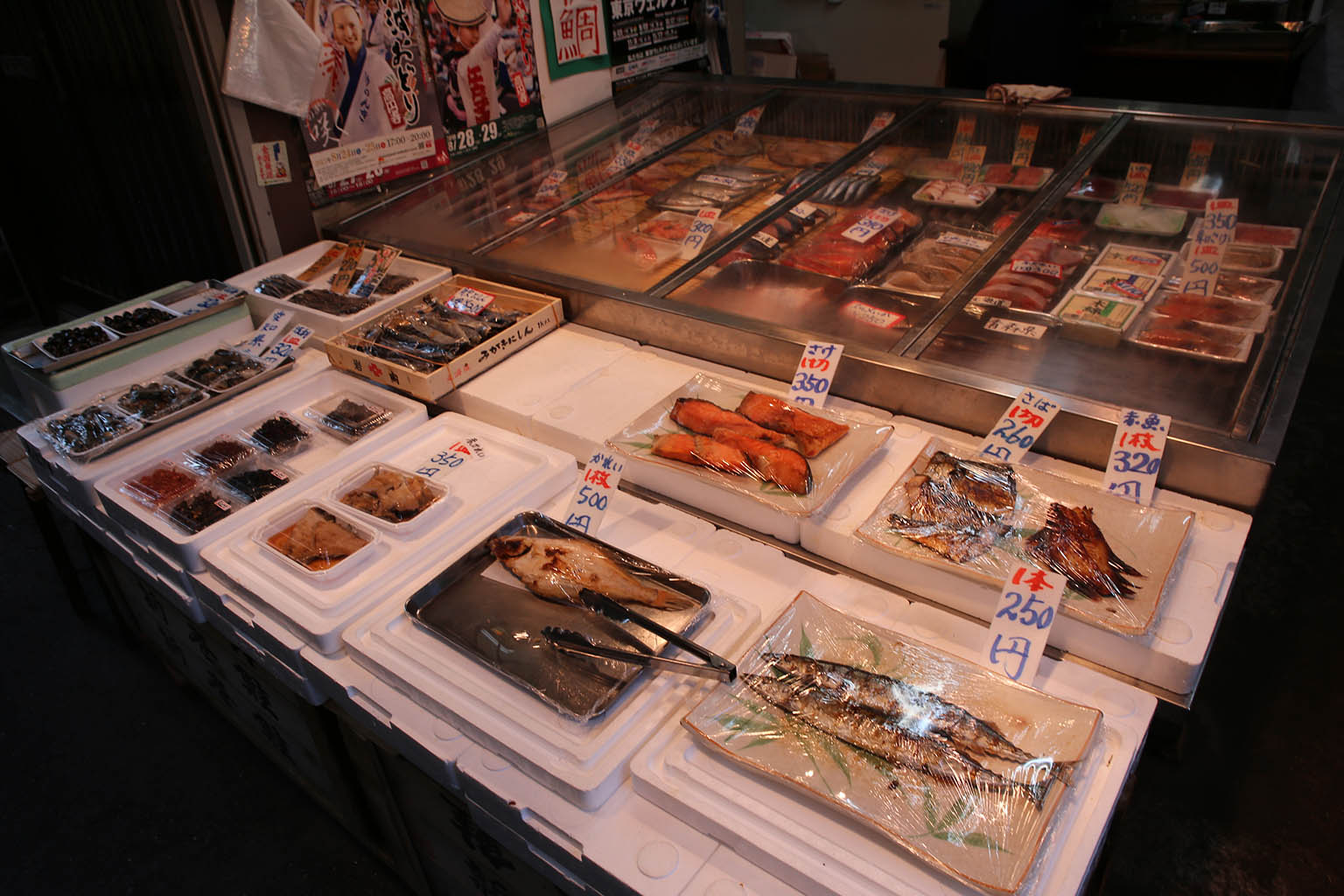
There were also fish and other food shops such as nuts.

IMG_8974  IMG_8975  IMG_9011  IMG_9016

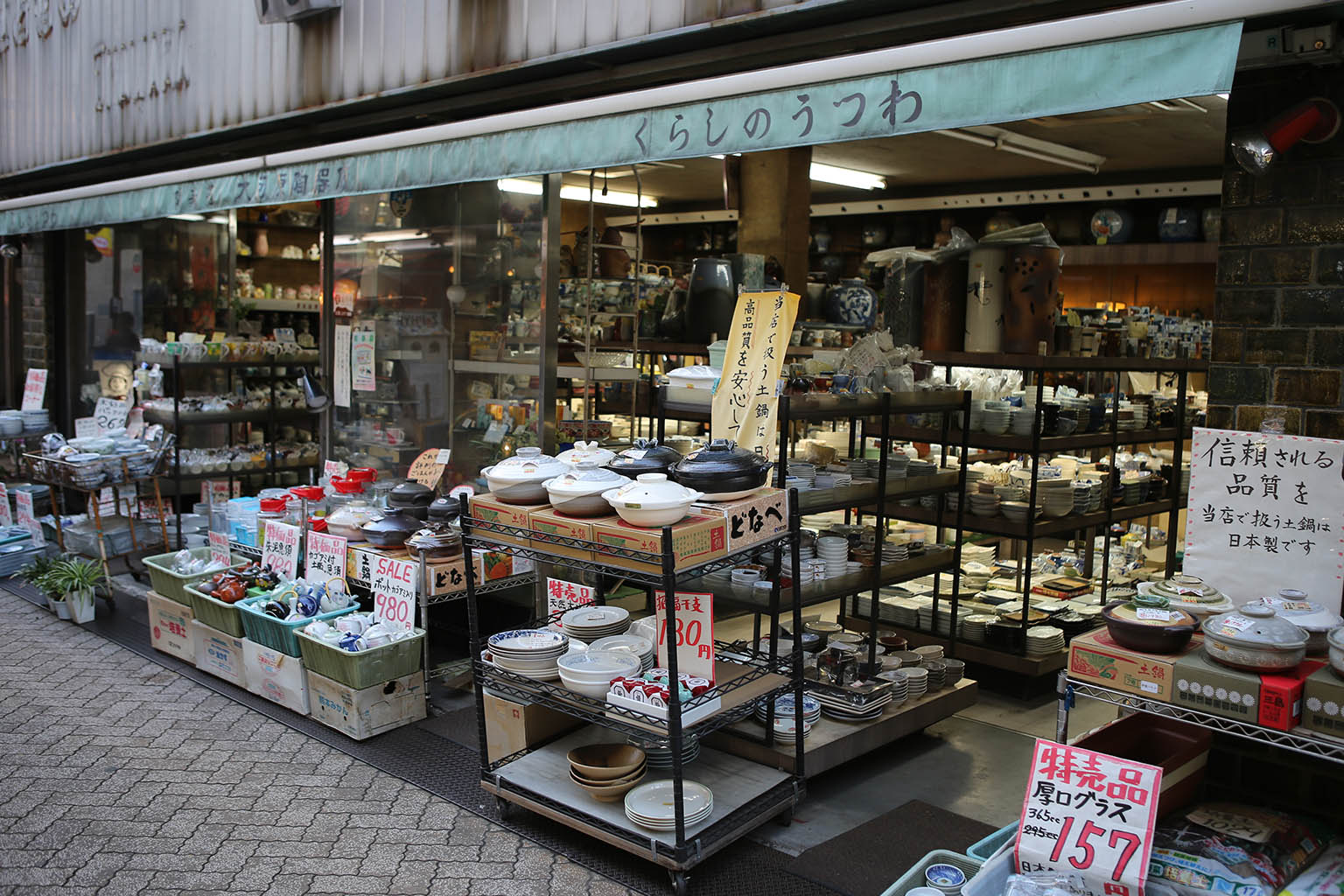
But there wasn’t just food, there were also other shops that served up all kinds of everyday wares.  I love how everything can be made adorable with a few cartoon characters.  Even toilet paper.

IMG_8967

There were a few interesting restaurants as well – including this “Italian’ pizza place.

IMG_8986  IMG_8981

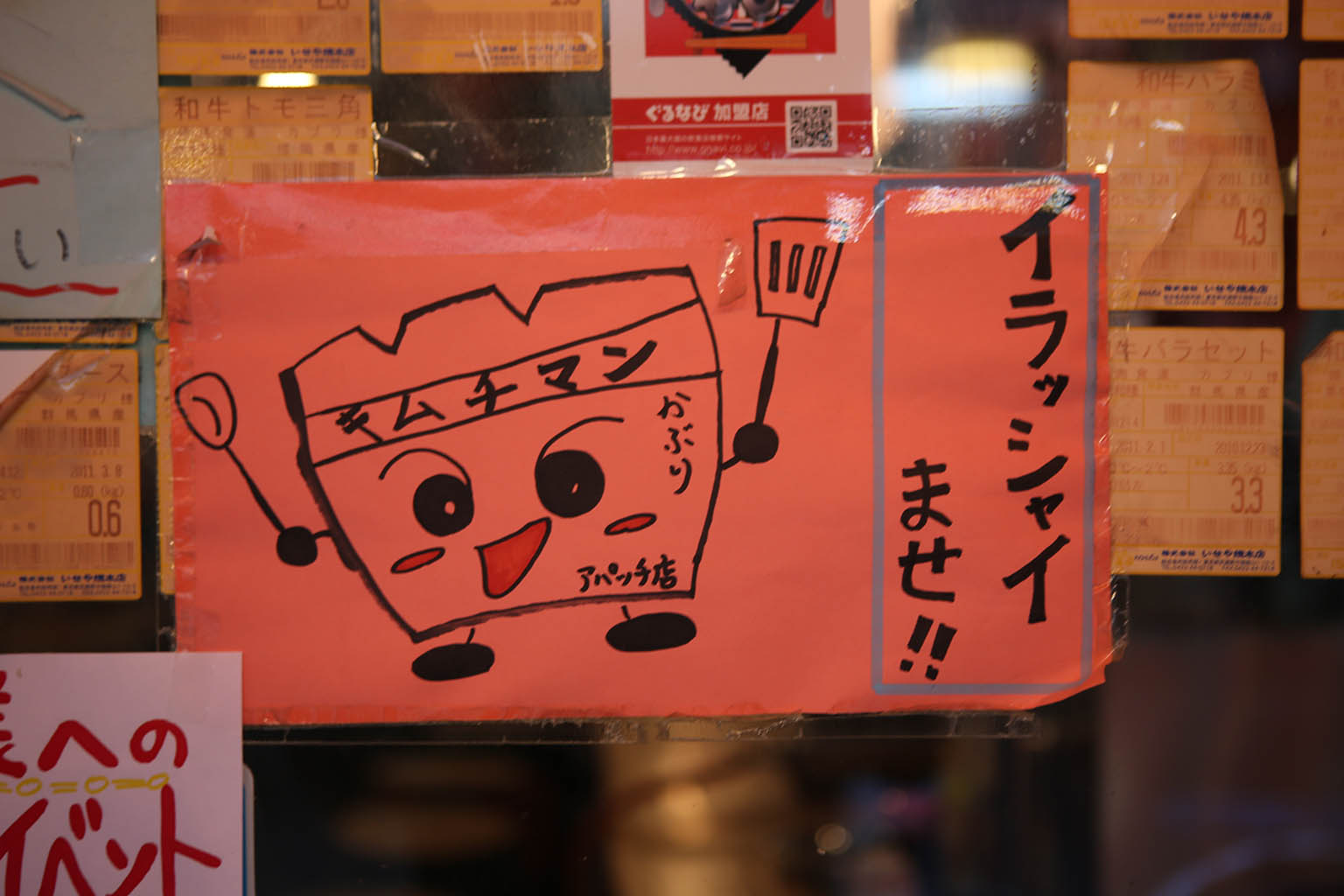
This eatery had this adorable character used a number of places on their signage – but I have no idea what it’s supposed to be.  Any natives help me sort out what it is/what the kanji says?

IMG_8980  IMG_8979

While on the topic of cute, the sign for this little hair salon had this tiny doll house.  If you looked inside, there was a pretty elaborate dining room scene with tiny animals inside it.

IMG_9012  IMG_9017

On a more serious note, you could tell this was a real town because they had a funeral and shrine shop that sold everything from markers, incense and funeral clothing.  Every culture has it’s ceremonies.  I decided to be polite and just observe from the street for a few moments before walking on.


But finally, the whole point of the trip – the donuts!

IMG_8912X IMG_8924 IMG_8929

On this second visit, I finally arrive on a day/time when the shop is open.  Good thing I came early too; because they were nearly out of their cute animal donuts.  In fact, I bought up 3 of the 4 remaining ones. This meant the selection wasn’t that big, but honestly, scoring their last cat donut was the most awesome thing that could have happened.

I won’t lie – these donuts put the quality of Voodoo donuts to absolute shame.  The little ‘squirrel’ ones were particularly well made.  The ‘nut’ in their center was a chocolate covered ball of dough that was painted up with two kinds of chocolate.  The fluffy ‘tail’ was granola sprinkled around the edge.  The ears of all the animals were actual a tiny, delicious nut (1 nut per ear).  The donut itself was the very simple cake-like donut not unlike the plain cake/coffee donuts you find here.  That said, it was really hard to actually eat these little works of art but I sacrificed one immediately to my hunger god.  I saved 2 of them which were the ones I pulled out and made friends with folks at the Albatross bar in Golden Gai.  They certainly were a hit.

If you want to walk around an everyday, off-the-beaten-path slice of real Japanese life – I totally recommend a stop and walk around the Koenji station.  Get some awesome donuts too – but if you do – call ahead and make sure their both open, and have some in stock!
VMWare Workstation 10 and SteamOS Beta

VMWare Workstation 10 and SteamOS Beta

steamosbeta

Installing SteamOS natively was a real pain in the rear during the alpha.  You had to do a lot of fiddling to get it working, and it didn’t have very good hardware support.  The most successful virtual-machine installs were on VirtualBox at the time.  I managed to get that working but it required a lot of linux/unix experience.  Far beyond what most people would want.

Valve, however, just released SteamOS Beta last month.  I downloaded a copy and it’s much, MUCH easier to install.  That, and it seems to install ok in VMware (which has much better hardware support than VirtualBox).

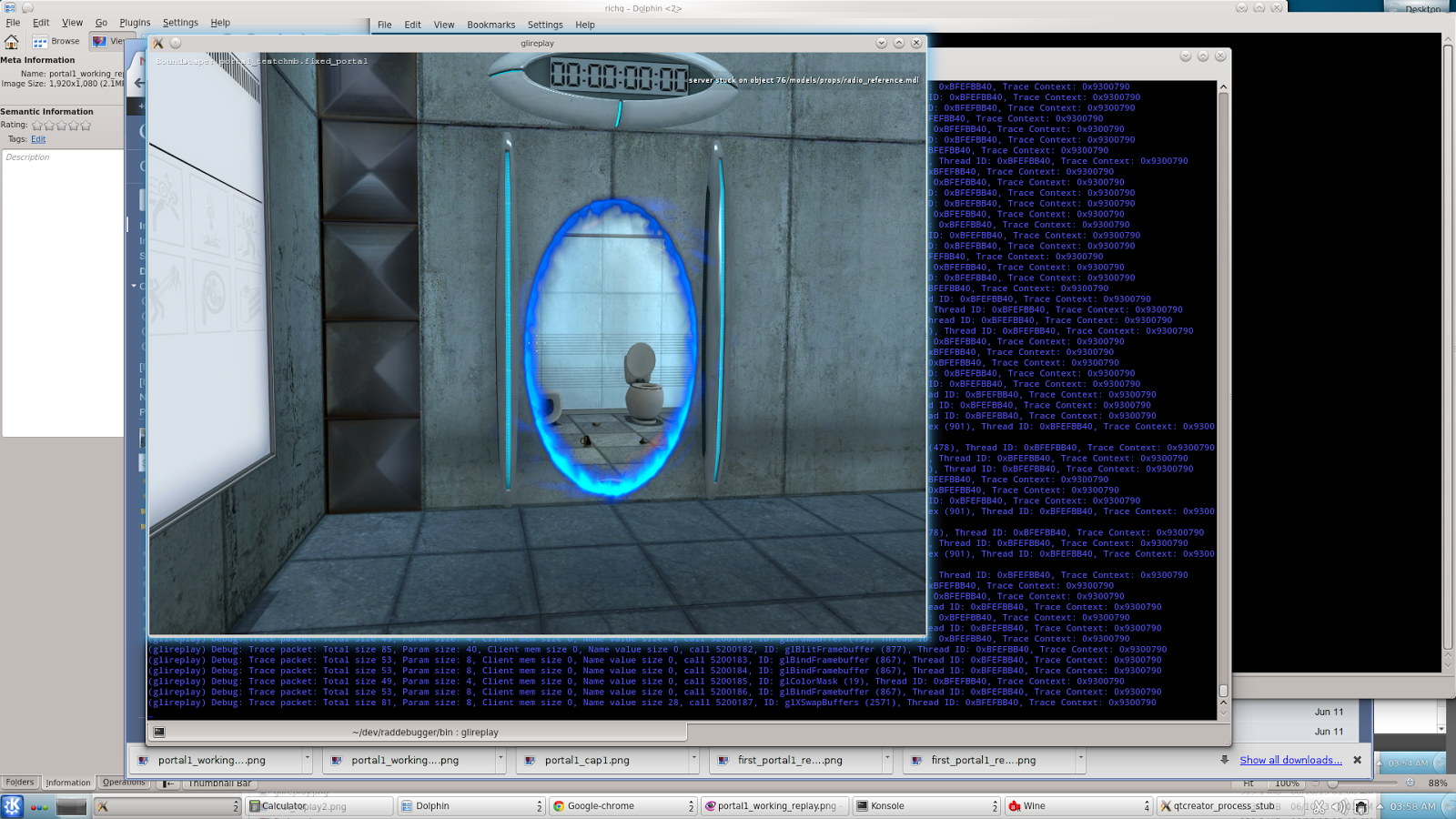
There’s still some gotcha’s.  Upon trying to run Left4Dead2, I get errors about unsupported OpenGL extensions, but I am using VMware’s hardware drivers.  I still have some experimenting to do – maybe I can get it working properly.  But the BigPicture and all the other experience is there.

Here is the procedure (wrote this up around midnight – so forgive the typos.  I’ll clean it up later):

  1. Download the SteamOS Beta iso from this link.  Valve has done a nice job here in already packaging it as a bootable iso file.  So no more needing to use 3rd party tools to create bootable iso files or boot off usb sticks after writing them via special programs.
  2. Set up your VMware system using the following settings:
    1. Custom (advanced) setup
    2. Hardware compatibility: Workstation 10.0
    3. Select a guest operating system: Debian 7 64-bit
    4. Processors: 2 processors, 2 cores per processor (4 total)
    5. Memory: 4096MB
    6. Hard drive 500MB (40MB minimal)
  3. Save your settings and close the VMware application.
  4. Go to the file location where you created the virtual machine in Step 2
  5. Open the .VMX file associated with it and add this line to the end:
    firmware = "efi"
  6. Start VMware Workstation back up.
  7. Set the virtual machine’s cdrom drive to point to the iso you downloaded in step 1.
  8. Start up the virtual machine and you should get the steam installer started
  9. Follow the procedure for the install as normal.  Nothing special needed.  It will reboot when finished.
  10. Here’s where things might diverge.  If you have an nVidia card, odds are good you won’t have issues, but for those with ATI cards, you might.
  11. Upon reboot after install, I got a delay then Debian started up in fallback mode.
  12. Either way, complete the steam install by agreeing to the licensing terms.
  13. You’ll see the steam platform update itself.  Log into Steam using your Steam account.
  14. You should have a steam client up after logging in.
  15. For those with ATI cards or the dreaded blank screens after reboot, do this step to install VMware tools BEFORE rebooting.
    1. Open a terminal prompt.
    2. Click on the ‘Install VMware tools’ option on the bottom of the VMware window, or select VM->Install VMware Tools option from the top menu.
    3. On the desktop, open the CD-ROM drive that appears and copy the VMwareTools-x.x.x-xxxxxxxx.tar.gz (x’s will be the latest version number).
    4. copy the tarball to /tmp via:
      cp VMWareTools-x.x.x.xxxxx.tar.gz /tmp
    5. log in as the ‘desktop’ user. SteamOS has two accounts: ‘steam’ and ‘desktop’. You need to be ‘desktop’ to issue any sudo commands.
      su - desktop
    6. The default password for the ‘desktop’ user is ‘desktop’.  You need to be logged in as desktop to have su privileges.
    7. cd /tmp
    8. gunzip VMWareTools-x.x.x.xxxxx.tar.gz
    9. tar -xvf VMWareTools-x.x.x.xxxxx.tar
    10. cd VMWareTools-x.x.x.xxxxx.tar (correction: cd vmware-tools-distrib)
    11. sudo ./vmware-install.pl -default
    12. Answer yes to the prompt and VMware tools will install.
    13. When it’s complete, reboot:
      sudo reboot
  16. When your system reboots, you should be in SteamOS big-picture mode!  Log in and enjoy!

Helpful links:
Initial setup instructions for VMware with pictures
http://www.vmwareandme.com/2014/01/guide-installing-steamos-on-vmware.html#.UwMJVIW0x1G

VMware tools
http://www.youtube.com/watch?v=rUK7Ycy2kzo

Using your TWAIN driver for your Canon CanoScan LIDE 25 on Windows 7 x64 Photoshop CS6

Using your TWAIN driver for your Canon CanoScan LIDE 25 on Windows 7 x64 Photoshop CS6

In a follow-up article from last year, here’s the link to the TWAIN drivers for your CanoScan scanner so that you can get it working with Photoshop CS4/CS5/CS6 on 64-bit Windows.

Again, please not this ONLY works with the 32-bit version of Adobe Photoshop CS4/CS5/CS6.  TWAIN support is not available on 64-bit versions of Photoshop.

http://helpx.adobe.com/photoshop/kb/twain-plug-photoshop-cs4-cs5.html#id_51241

Japan – Train etiquette and train pushers

Japan – Train etiquette and train pushers

On my nights out, I learned how packed Tokyo trains can get.

Everyone has seen or read about the train-pushers that squeeze people onto trains so everyone would fit.  While I was told that this sometimes happens at one or two of the busiest stations during the day, I only saw it once and it wasn’t nearly as bad as this video. More on the order of a guy helping people push coats/backpack straps/briefcases in. The time trains were packed the worst wasn’t usually during the day – but was the last trains of the night.  It makes sense too – a whole day full of people trying to get on the last trains of the night or be stranded.  Without a doubt, those last trains were the most packed trains I ever saw.

Of course they have the same rules of etiquette as far as letting the aged and mothers have first seating priority – but like anywhere – that isn’t followed to the letter of the law.  Still, you can gain a lot of respect from those around you by being the gaijin that surrenders their seat to an older person.  I did this a few times and got very approving nods and smiles from the locals.  It’s moments like this that remind you that small gestures of courtesy and respect go a long way.

When you do encounter packed trains – the squeezing process is simple.  You fill in the obvious spaces – then people behind just keep shuffling and pushing into the car with their bodies (hands by sides marching forward).  Squeeze and squeeze and squeeze.  This is not an overly gentle process, but not rough either.  Nobody throws an elbow or jams briefcases/umbrellas in each other or says anything. It is a nearly silent process no matter how uncomfortable people get.  Instead, you just put your body against the people around you and lean forcefully into each other until they move.   There’s no over-politeness or ‘excuse me’ like there is here in the US – you often won’t hear a peep from a whole car doing this.   Personal space is a very relative term and it’s just understood you’re going to get crammed in so people do not mind leaning pretty hard into each other.  As the trains start/stop, lurch and sway, you’re going to get really friendly with those around you.  The good thing is that if people are really drunk – they basically can’t fall over anymore – but they might bang heads with you.