Kid’s drawings painted realistically
Dave Devries takes drawings from little kids and then paints them more realistically. The results are published on his website, and in his book: The Monster Engine.

Dave Devries takes drawings from little kids and then paints them more realistically. The results are published on his website, and in his book: The Monster Engine.
Richard Kiel is best known for his role as Jaws in the James Bond movies. But did you know he was an accomplished salesman, house developer, and tremendous family man despite the many difficulties he faced trying to make it as an actor? He was a very hard working guy that worked on countless projects and created the comedic nature of the character Jaws. On top of that, he was a pretty inspirational guy later in life.
Learn how he got that lump on his forehead and how a man with many things against him made it in one of the most image-based industries. Definitely worth a listen.
The last chapter of his book is particularly touching where he discusses his faith and asks if the reader is interested in Christianity. He provides a prayer for you to say outloud and even puts his email address and mailing address down if you said it and want to talk to him about it. He then says, “Thank you for letting me share my life with you.”
What a guy.
Until we get 1TB SSD’s for less than $1000, space on them is always at a premium. One strategy is to split your Steam game installs between drives. For slow loading or games you play often, you might want those on your SSD. For infrequently played games, you likely want those on a big, cheap platter drive. Steam gives you the ability to have multiple libraries on multiple drives, but it doesn’t always work as expected.
I tried recently to add a library to a big platter drive, and got the message 'Failed to add new steam library to folder'. I tried all kinds of ways of creating the library, but always got the same message. My drive was not out of space, I had adequate permissions. I started/restarted steam. No luck.
The problem:
Failed to add new steam library to folder
The issue is that the Steam client cannot add new libraries while anything is happening to the existing game library. In my case, one single game (way off the bottom of the screen!) was updating. This activity prevents the Steam client from being able to add a new library folder.
The solution:
Pause or cancel the download/update. Make sure nothing is updating, then go to the Library display view in the Steam client. Then select: Steam->Settings->Steam Libraries Folders->Add Library Folder. You should then be able to select/create new library folders on new drives.
The shaming:
Valve engineers – fix that dialog! Be sure to tell people WHY you can’t create the folder, not just that you can’t. Error messages are useless unless they give you enough information about what’s wrong so that you can fix the problem. Especially one so simple to report.
Some folks build a robot and give it an audio track and it takes pictures/recording periodically and sends them home. It was set on the side of the road in Halifax, Nova Scotia and is now ‘hitchhiking’ to Victoria, British Columbia.
So far it’s making amazing progress!
Back and badder than ever! This weekend – Aug 16-17.

A fantastic strategic analysis of the game Monopoly by Walter Hickey. Any investigation of a game that ends up talking about Markov chains is pretty sweet in my book.

http://www.businessinsider.com/math-monopoly-statistics-2013-6?op=1
When customizing/working on a new WordPress layout – it’s better if you don’t do it on your live blog. Instead, install XAMPP
http://www.wikihow.com/Install-Wordpress-on-XAMPP
You can then set up the database and install WordPress in the httpdocs/ directory – but that’s not a straightforward/easy process.
Instead of all the extra setup, you can also use Bitnami’s WordPress application that installs WordPress for you and takes care of a lot of the annoying database and other setup bits. They have versions for Windows, OS X, and Linux to make your life easier.
After setup, instead of the WordPress files being in the normal httpdocs\ directory, Bitnami’s WordPress on top of XAMPP puts the WordPress files in X:\..\XAMPP\apps\wordpress
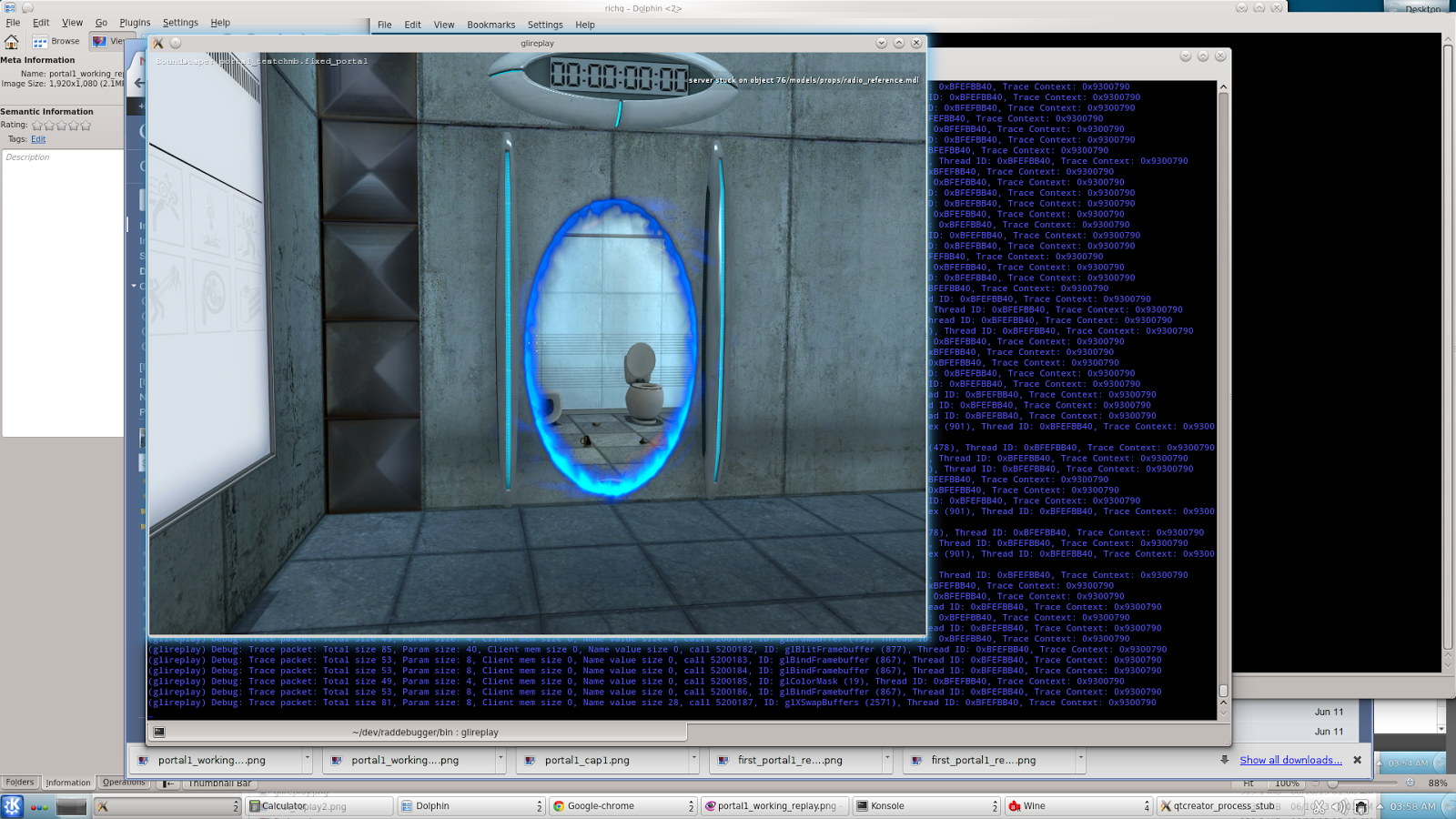
Steam Developer Days were a little while ago, but As a member of the Intel GPA team, I found their VOGL new tool announcement to be very interesting. It’s a new graphics debugging/tracing tool – this time from Valve.
Here’s the link to Rich Geldreich’s Blog and gives all the details:
VOGL – OpenGL Tracer/Debugger
You can find the github distribution of the software here:
https://github.com/ValveSoftware/vogl
I was just installing XAMPP on my windows 7 x64 box, I tried to start Apache and got this message:
Problem detected!

Port 443 in use by ""C:\Program Files (x86)\VMware\VMware Workstation\vmware-hostd.exe" -u "C:\ProgramData\VMware\hostd\config.xml"" with PID 4688!

Apache WILL NOT start without the configured ports free!

You need to uninstall/disable/reconfigure the blocking application

or reconfigure Apache and the Control Panel to listen on a different port
Unfortunately, VMWare Workstation places it’s host ports on the same ones needed by Apache. The solution is to change the apache ports via this procedure:
Apache (httpd-ssl.conf)‘ optionListen 443If all goes well, it should start right up on ports 80, 4430. Test it by going to localhost in your web browser and you should see the familiar xampp control panel
Update 2020-02-02:
Thanks to Spadez for this additional info:
I found I also had to set it via the Service and Port Settings in the Xampp Config. In the Xampp control panel click the Config button then the Port settings button and set the port number there.
Shesh – you’d think they’d have this more easily found on the official GIT website.
git config --global http.proxy http://my.proxy.server:1234That should do it.